

Ai Photo Enhancer vs Airbrush
Side-by-side comparison - updated for 2026.

| Feature | Ai Photo Enhancer | Airbrush |
|---|---|---|
| Pricing | ||
| Pricing detail | - | 7-day Free Trial available |
| Rating | ★ 0.0 (0) | ★ 0.0 (0) |
| Monthly visitors | - | - |
| Description | AI Photo Enhancer is a free online tool that instantly improves photo quality using advanced AI algorithms. It sharpens details, reduces noise, upscales resolution to 4K, corrects colors, and removes blur - all with a single click. Perfect for restoring old photos, enhancing portraits, landscape shots, and any image needing clarity improvement without manual editing skills. | Airbrush is an AI-powered image enhancement tool that improves photo quality by adjusting brightness, contrast, saturation, and sharpness with a single click. It upscales image resolution, reduces noise and imperfections, and enhances clarity for professional-looking results. The tool works through an intuitive drag-and-drop interface and is designed for photographers, e-commerce sellers, real estate professionals, and social media creators who need quick, high-quality image improvements. |
| Key features |
|
|
| Use cases | Restore old family photos and faded prints Enhance landscape photography with vivid colors Improve low-light and night photography Refine portrait details and facial features Restore quality to meme images Upscale low-resolution images for printing Digitize old photo albums | Enhance product photos for e-commerce listings Restore and upscale old family photos Improve image quality for social media posts on Instagram and Facebook Enhance real estate listing photos for better property presentation Prepare high-resolution images for large-format printing Zoom in on fine details with upscaled resolution Create professional-looking visuals for business use |
| Pros |
|
|
| Cons | - | - |
| Category | Ai Photo Enhancer | Ai Photo Enhancer |
| Subcategory | ai-image-upscalers | ai-image-upscalers |
| Company | - | - |
| Languages | - | - |
| Verified | - | - |
| Featured | - | - |
| Tags | - | - |
| Screenshot |  | 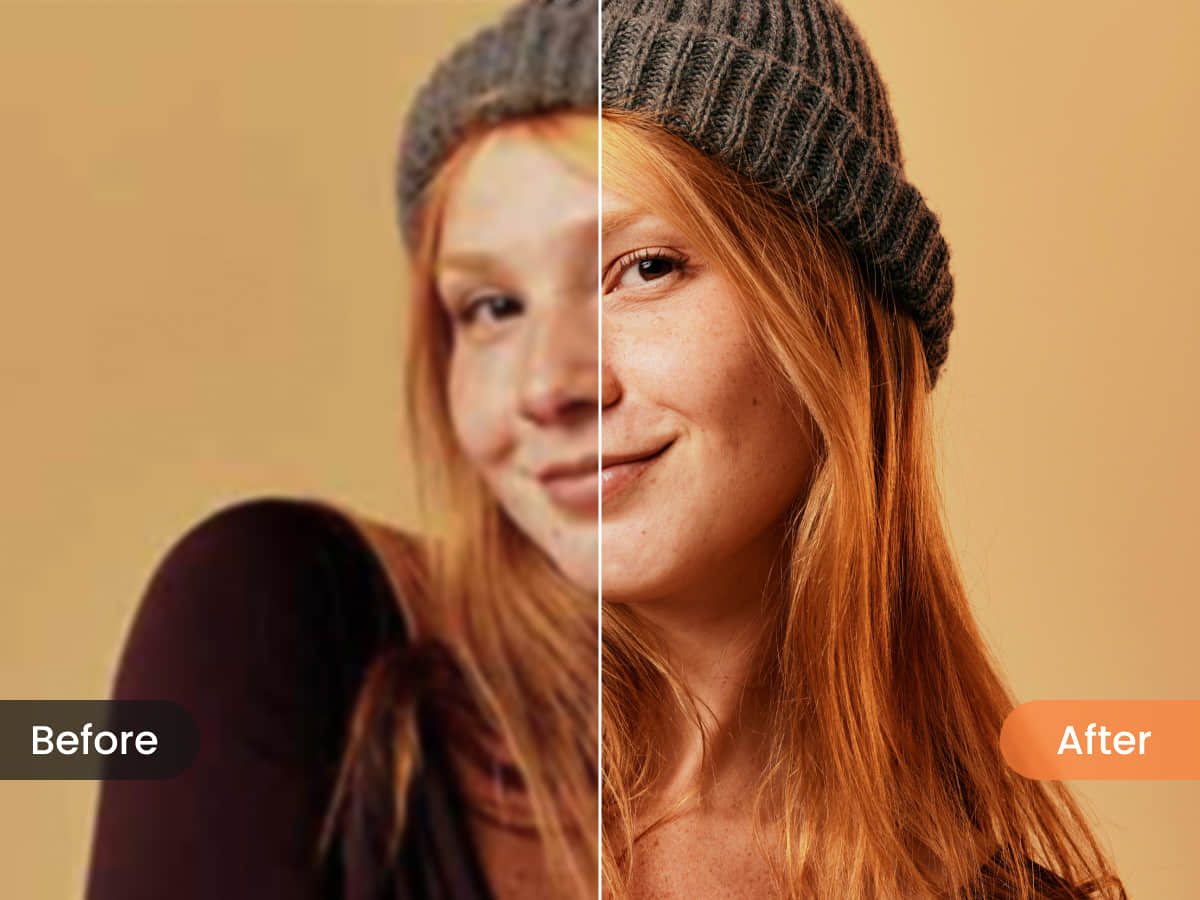 |
| Socials | - | |
| Video demo | - | - |
| Added | Jun 2026 | Jun 2026 |
| Last updated | Jul 2026 | Jul 2026 |
More Ai Photo Enhancer tools
AIEnhancer - Upscales Blurry Photos to 4K
Transform blurry photos into stunning 4K quality with AI
FreeP
PixPretty - Background Removal and Object Editing
Remove backgrounds & edit photos with AI in seconds - 100% free

imagelux - AI Image Enhancer
Transform your imagination into stunning AI images in seconds

EnhancePhoto AI - Upscale to 16K Without Signup
Enhance photos to 16K free, no sign-up - instantly sharper, naturally detailed.
Uluch - Unblurs Photos in One Click
Transform blurry photos into crystal-clear images instantly with AI