

Best Chrome Extensions Tools 2026
Explore the best Chrome extensions for productivity, AI writing assistance, research, password management, ad blocking, privacy, and developer tooling. This curated directory highlights the most useful and trusted extensions across every category - filtering out the noise from the million-plus available in the Chrome Web Store. Find extensions that genuinely improve your daily workflow without slowing down your browser.
.svg)


Browse the web without being watched
Block ads, trackers & annoyances on Apple devices with 2x faster browsing

Block all ads - including YouTube in-video ads - powered by GPT-4

Privacy protection center: block ads, trackers & malware across all devices

Voice-first health journal that turns whispers into doctor reports

Block cookies and tracking in Safari with zero configuration

Privacy firewall for Mac. Block 1100+ trackers with one tap.

Block annoying desktop notifications from any website

Free ad blocker for faster, cleaner browsing - no hidden costs.

Chat with all AI models in one free, powerful assistant
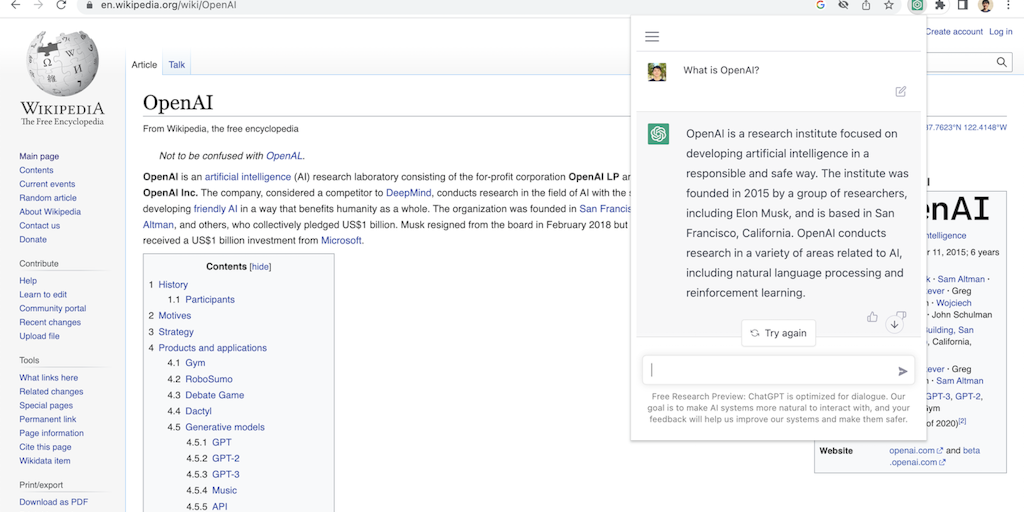
Access ChatGPT from anywhere on the web with one click

Translate, summarize & explain web text instantly with private AI

SEO data + AI search tracking in one Chrome extension

Productivity apps in your Chrome sidebar - no tab switching needed

Native OS AI that stays in your flow - no tab switching, no context loss.
Private on-device AI copilot that works offline, instantly.

Record workflows once, auto-generate SOPs with screenshots instantly
Never miss high-traffic Reddit & Quora conversations about your brand

Your virtual pet lives in your browser and needs your care to thrive

Summarize anything, bookmark everything, write smarter.

Listen to any article with podcast-quality AI voices

Generate tested CSS selectors in seconds, not hours
Extract, validate, and compare JSON instantly in your browser

Edit CSS visually in your browser, then export clean code.
94 essential web dev utilities for formatting, converting, and analyzing code

Always-on element inspector that stays active between selections

Your personalized developer homepage in every new tab
Turn any website into copy-paste code in one click

Fix Chrome extension rejections in minutes with AI diagnosis

Local developer data inspector - no cloud, no telemetry, no accounts

One-click bug reports with screenshots, console errors & network logs - 100% local
Developer-friendly code comparison tool that works offline in your browser
Visual CSS editor for any website - no setup, instant code generation

Inspect and swap fonts on live sites in seconds - no code required.
Control any website with keyboard shortcuts - no mouse, no clicks, no nonsense.

Measure anything on any screen - no DevTools required.

Split one tab into 16 panels. Compare anything, side-by-side.

Save websites visually. Find inspiration instantly.

Auto-organize tabs, find anything instantly, sleep idle tabs to speed up your browser
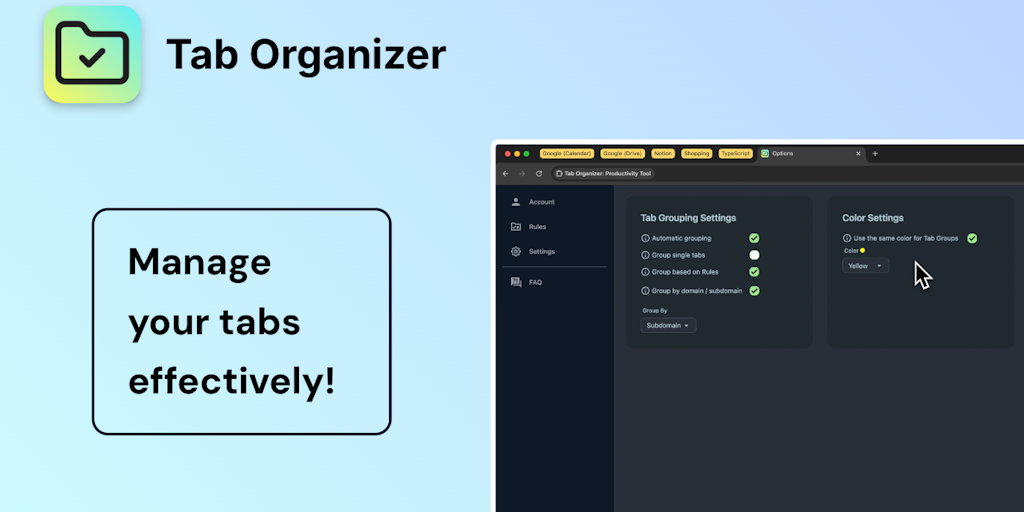
Transform tab chaos into organized bliss with smart grouping

AI bookmark manager that finds anything instantly - no folders, no friction.

Save, organize, and restore tab sessions with privacy-first tab management.

Ambient focus workspace with AI agents, music, and Pomodoro for deeper work.
Auto-populate your bookmarks bar with your most-visited sites daily
AI-powered focus blocker that keeps distractions out, even across browser tabs.

Snooze tabs now, see them when it matters - reach tab inbox zero.

AI agent in your sidebar - automate, organize, and research the web without breaking focus

Organize Chrome tabs like files in Finder

Your personal search engine - organize everything, find anything effortlessly

AI answers with citations - verify every claim against your documents
The browser is where most of us actually work now, which makes it worth customizing. A good Chrome extension removes a small daily annoyance so completely that you forget the annoyance existed. The problem is signal to noise: the Web Store holds over a million extensions, most of them forgettable and some of them risky, so the value is in knowing which few are worth installing.
Extensions that pull their weight
A handful of categories deliver outsized value. AI extensions bring a chat assistant to any page you are reading, productivity extensions handle tabs, clipping, and focus, and ad blockers like uBlock Origin genuinely speed up browsing by cutting the heavy trackers and ads a page would otherwise load.
Extensions for specific work
Other extensions are tools of a trade. SEO extensions surface page metrics and keyword data right on the sites you are analyzing, and developer extensions add debugging, accessibility, and inspection tools that make the browser a better workbench for building the web.
Permissions are the real cost
An extension can read and change the pages you visit, which is exactly why a bad one is dangerous. Malicious and hijacked extensions do slip past review, so check the permissions an extension asks for, favor established publishers with many reviews, and remove anything you no longer use. Install for the benefit, but read the access first. For AI writing help across the web, see the AI writing tools, and for SEO, the full SEO tools category.