

picture to drawing - Convert Photos To Drawings
Transform any photo into stunning AI artwork in seconds - 100% free, no sign-up required
What is Picture To Drawing?
Picture to Drawing is an AI-powered tool that instantly transforms photographs into artistic drawings using advanced algorithms. It analyzes uploaded images and applies various artistic styles - from pencil sketches to watercolor paintings - to create professional-quality artwork. The tool requires no sign-up, supports multiple image formats (JPG, PNG, WEBP, HEIC), and delivers results in seconds, making it ideal for artists, designers, photographers, and social media creators seeking to add artistic flair to their visual content.
Need help implementing picture to drawing - Convert Photos To Drawings?
Find verified specialists who work with picture to drawing - Convert Photos To Drawings
Key Features of Picture To Drawing
- AI-powered picture to drawing conversion
- Multiple drawing styles (pencil sketch, charcoal, watercolor, line drawing, color pencil, ink art, crosshatch, pastel)
- High-resolution output suitable for printing
- Fast processing (20 seconds average)
- No registration or sign-up required
- Supports JPG, PNG, WEBP, HEIC formats
- Free unlimited conversions
- Simple drag-and-drop interface
Who Should Use Picture To Drawing?
Digital artists creating artistic references for their work
Graphic designers enhancing visual content for clients
Photographers transforming photos into artistic versions for social media
Art teachers demonstrating different artistic styles to students
Social media managers creating engaging unique content
Portrait artists using AI results as references for traditional artwork
Picture To Drawing: Pros & Cons
✓Pros
- Completely free with unlimited conversions
- No sign-up or registration required
- Intuitive interface requiring no technical skills
- Multiple artistic styles available
- Fast processing (seconds to complete)
- High-resolution output
- Supports multiple image formats
- Professional-quality results
Frequently Asked Questions about Picture To Drawing
What drawing styles can I apply to my photos?
Picture to Drawing offers eight artistic styles: pencil sketch, charcoal, watercolor, line drawing, color pencil, ink art, crosshatch, and pastel. You can experiment with each one on the same photo to see which style suits your vision before downloading.
Can I use the converted drawings commercially, like on social media or in client work?
The tool does not specify licensing terms for converted artwork, so check their site or terms of service before using results in commercial projects, client deliverables, or published content.
What image formats does Picture to Drawing accept as input?
The tool supports JPG, PNG, WEBP, and HEIC formats. You can upload any of these directly through the drag-and-drop interface without needing to convert your files first.
How large can I export the finished drawing, and is it suitable for printing?
Picture to Drawing produces high-resolution output designed for printing, though the specific maximum dimensions are not published. Test a conversion at your intended print size to confirm it meets your quality standards.
Tool Details
- Pricing
- Free
- Languages
- English
- Category
- Ai Art Generators
- Added
- Jun 2026
- Last Updated
- Jul 2026
More Ai Art Generators Tools
7 tools in the same category
Turn text & photos into anime art in seconds

Create authentic vintage AI art with Google's Nano Banana retro templates
Generate game-ready pixel sprites in seconds with AI

AI Image to Image Generator: This tool focuses on a simple workflow that feels like “pro editing with one prompt”
Generate custom illustrations in seconds, not days
All-in-one AI platform for professional video, image, music, and voiceover creation.
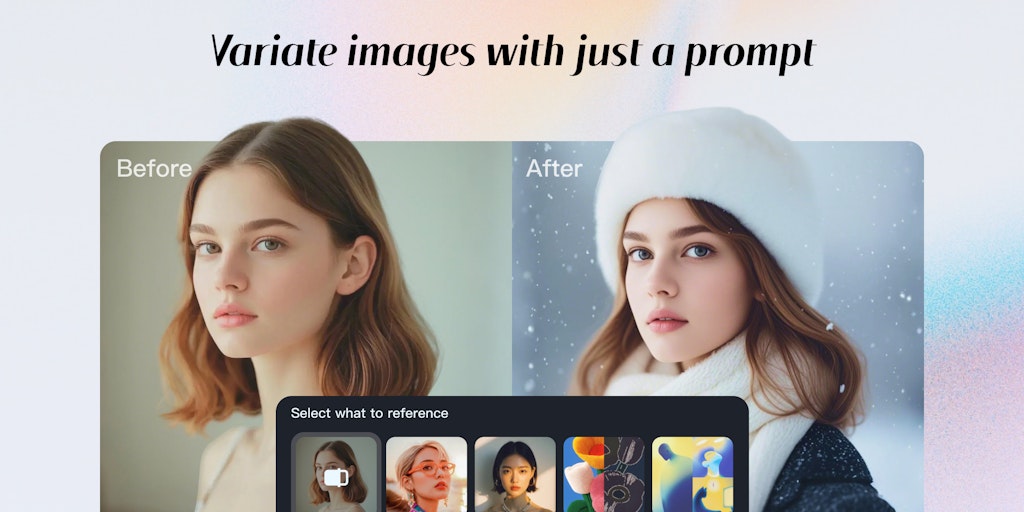
Free AI video and image generator powered by multiple models
Recently Added AI Tools
New tools added to the directory



Share PDFs securely - no account, no trace, automatic expiration.

Batch download & auto-organize TikTok, Instagram, YouTube videos in one command
From the Blog
Latest guides and tips on AI tools
Free Logo Maker Apps in 2026
Free Logo Maker Apps in 2026
AI Image GenerationBest AI Tools for Ecommerce in 2026
Best AI Tools for Ecommerce in 2026
Best AI ToolsBest AI Tools for Digital Marketers in 2026
Best AI Tools for Digital Marketers in 2026
Best AI ToolsBest AI Tools for Freelancers in 2026
Best AI Tools for Freelancers in 2026
Best AI ToolsWant to list your AI tool on NextStair?
Submit Tool