


Upmeet.ai
AI meeting assistant that records, transcribes, and reports—so you never miss a detail
What is Upmeet Ai?
Upmeet is an AI meeting assistant that automatically records, transcribes, and generates meeting reports across 30+ languages. It identifies decisions and action items, enabling teams to search and retrieve information across their entire meeting history instantly. The tool integrates with Google Meet, Zoom, Teams, and supports in-person recordings via mobile app, ensuring no detail is missed.
Need help implementing Upmeet.ai?
Find verified specialists who work with Upmeet.ai
Key Features of Upmeet Ai
- Transcription in 30+ languages
- Automatic meeting report generation
- Decisions and action items detection
- Custom report formats with prompts and templates
- Search across all meetings
- One-click sharing to Slack, Notion, Google Drive, CRM
- Integration with Google Meet, Zoom, Teams
- Mobile app for in-person meetings
- Desktop app for bot-free recording
- YouTube video summarization
- Audio and video file import
- AI Agent for meeting queries
Who Should Use Upmeet Ai?
Automatically document team meetings and sync discussions
Track decisions and action items across projects
Search meeting history for specific commitments
Share meeting summaries with stakeholders
Transcribe multilingual meetings for global teams
Capture in-person meeting notes via mobile
Summarize YouTube content for research
Integrate meeting data with CRM and project management tools
Upmeet Ai: Pros & Cons
✓Pros
- Supports 30+ languages for global teams
- Automatic identification of decisions and action items
- Bot-free desktop recording option for privacy
- Searchable across entire meeting history
- Integrates with popular platforms (Slack, Notion, Google Drive, CRM)
- No credit card required for free trial
- Data stored securely in EU with GDPR compliance
- Works with multiple meeting formats (video, in-person, audio files, YouTube)
Frequently Asked Questions about Upmeet Ai
What languages does Upmeet support for transcription?
Upmeet transcribes meetings in 30+ languages with high accuracy.
Can Upmeet join my video calls automatically?
Yes, you can sync your calendar so Upmeet automatically joins calls on Google Meet, Zoom, or Teams.
Is there a bot participant in my meeting?
With the Upmeet Desktop app, recordings are captured directly from your computer without adding a bot participant to the call.
Where is my meeting data stored?
Your data is securely stored in the European Union and complies with GDPR regulations.
Can I export meeting reports to other tools?
Yes, you can share reports by link or export them to Slack, Notion, Google Drive, and your CRM.
Tool Details
- Pricing
- Free
- Languages
- 30+ languages
- Category
- Ai Apps
- Added
- Jul 2026
More Ai Apps Tools
7 tools in the same category

Your biosignals and behavioral patterns, finally in one place

Find your next favorite cafe in seconds
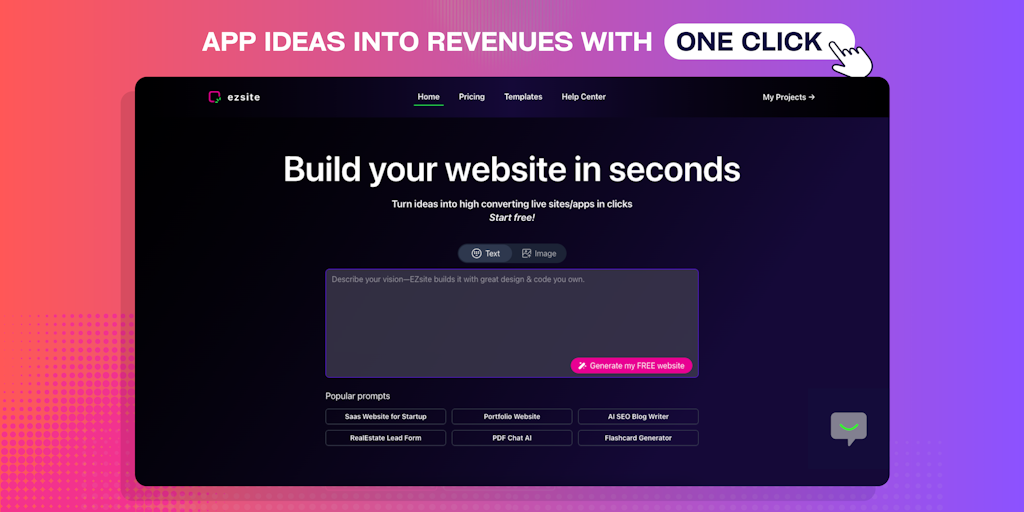
Turn your idea into a live full-stack app in hours, not weeks.

Neurosymbolic GTM OS that replaces 10+ tools and drives 48% faster deals

Search everything, chat with AI, speak instead of type—all in one app.
Connect your AI tools once. They all see everything.
Recently Added AI Tools
New tools added to the directory

AI-powered legal research platform with 500K+ official Mexican documents
Track your mood, journal your thoughts, heal your mind with AI insights.

City-scale AR positioning with centimeter-level precision

From the Blog
Latest guides and tips on AI tools
Best AI Tools for Ecommerce in 2026
Best AI Tools for Ecommerce in 2026
Best AI ToolsBest AI Tools for Digital Marketers in 2026
Best AI Tools for Digital Marketers in 2026
Best AI ToolsBest AI Tools for Freelancers in 2026
Best AI Tools for Freelancers in 2026
Best AI ToolsBest AI Tools for Small Business Owners in 2026
Best AI Tools for Small Business Owners in 2026
Best AI ToolsWant to list your AI tool on NextStair?
Submit Tool