


Weft - Install AI Agent Skills One Command
Package manager for AI coding agents — install skills with one command
What is Weft?
Weft is a package manager for AI coding agents that streamlines the installation of skills, agents, slash commands, hooks, and MCP servers. It replaces manual cloning, script running, and file copying with a single-command installation process, automatically placing verified files in the correct locations for Claude Code, Codex, Gemini, Cursor, or opencode. Weft tracks every installation with receipts, enabling exact uninstalls and upgrades without orphaned files.
Need help implementing Weft - Install AI Agent Skills One Command?
Find verified specialists who work with Weft - Install AI Agent Skills One Command
Key Features of Weft
- Single-command installation of skills, agents, and MCP servers
- Automatic file placement for multiple AI CLIs (Claude Code, Codex, Gemini, Cursor, opencode)
- Installation tracking via receipts for exact uninstalls and upgrades
- Typo-tolerant search via 'weft search'
- Pre-verified and pre-built harnesses
- No cloning, no custom installers, no manual file copying
Who Should Use Weft?
Install AI agent skills and extensions without manual setup
Manage MCP servers across multiple AI coding environments
Upgrade and remove agent capabilities with clean uninstalls
Sharing verified agent extensions through a centralized catalog
Switching between different AI coding CLIs without reconfiguration
Weft: Pros & Cons
✓Pros
- Dramatically simplifies installation compared to manual cloning and setup
- Works with multiple AI coding agents from a single catalog
- Exact tracking means clean uninstalls with no orphaned files
- Typo-tolerant search makes discovery easier
- Vendor-neutral approach supporting Claude Code, Codex, Gemini, Cursor, and opencode
- Eliminated need to run unknown installer scripts
Frequently Asked Questions about Weft
What is weft?
Weft is a package manager for AI coding agents that lets you install skills, agents, commands, hooks, and MCP servers with a single command instead of cloning repos and manually copying files.
Which AI coding CLIs does weft support?
Weft works with Claude Code, Codex, Gemini, Cursor, and opencode from a single catalog.
How do I install weft?
Run 'npm install -g @weft-ai/weft' to install it globally.
How do I install a harness with weft?
Use 'weft install <harness-name>' (for example, 'weft install gsd-core') and weft automatically places verified files in the correct locations.
Can I uninstall harnesses cleanly?
Yes — weft tracks every installation with receipts, so uninstalls are exact and leave no orphaned files.
Tool Details
- Pricing
- Free
- Category
- Mcp Developer
- Added
- Jul 2026
More Mcp Developer Tools
6 tools in the same category

TypeScript framework to build & ship MCP servers in seconds
Connect AI agents directly to GitHub for code management and automation
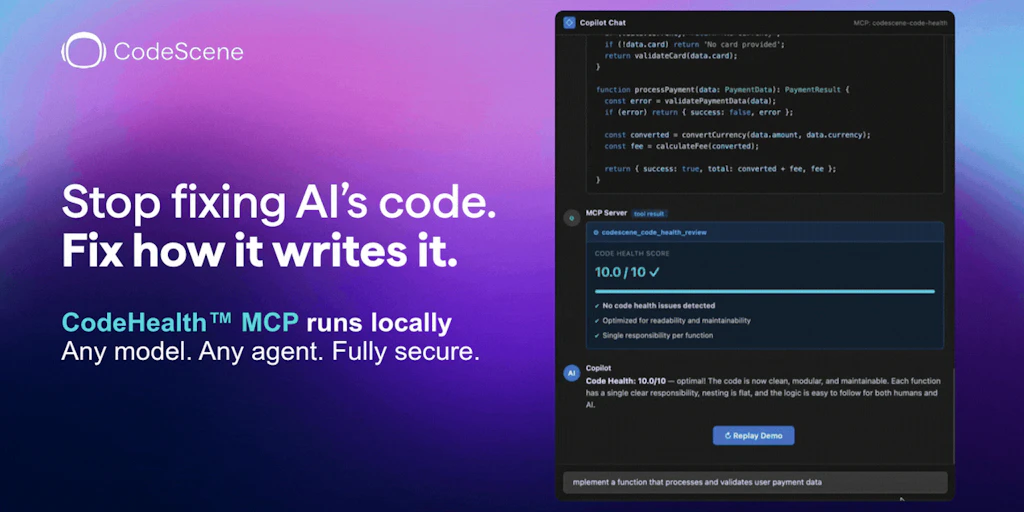
Deterministic code quality for AI agents that actually works

One MCP server for any API—no new deployments needed

Measure & cap MCP tool-surface tokens before your agent runs.

Resume Claude Code sessions 61% lighter while keeping your conversation intact
Recently Added AI Tools
New tools added to the directory

Adaptive workouts that respond to your readiness, plus competitive GPS walking quests.

Monetize your GPT in the OpenAI Store—no coding required.

Most accurate AI detector backed by peer-reviewed studies

Turn website traffic into qualified pipeline with AI personalization
From the Blog
Latest guides and tips on AI tools
Best AI Tools for Ecommerce in 2026
Best AI Tools for Ecommerce in 2026
Best AI ToolsBest AI Tools for Digital Marketers in 2026
Best AI Tools for Digital Marketers in 2026
Best AI ToolsBest AI Tools for Freelancers in 2026
Best AI Tools for Freelancers in 2026
Best AI ToolsBest AI Tools for Small Business Owners in 2026
Best AI Tools for Small Business Owners in 2026
Best AI ToolsWant to list your AI tool on NextStair?
Submit Tool