NextStair
Ad
ElevenLabs: AI Voice Generator | Sign Up Now FREE
Try Now

Best AI Image Generators 2026

Browse the best text-to-image and image-to-image AI generators for creating photorealistic images, digital art, illustrations, and design assets from text prompts. These tools turn descriptive prompts into high-quality visuals in seconds. Compare platforms by style quality, prompt fidelity, resolution, commercial licensing, and speed.

108 tools
Showing 101–108 of 108 tools
GPT Image 1.5 Generator - Studio-Grade, 4x Faster

Generate studio-grade images 4x faster with OpenAI's GPT Image 1.5

Pixwith - Text Prompts to Video in Seconds

Create stunning videos and images in minutes with AI

Flux3 AI - Reference-Guided Editing in One Workspace

Generate and edit photoreal images with reference guidance in one workspace

P

Google's 4K AI image generator with professional text rendering and editing

Gempix 2 - 4K Images with Cinematic Lighting

Create stunning AI images with cinematic detail and ultra-sharp realism

AI Picture Generator - Text Prompts, Photos, and Videos

Generate stunning AI images in seconds, from prompts or photos.
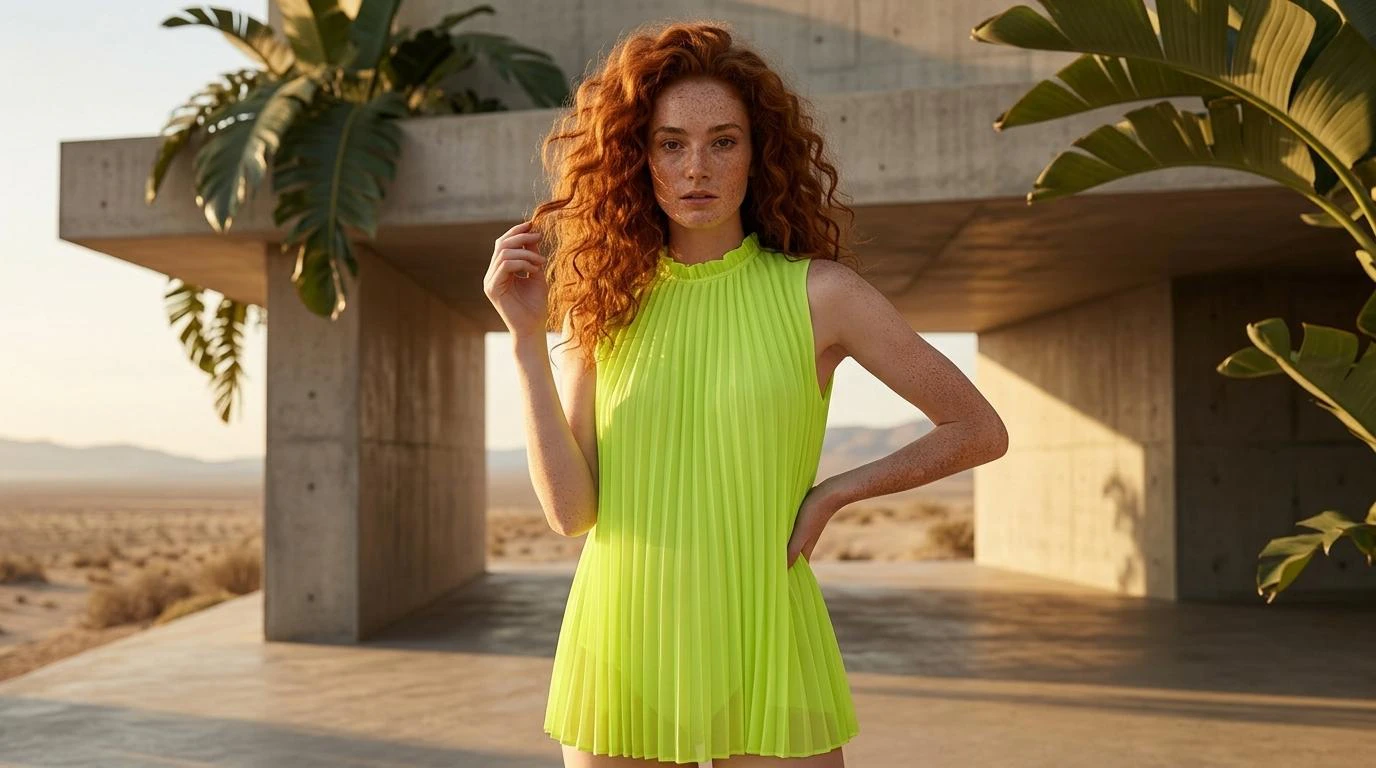
Strike a Pose - Virtual Try-on at Scale

Turn catalog photos into try-on images at scale - zero shoots, one click.

GPT Image 1.5 AI - Studio-Quality from Text

Studio-quality AI images from text in seconds

Text-to-image generation is the headline act of AI creativity, the tool that turns a sentence into a picture that did not exist a moment before. Behind the simple prompt box sit very different engines, Midjourney, DALL-E, Stable Diffusion, and others, each with its own visual instincts. The same words hand to each of them produce results that share a subject and little else, which is why the tool you choose is a creative decision, not just a technical one.

Style is the real difference

These models diverge most on aesthetic. One leans painterly and dramatic, another photographic and literal, a third endlessly customizable for those willing to tinker. Matching the model to the look you want saves far more time than fighting a tool toward a style it resists, so it pays to test a prompt across a couple of them.

Prompting and neighbors

Output quality tracks prompt quality closely, and the image prompts library is a good source of phrasings that work. For a looser, more artistic bent, the art generators overlap heavily, and once an image exists, the image editors refine it. For full layouts built around generated images, the AI design tools take over.

Frequently Asked Questions

What is the best AI image generator for realistic photos?
Midjourney v6 and FLUX produce the most photorealistic results for most subjects. Stable Diffusion with the right checkpoints can match or exceed them with more control. DALL-E 3 (via ChatGPT) is the most accessible for beginners. For portraits specifically, tools trained on face data produce more consistent results.
What is image-to-image generation?
Image-to-image (img2img) takes an existing image as input and transforms it - changing style, modifying elements, or using it as a composition reference while generating something new. You control how much the output deviates from the input with a strength parameter. Useful for iterating on designs or stylizing photographs.
Are AI-generated images copyright-free?
Copyright status of AI images varies by jurisdiction and platform. In the US, courts have ruled that fully AI-generated images cannot be copyrighted. Platform terms differ on commercial use rights - Midjourney Pro grants commercial rights; free tiers often do not. Always check platform-specific terms before commercial use.
Which AI image generator is best?
It depends on the look you want. Midjourney produces the most striking artistic images, DALL-E is the most accessible for beginners and follows prompts literally, Stable Diffusion offers the deepest customization for technical users, and Adobe Firefly is built for commercial safety. There is no single best, so test a prompt across two or three and keep the one whose default style is closest to what you are after.
How do I write a good image prompt?
Be specific about subject, style, lighting, composition, and mood rather than naming an object alone. Reference an art style, a camera angle, or a color palette, and add detail the model can act on. Different generators respond to different phrasing, so expect to adjust when you switch tools. Studying prompts that already produce strong results, then adapting them to your subject, gets you there faster than starting from scratch.
Can I use AI-generated images commercially?
It depends on the platform and plan. Midjourney and Adobe Firefly allow commercial use on paid tiers, DALL-E images are usable under OpenAI's terms, and Stable Diffusion output is generally free to use. Firefly is trained on licensed data specifically for commercial safety. Always check the license for the tool and plan you are on before putting a generated image into an ad, a product, or anything you sell.