
NextStair
Ad
ElevenLabs: AI Voice Generator | Sign Up Now FREE
Try Now

Best Color Palette Generators 2026

Discover free color palette and color scheme generators that create harmonious color combinations for design projects. Color choice profoundly impacts brand perception and design quality. These tools apply color theory principles to generate professional palettes. Compare generation methods (random, from image, from hex input), export formats, accessibility contrast checking, and integration with design tools.

10 tools
Showing 1–10 of 10 tools
UI Colorful - Shadcn Themes & Tailwind Palettes

Generate custom Shadcn themes and Tailwind palettes from images instantly

Color Fuse AI - Perfect Palettes in One Click

Generate perfect color palettes with AI in one click

Palette - Accessible Color Palettes for Tailwind

Generate accessible color palettes for Tailwind CSS in seconds

ColorTools - Pick, Convert & Generate Colors

Free color utilities for designers and developers - pick, convert, and generate colors instantly

CoColor - Interior Color Inspiration

Capture interior colors and find design inspiration in seconds
Random Color Generator - Instant Colors for Designers

Instant random colors for designers and developers

Palette Hunt - Extract Color Palettes from Photos

Extract perfect color palettes from your photos in seconds

Site Palette - Extract Website Color Palettes Instantly

Extract website color palettes instantly - a designer's must-have tool
Color Palette Generator - By Theme or Color

Generate beautiful color palettes instantly by theme or color.
Sponsored
P
Printify
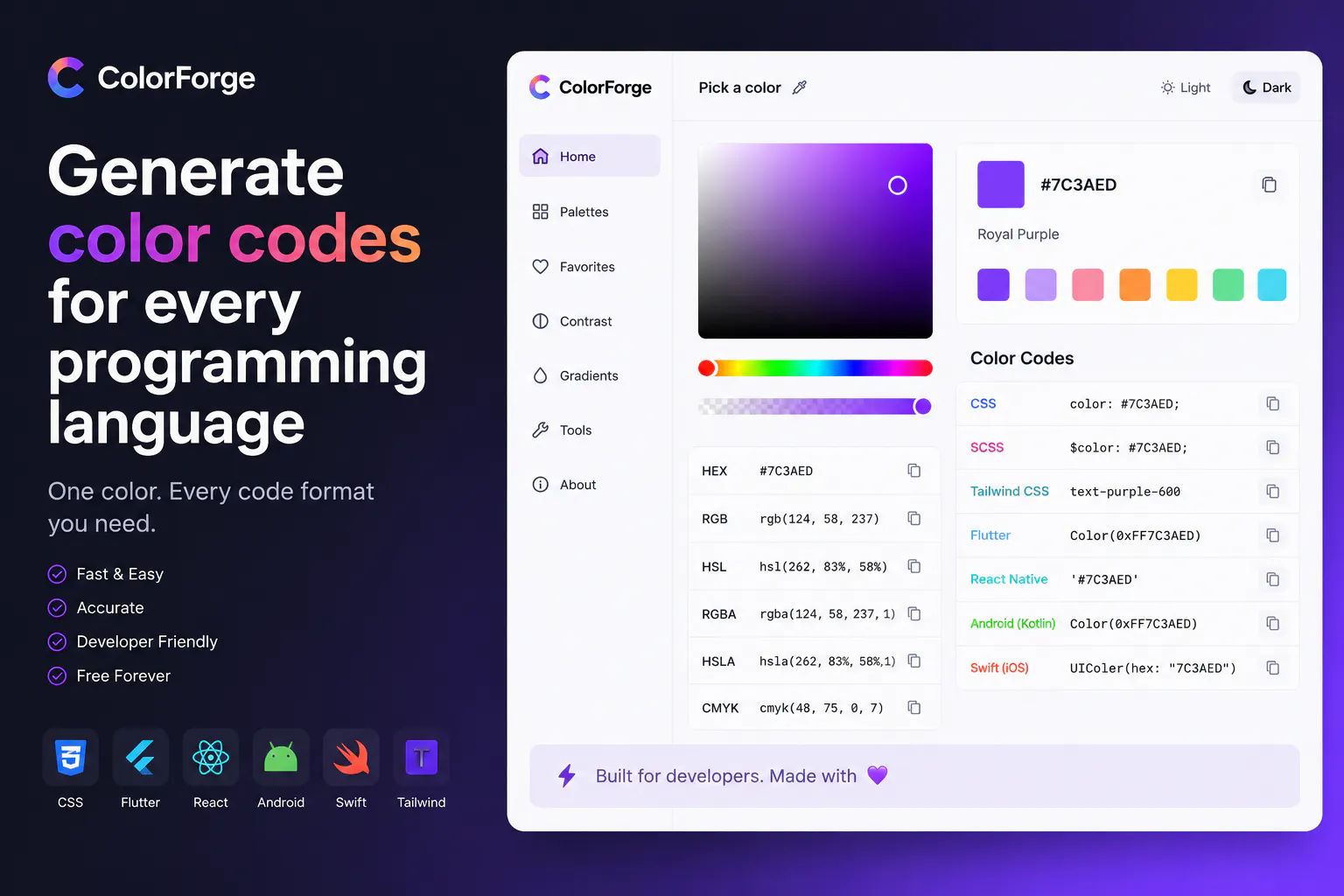
ColorForge - Every Color Format & Accessibility Number

Pick a color. Get every format, framework, and accessibility number instantly.

Free color palette generators help designers and non-designers build harmonious sets of colors for a brand, website, or project. Choosing colors that work together is genuinely difficult, and these tools apply color theory automatically to produce balanced palettes you can use with confidence.

What color palette generators do

These tools generate palettes from a base color, an uploaded image, or color-theory rules like complematary and analogous schemes. They provide the exact color codes you need for design and code, and many let you lock colors you like while regenerating the rest, so you can guide the result toward what fits your project.

Color in brand and design

A palette is part of a visual identity that includes a name from a business name generator and a mark from an AI logo generator. Consistent colors reinforce a brand across every touchpoint.

Frequently Asked Questions

What is the best free color palette generator?
Coolors.co is the most popular color palette generator - hit spacebar to generate random harmonious palettes, lock colors you like, and refine. Adobe Color applies color theory rules (complementary, analogous, triadic, tetradic) to generate palettes from a base color. Paletton visualizes color relationships on a color wheel. Huemint uses AI to generate palettes optimized for UI and brand design contexts.
How do I choose colors that work well together?
Color harmony rules: complementary colors (opposite on the color wheel) create high contrast; analogous colors (adjacent on the wheel) create harmony; triadic colors (three equally spaced) create balance with variety. Practical approach: choose one primary brand color, use a generator to find harmonious combinations, then check contrast ratios for accessibility (WCAG AA minimum 4.5:1 for body text). Most color tools include contrast ratio checking.
What is color contrast and why does it matter for accessibility?
Color contrast ratio measures the luminance difference between foreground text and background color - low contrast makes text difficult to read for people with visual impairments. WCAG 2.1 accessibility standards require 4.5:1 contrast ratio for normal text and 3:1 for large text (AA compliance). WebAIM Contrast Checker and Coolors' contrast checker verify your color pairs meet accessibility standards. Many countries have legal requirements for web accessibility compliance.
How do I choose colors that work well together?
Use color theory as a starting point, which is exactly what palette generators automate. Harmonious combinations follow relationships on the color wheel: complementary colors (opposite each other) create contrast and energy, analogous colors (adjacent) feel calm and cohesive, and triadic schemes balance three evenly spaced colors. Beyond harmony, consider a hierarchy: usually a dominant color, one or two supporting colors, and an accent for emphasis, plus neutrals for backgrounds and text. Ensure sufficient contrast between text and background for readability. Rather than picking colors at random, start from one you like or your brand's core color, apply a harmony rule, then adjust for balance and contrast. Generators handle the theory so you can focus on what fits.
How many colors should a brand or website use?
Fewer than people often expect, restraint reads as polished. A common approach is a small core palette: one or two primary brand colors, a couple of supporting or accent colors, and a set of neutrals (whites, grays, near-blacks) for backgrounds and text. This gives enough variety for hierarchy and emphasis without looking chaotic. Using too many colors makes a design feel unfocused and inconsistent, while a tight, well-chosen palette applied consistently looks professional and reinforces recognition. You can always create tints and shades of your core colors for variation. The goal is a cohesive, limited palette used deliberately, not a rainbow, so consistency and hierarchy carry the design.
What are hex codes and why do I need them?
A hex code is a six-character code, like #3B82F6, that precisely specifies a color for use in web design, apps, and digital tools. It represents the exact amounts of red, green, and blue that make up the color, so that anyone using the same code gets the identical color. You need hex codes because they let you apply your chosen colors consistently across websites, designs, and code, ensuring your brand color looks the same everywhere rather than an approximation. Color palette generators provide the hex code (and often other formats like RGB) for each color, so you can copy the exact value into your design tool or stylesheet and reproduce the palette precisely.
10 Best Color Palette Generators Tools 2026 | NextStair