


Dunningly - on your service
Stop chasing clients for money - let AI handle payment reminders
Add your screenshot here
Image or video shown in this spot
What is Dunningly On Your Service?
Dunningly automates invoice follow-ups to help freelancers and small businesses get paid faster. It sends professional reminders via email and WhatsApp on a schedule you set, eliminating awkward payment conversations. The tool uses AI to extract invoice data from photos or PDFs, tracks payment status in one dashboard, and has recovered thousands in overdue invoices for users. Built for anyone who struggles with late payments.
Need help implementing Dunningly - on your service?
Find verified specialists who work with Dunningly - on your service
Key Features of Dunningly On Your Service
- WhatsApp reminders with 98% open rate
- AI invoice scanning from photos and PDFs
- Automatic professional email reminders
- Invoice dashboard for tracking status
- CSV import and Xero integration
- Support for USD, EUR, GBP and major currencies
- Data encryption and privacy-first security
Who Should Use Dunningly On Your Service?
Recover overdue invoices automatically
Reduce payment delays from weeks to days
EliminateManual follow-up conversations
Track outstanding and paid invoices in one view
Get paid faster via WhatsApp reminders
Dunningly On Your Service: Pros & Cons
✓Pros
- Set up in 2 minutes with no accounting knowledge needed
- 98% open rate on WhatsApp reminders
- 3x faster payment via WhatsApp vs email
- 88% invoice recovery rate with automated reminders
- Free plan with no credit card required
- Data encrypted and never shared with third parties
- Works with Xero exports and CSV imports
Frequently Asked Questions about Dunningly On Your Service
How long does it take to set up Dunningly?
You can set up and start recovering invoices in 2 minutes with no accounting knowledge needed.
What payment methods does Dunningly support?
Dunningly supports USD, EUR, GBP and all major currencies for invoices.
How does invoice scanning work?
You can snap a photo or upload a PDF of an invoice, and AI automatically extracts all the invoice data for you.
Can I import invoices from other accounting software?
Yes, Dunningly supports CSV import and works with Xero exports.
What channels does Dunningly use to send reminders?
Dunningly sends reminders via WhatsApp (98% open rate) and professional personalized email reminders.
Tool Details
- Pricing
- Free
- Category
- Invoice Tools
- Added
- Jul 2026
More Invoice Tools Tools
7 tools in the same category

AI agents that automate collections and get you paid faster

Stop hunting invoices. Let AI organize them automatically.

AI-powered invoicing and accounting in seconds

Free accounting platform built for UK small businesses and their accountants
Professional invoices, payslips & quotes in seconds. Get paid faster.
Free, unlimited invoices in seconds - no signup required
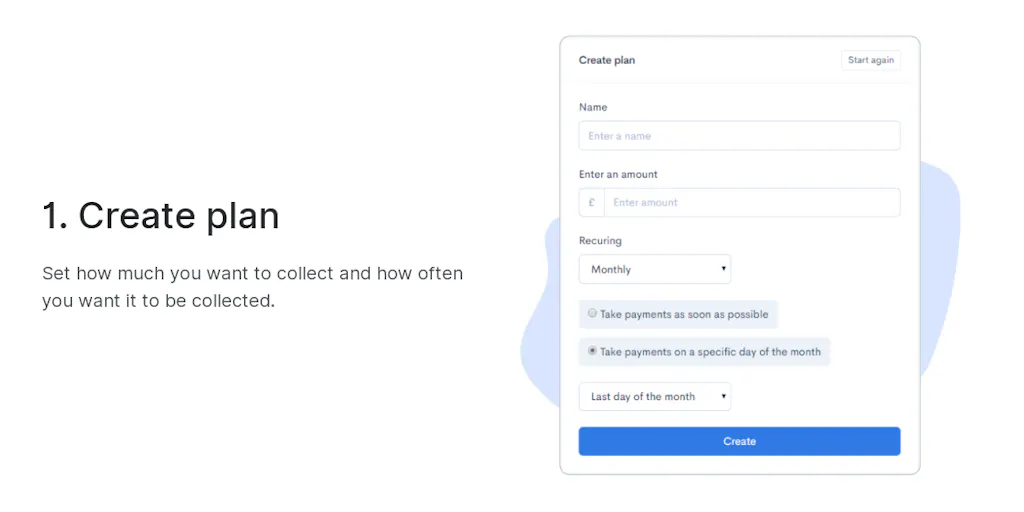
Collect payments hassle-free with no coding or monthly fees
Recently Added AI Tools
New tools added to the directory



Share PDFs securely - no account, no trace, automatic expiration.

Batch download & auto-organize TikTok, Instagram, YouTube videos in one command
From the Blog
Latest guides and tips on AI tools
Free Logo Maker Apps in 2026
Free Logo Maker Apps in 2026
AI Image GenerationBest AI Tools for Ecommerce in 2026
Best AI Tools for Ecommerce in 2026
Best AI ToolsBest AI Tools for Digital Marketers in 2026
Best AI Tools for Digital Marketers in 2026
Best AI ToolsBest AI Tools for Freelancers in 2026
Best AI Tools for Freelancers in 2026
Best AI ToolsWant to list your AI tool on NextStair?
Submit Tool