


invoicemon - Browser-Based Invoicing, No Account Required
Simple, browser-based invoicing for freelancers and agencies
Add your screenshot here
Image or video shown in this spot
What is Invoicemon?
invoicemon is a browser-based invoicing tool built for freelancers, agencies, and businesses that send invoices regularly. It provides a complete invoicing workflow with local-first data storage, multi-currency support, and optional cloud sync via license. The tool includes AI-powered email drafting, PDF export, and JSON backup capabilities, keeping all invoices and settings accessible directly in your browser.
Need help implementing invoicemon - Browser-Based Invoicing, No Account Required?
Find verified specialists who work with invoicemon - Browser-Based Invoicing, No Account Required
Key Features of Invoicemon
- Create and save invoices in browser
- Multi-currency and date format support
- AI-powered email drafting
- PDF export and print to PDF
- JSON backup and data export
- Cloud sync with license key
- Business settings (logo, signature, tax, prefix)
- Invoice library with search and rename
- Local-first data storage
- SMTP email integration
Who Should Use Invoicemon?
Create invoices for freelance projects
Manage recurring invoicing for agencies
Generate and send invoices to clients via email
Maintain invoice drafts and templates
Export invoices for accounting and record-keeping
Track multi-currency transactions
Invoicemon: Pros & Cons
✓Pros
- Local-first design keeps data private by default
- No lock-in to cloud service
- Simple, easy-to-maintain technology
- Fully functional in browser without installation
- AI-assisted email drafting
- Flexible export options (PDF, JSON)
- Developer maintains and uses the tool themselves
- Optional cloud features via affordable license
Frequently Asked Questions about Invoicemon
Where are my invoices stored?
By default, invoices are stored locally in your browser. You can export them as JSON anytime, or enable cloud sync with a license key for access across devices.
Can I use invoicemon without an internet connection?
Yes, invoicemon works entirely in your browser without requiring internet. Cloud sync features require a license and connectivity.
How do I send invoices to clients?
You can draft emails using AI, attach the PDF, and send through your SMTP email account directly from invoicemon.
What happens if invoicemon shuts down?
All your data lives in your browser by default, and you can export invoices and settings as JSON anytime, so you're never locked in.
Tool Details
- Pricing
- Free
- Languages
- English
- Category
- Invoice Tools
- Added
- Jul 2026
- Last Updated
- Jul 2026
More Invoice Tools Tools
7 tools in the same category

AI agents that automate collections and get you paid faster
Stop hunting invoices. Let AI organize them automatically.

AI-powered invoicing and accounting in seconds

Free accounting platform built for UK small businesses and their accountants
Professional invoices, payslips & quotes in seconds. Get paid faster.
Free, unlimited invoices in seconds - no signup required
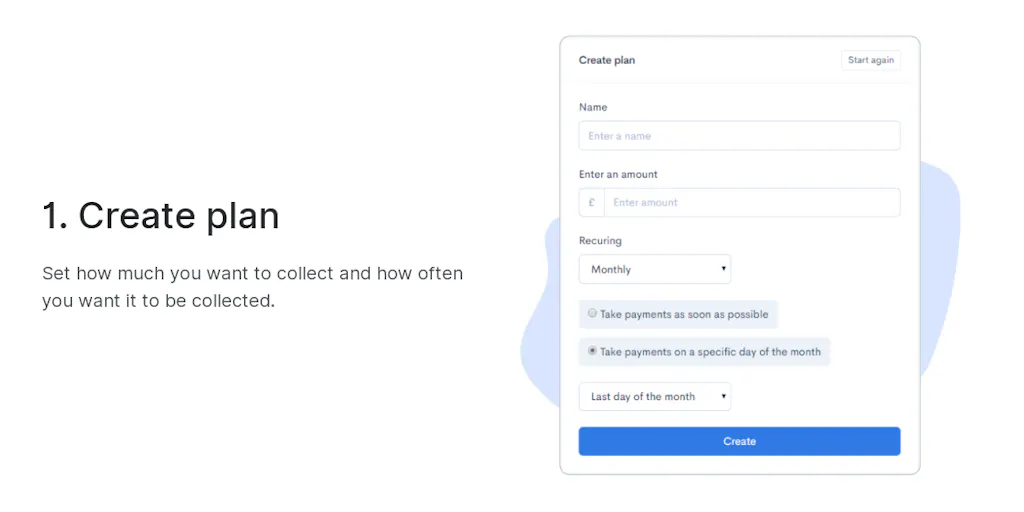
Collect payments hassle-free with no coding or monthly fees
Recently Added AI Tools
New tools added to the directory



Share PDFs securely - no account, no trace, automatic expiration.

Batch download & auto-organize TikTok, Instagram, YouTube videos in one command
From the Blog
Latest guides and tips on AI tools
Free Logo Maker Apps in 2026
Free Logo Maker Apps in 2026
AI Image GenerationBest AI Tools for Ecommerce in 2026
Best AI Tools for Ecommerce in 2026
Best AI ToolsBest AI Tools for Digital Marketers in 2026
Best AI Tools for Digital Marketers in 2026
Best AI ToolsBest AI Tools for Freelancers in 2026
Best AI Tools for Freelancers in 2026
Best AI ToolsWant to list your AI tool on NextStair?
Submit Tool