


InvoiceParsed - PDF to Excel in Seconds
Turn invoices into clean data in seconds, not hours
Add your screenshot here
Image or video shown in this spot
What is Invoiceparsed?
InvoiceParsed is an AI-powered invoice extraction tool that transforms PDFs and photos into clean, structured data in seconds. It automatically captures vendor information, line items, taxes, and totals with 95%+ accuracy, eliminating manual data entry into spreadsheets. The tool exports to Excel, QuickBooks-compatible CSV, or JSON, and includes a REST API for seamless integration into accounting workflows.
Need help implementing InvoiceParsed - PDF to Excel in Seconds?
Find verified specialists who work with InvoiceParsed - PDF to Excel in Seconds
Key Features of Invoiceparsed
- Field-perfect extraction (vendor, invoice number, dates, line items, subtotal, tax, total)
- PDF & image processing with any layout support
- Handles messy scans, multi-page invoices and unusual layouts
- 95%+ field accuracy with confidence scores
- Export to Excel, CSV (QuickBooks-compatible), or JSON
- REST API with webhooks for developer integration
- Batch upload and multi-page processing
- Private by design - no data training or resale
- Average processing time under 5 seconds
Who Should Use Invoiceparsed?
Freelancers automating client invoice logging
Bookkeepers eliminating manual spreadsheet data entry
Accounting teams processing invoices at volume
Finance operations feeding invoices into accounting software
Agencies managing multiple client invoices
Businesses integrating invoice extraction into ERP systems
Invoiceparsed: Pros & Cons
✓Pros
- 95%+ accuracy on field extraction
- Lightning-fast processing (average 5 seconds per invoice)
- Supports multiple file formats (PDFs, photos, messy scans)
- Handles multi-page invoices and unusual layouts
- Flexible export options (Excel, CSV, JSON)
- No templates or manual configuration required
- Private and secure - documents not used for training
- REST API for developer-first integration
- Works for both individuals and large teams
Frequently Asked Questions about Invoiceparsed
What file formats does InvoiceParsed accept?
InvoiceParsed accepts PDFs and photos/images. Files can be up to 10MB per invoice.
How accurate is the data extraction?
InvoiceParsed achieves 95%+ accuracy on field extraction, with a confidence score provided on every field.
What data can be extracted from an invoice?
The tool extracts vendor name, invoice number, dates, line items, subtotal, tax, and total - over 10 fields per invoice.
Can I integrate InvoiceParsed into my existing accounting software?
Yes, a REST API is available on the Pro plan to integrate with accounting workflows, ERPs, and internal tools. It also exports to QuickBooks-compatible CSV.
Is there a free trial or starter plan?
Yes, InvoiceParsed offers 5 free invoices with no credit card required to get started.
Tool Details
- Pricing
- Free
- Category
- Invoice Tools
- Added
- Jul 2026
- Last Updated
- Jul 2026
More Invoice Tools Tools
7 tools in the same category

AI agents that automate collections and get you paid faster

Stop hunting invoices. Let AI organize them automatically.

AI-powered invoicing and accounting in seconds

Free accounting platform built for UK small businesses and their accountants
Professional invoices, payslips & quotes in seconds. Get paid faster.
Free, unlimited invoices in seconds - no signup required
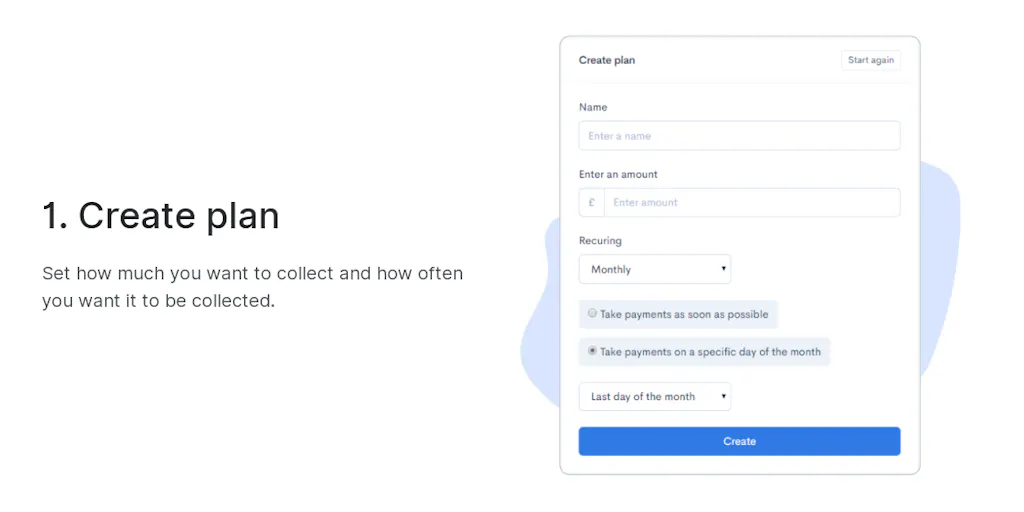
Collect payments hassle-free with no coding or monthly fees
Recently Added AI Tools
New tools added to the directory



Share PDFs securely - no account, no trace, automatic expiration.

Batch download & auto-organize TikTok, Instagram, YouTube videos in one command
From the Blog
Latest guides and tips on AI tools
Free Logo Maker Apps in 2026
Free Logo Maker Apps in 2026
AI Image GenerationBest AI Tools for Ecommerce in 2026
Best AI Tools for Ecommerce in 2026
Best AI ToolsBest AI Tools for Digital Marketers in 2026
Best AI Tools for Digital Marketers in 2026
Best AI ToolsBest AI Tools for Freelancers in 2026
Best AI Tools for Freelancers in 2026
Best AI ToolsWant to list your AI tool on NextStair?
Submit Tool