


Koku - Pomodoro Timer Without Accounts
Distraction-free focus timer with no accounts or subscriptions
Add your screenshot here
Image or video shown in this spot
What is Koku?
Koku is a minimalist focus timer app designed for deep work using the Pomodoro technique. Users set their own session lengths or use the classic 25-minute focus/5-minute break rhythm, with each minute visualized as a dot that fills during the session. Built for iPhone with Apple Watch companion app, it requires no accounts, subscriptions, or streak tracking - just time and work.
Need help implementing Koku - Pomodoro Timer Without Accounts?
Find verified specialists who work with Koku - Pomodoro Timer Without Accounts
Key Features of Koku
- Customizable focus and break durations
- Apple Watch companion app with complications
- Home Screen widgets (small and medium sizes)
- Lock screen Live Activities display
- Dot grid visualization for session progress
- Haptic feedback on play/pause
- Light and dark mode
- Works in any language
- Keep screen on option
- Zen mode with quiet buttons
Who Should Use Koku?
Deep work sessions for developers and writers
Pomodoro technique tracking for productivity
Break reminders for office workers
Study timer for students
Focus management for remote workers
Koku: Pros & Cons
✓Pros
- No accounts or subscriptions required
- Minimalist, distraction-free design
- Apple Watch integration with full controls
- Home Screen and lock screen widgets
- Customizable session lengths
- Works in 8 languages
- Privacy-focused
✕Cons
- iPhone-only app (not fully optimized for macOS)
- Limited features compared to subscription-based timers
- No cloud sync or data backup across devices
Frequently Asked Questions about Koku
Can I use Koku on my Mac or is it iPhone only?
Koku is built for iPhone with a companion Apple Watch app. It is not fully optimized for macOS, so if you need a timer on your Mac, you would need another tool or rely on the iPhone version when at your desk.
Does Koku work with custom session lengths, or is it locked to 25-minute Pomodoros?
You can set your own focus and break durations. Koku offers the classic 25-minute focus and 5-minute break as a starting point, but the timer is fully customizable for whatever rhythm suits your work.
Can I see my Koku timer on my lock screen or home screen?
Yes. Koku includes a lock screen Live Activities display so you can glance at session progress without opening the app, plus small and medium home screen widgets for quick access.
Will my Koku sessions sync across my iPhone and Mac if I own both?
Koku has no cloud sync or data backup across devices, so sessions stay on the device where you logged them. Each device keeps its own history.
Tool Details
- Pricing
- Free
- Languages
- French, English, and 6 others (8 languages total)
- Category
- Time Tracking
- Added
- Jul 2026
- Last Updated
- Jul 2026
More Time Tracking Tools
7 tools in the same category
Free timesheet calculator - calculate hours, overtime, and pay instantly
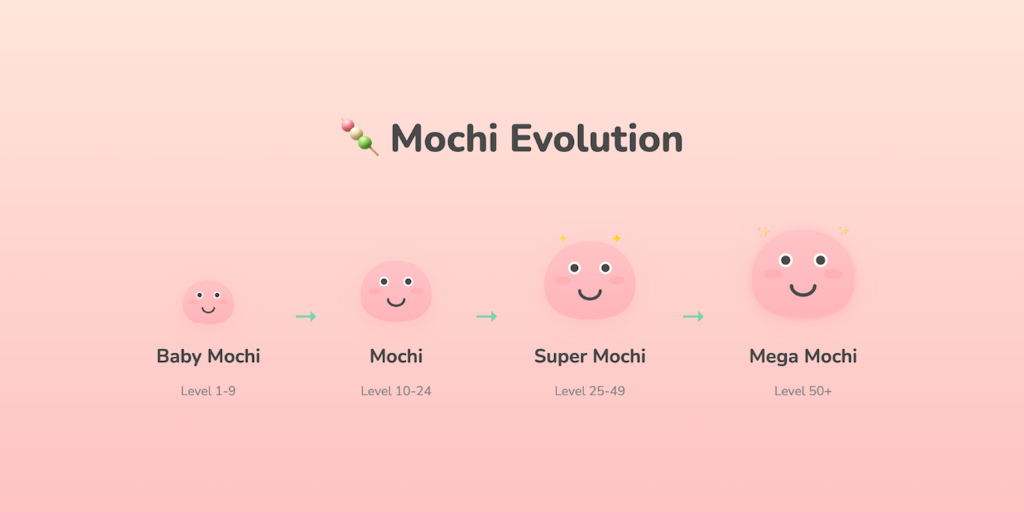
Cute productivity companion with Pomodoro timer, site blocker & evolving mascot

Turn your focus sessions into airplane flights

Free online stopwatch with lap tracking and instant data export

Simple to-do list & timer app that gives you superpowers
A calmer way to get into flow, right at the edge of your screen

Measure focus quality, not just time - with Integrity Score™
Recently Added AI Tools
New tools added to the directory



Share PDFs securely - no account, no trace, automatic expiration.

Batch download & auto-organize TikTok, Instagram, YouTube videos in one command
From the Blog
Latest guides and tips on AI tools
Free Logo Maker Apps in 2026
Free Logo Maker Apps in 2026
AI Image GenerationBest AI Tools for Ecommerce in 2026
Best AI Tools for Ecommerce in 2026
Best AI ToolsBest AI Tools for Digital Marketers in 2026
Best AI Tools for Digital Marketers in 2026
Best AI ToolsBest AI Tools for Freelancers in 2026
Best AI Tools for Freelancers in 2026
Best AI ToolsWant to list your AI tool on NextStair?
Submit Tool