


Nido: Personal Finance & Expenses
Track, budget, and master your finances with AI-powered insights
Add your screenshot here
Image or video shown in this spot
What is Nido Personal Finance Expenses?
Nido is a personal finance app that helps users track, understand, and improve their money management through transaction tracking, budget monitoring, and spending analysis. It offers multi-account and multi-currency support with automatic recurring transactions, installment payments, and AI-powered financial assistance. Designed for individuals seeking comprehensive expense management with OCR receipt scanning, debt tracking, and shared expense groups.
Need help implementing Nido: Personal Finance & Expenses?
Find verified specialists who work with Nido: Personal Finance & Expenses
Key Features of Nido Personal Finance Expenses
- Transaction tracking with categories, accounts, dates, and attachments
- Automatic recurring transactions and installment payments
- Multi-account and multi-currency support
- Budget tracking per category
- Monthly and yearly reports with spending trends
- AI financial assistant
- Voice and natural language input
- Receipt scanning (OCR)
- Export to Excel and CSV
- Debts payable and receivable tracking
- Shared expense groups
- Inflation adjustment
- Gamification with levels and streaks
- Home screen widget
- Quick expense entry
- "Can I afford it?" feature
Who Should Use Nido Personal Finance Expenses?
Track daily expenses across multiple accounts
Monitor spending by category and create budgets
Analyze spending trends and savings patterns
Manage debts and receivables with payment history
Share expenses with groups
Scan and organize receipts
Plan purchases with affordability checks
Nido Personal Finance Expenses: Pros & Cons
✓Pros
- Multi-currency and multi-account support
- AI financial assistant with voice input
- OCR receipt scanning for easy transaction entry
- Flexible budget tracking and spending analysis
- Gamification features for engagement
- Data encrypted in transit
- Both light and dark modes
✕Cons
- Multi-currency support is Premium feature
- Contains ads
- In-app purchases required for full features
Frequently Asked Questions about Nido Personal Finance Expenses
Does Nido support tracking expenses across multiple currencies at once?
Multi-currency support is available, but only on the Premium tier. The free version limits you to a single currency, so if you spend across different countries or accounts in different currencies, you'll need to upgrade to see everything in one dashboard.
Can I export my transaction history and where does it go?
Yes, Nido exports to both Excel and CSV formats. This works well if you want to analyze your spending in a spreadsheet or back up your data outside the app.
How does the OCR receipt scanner work and what do I do with the scans?
You can photograph receipts directly in Nido and the OCR extracts the transaction details automatically. The scans attach to the transaction record, so you have both the data entry and the original receipt image stored together for reference or disputes.
Is there a limit to how many accounts or how much spending I can track?
Nido does not publish account or spending limits, so check their site or support if you are managing a very large number of accounts or transactions to confirm the app will handle your setup.
Tool Details
- Company
- LXApps
- Pricing
- Free
- Category
- Personal Finance
- Added
- Jul 2026
- Last Updated
- Jul 2026
More Personal Finance Tools
7 tools in the same category

Personal finance, finally personal - with three AI coaches

Learn, protect, and master trading with AI-powered apps for every stage of your career.

AI-powered receipt scanning makes budgeting effortless

Spend your fun money guilt-free with AI guidance

Intelligent family budget management, made simple
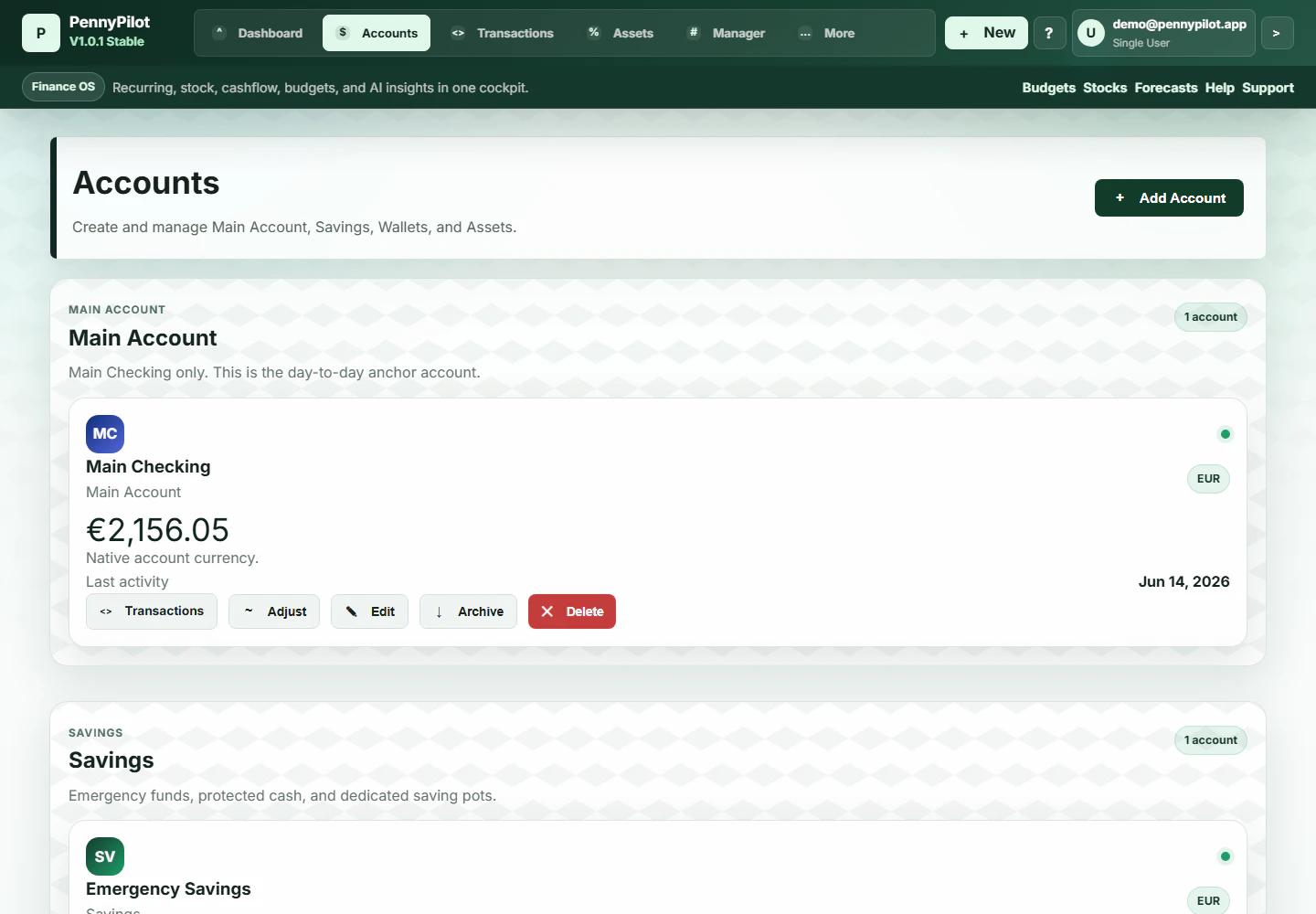
Your personal finance cockpit - track, plan, and understand your money clearly.
Track wealth by counting what you didn't spend
Recently Added AI Tools
New tools added to the directory



Share PDFs securely - no account, no trace, automatic expiration.

Batch download & auto-organize TikTok, Instagram, YouTube videos in one command
From the Blog
Latest guides and tips on AI tools
Free Logo Maker Apps in 2026
Free Logo Maker Apps in 2026
AI Image GenerationBest AI Tools for Ecommerce in 2026
Best AI Tools for Ecommerce in 2026
Best AI ToolsBest AI Tools for Digital Marketers in 2026
Best AI Tools for Digital Marketers in 2026
Best AI ToolsBest AI Tools for Freelancers in 2026
Best AI Tools for Freelancers in 2026
Best AI ToolsWant to list your AI tool on NextStair?
Submit Tool