NextStair
Ad
ElevenLabs: AI Voice Generator | Sign Up Now FREE
Try Now

Best Security Scanners 2026

Browse security scanning tools that identify vulnerabilities in websites, applications, and infrastructure - finding issues before attackers do. Regular security scanning is essential for maintaining a secure production environment. Compare scan coverage (OWASP Top 10, CVEs, misconfigurations), false positive rate, CI/CD integration for shift-left security, actionable remediation guidance, and compliance reporting.

16 tools
Showing 1–16 of 16 tools
ThreatScope - Scan Websites for Vulnerabilities

Scan any website for security vulnerabilities in seconds

Scanlyz - Uncover Website Compliance Risks Fast

Uncover hidden compliance risks in your website in under 3 minutes

LaunchSafe - Autonomous Pentesting with Verified Fixes

Autonomous pentesting that delivers verified fixes in minutes

Beagle Security - AI Pentesting in Minutes

AI-powered pentesting that finds real vulnerabilities in minutes, not weeks
k8scan - Kubernetes Security Scanner

Kubernetes security scanner with capability break analysis and PoC commands

MindFort - AI Agents Pentest Code 24/7

AI agents that pen test your code 24/7 and fix exploits automatically

Astra Security - Continuous Pentests for Apps & APIs

Continuous pentests across apps, APIs & cloud in one unified platform
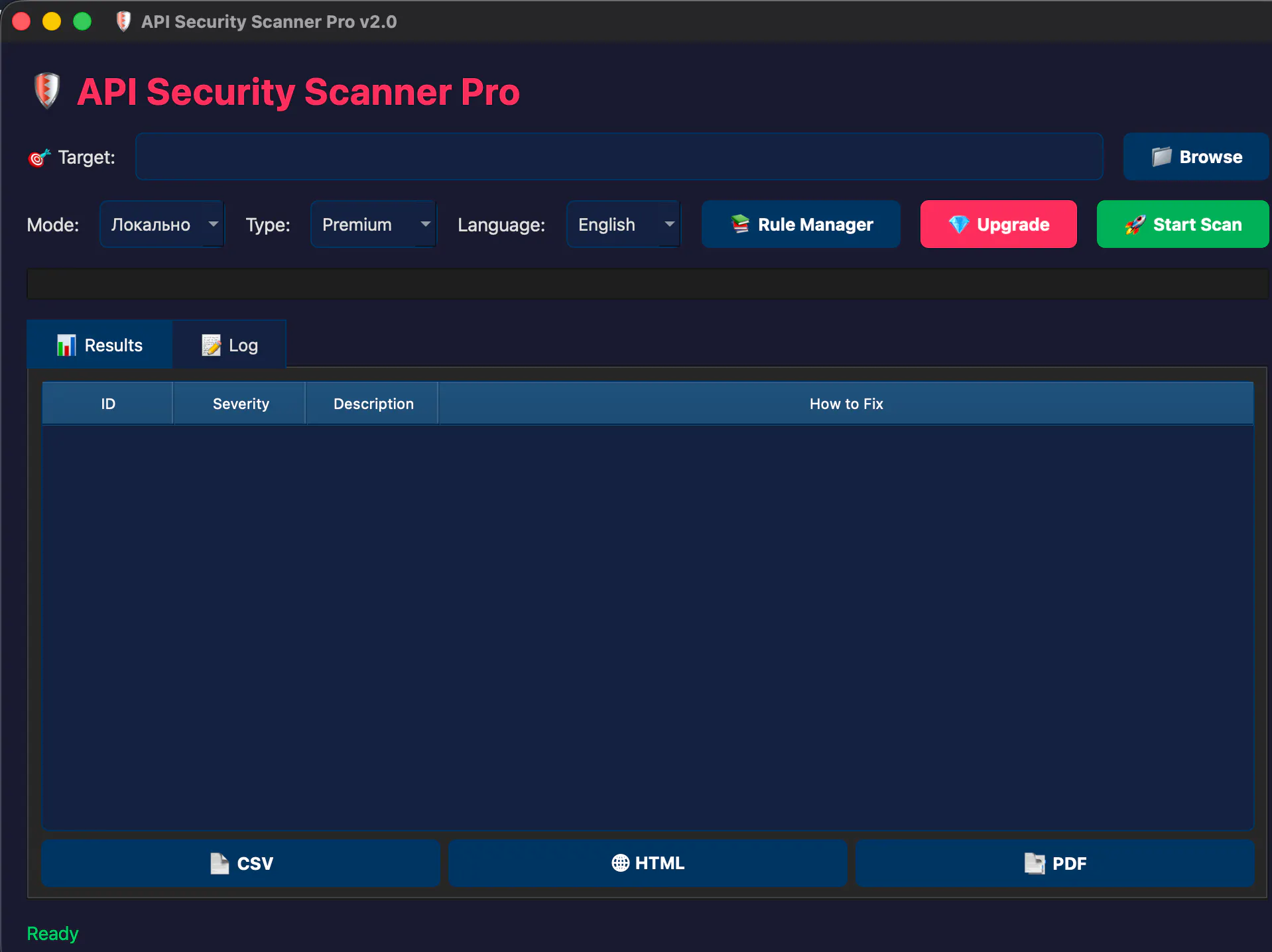
API Security Scanner Pro - Automated Vulnerability Detection

Automated API vulnerability detection with crypto-based licensing

ShieldMCP - Scan MCP Config in 60 Seconds

Scan your MCP config for security risks in 60 seconds

Sponsored
DA
Descript: AI Video Editor
Pentestr - Automated Web Security Audit

Complete web security audit in under 5 minutes, not 2-4 weeks
Shadow Security Scanner - Free & Open-Source

Free, open-source scanner that fixes exploited vulnerabilities first

Hack My Website - Security Scans for AI Sites

Security scanning for AI-built websites, launch-ready in 3-8 minutes

twSecScan - Zero-Dependency Security Scanner Binary

AI-powered zero-dependency security scanner, all in one portable binary

Aikido Security - Code, Cloud & Runtime Security

Complete security HQ for code, cloud, and runtime - built for developers

Vector by zauth - AI Agents Find Vulnerabilities First

AI agents that automatically hack your app to find vulnerabilities first

VibeLegit - Live Security Scans for AI Apps

Live security scanning for AI-coded apps - find vulnerabilities before attackers do

Security scanners probe websites, networks, and applications for known vulnerabilities, misconfigurations, and exposures before an attacker finds them. They automate the tedious work of checking thousands of potential weak points, turning security testing from a manual audit into a repeatable scan.

What security scanners check

Scanners look for outdated software with known flaws, open ports, weak configurations, missing patches, exposed sensitive files, and common web vulnerabilities like injection and cross-site scripting. Web application scanners test running sites, while network scanners map what is reachable and infrastructure scanners audit servers and cloud settings.

Scanners in a security program

Scanning is one layer, not the whole defense. It complements antivirus on endpoints and pairs with website monitoring to catch problems in production. Findings should be verified, since scanners produce false positives that need human judgment.

Frequently Asked Questions

What is a vulnerability scanner?
A vulnerability scanner automatically tests systems for known security weaknesses - unpatched software versions, misconfigured settings, weak authentication, injection vulnerabilities, and exposed sensitive data. Scanners compare system configurations and software versions against databases of known CVEs (Common Vulnerabilities and Exposures). Regular scanning catches vulnerabilities before attackers exploit them, especially critical for internet-facing systems.
What security scanner is best for websites?
OWASP ZAP is the leading open-source web application security scanner - tests for XSS, SQL injection, and OWASP Top 10 vulnerabilities. Burp Suite is the professional standard for penetration testers. Detectify runs continuous web scanning from an attacker perspective. Qualys and Rapid7 Nexpose handle network and infrastructure scanning for enterprise environments.
What is DAST vs. SAST?
DAST (Dynamic Application Security Testing) tests running applications from the outside - simulating attacker behavior against the live app. SAST (Static Application Security Testing) analyzes source code without executing it - finding vulnerabilities in the code itself. DAST finds runtime issues (authentication flaws, injection vulnerabilities in the live system); SAST finds code-level issues (insecure functions, hardcoded secrets). Modern secure development practices use both.
What is the difference between a vulnerability scan and a penetration test?
A vulnerability scan is an automated check that identifies known weaknesses across systems quickly and broadly, producing a list of potential issues. A penetration test is a deeper, largely manual exercise where a skilled tester actively tries to exploit weaknesses, chain them together, and reach sensitive data, simulating a real attacker. Scanning tells you what might be vulnerable; a pen test tells you what an attacker could actually do and how far they could get. Scans are frequent and cheap; pen tests are periodic, expensive, and reveal risks automation misses. Mature security programs use both.
Do security scanners produce false positives?
Yes, commonly. Scanners flag potential issues based on signatures and patterns, and they sometimes report vulnerabilities that do not actually apply, such as a flaw in a component you have already mitigated or a version-based warning that a backported patch has fixed. This is why scanner output needs human review rather than blind trust. A security professional verifies which findings are real, exploitable, and relevant to your environment, then prioritizes them. Treating every scanner result as a confirmed vulnerability wastes effort, while ignoring the tool misses real risks; the value is in triaging its output well.
How often should you run security scans?
Regularly, and after significant changes. Many organizations scan continuously or on a weekly to monthly cadence for infrastructure, and run a scan whenever they deploy new code, add systems, or change configurations, since each change can introduce new weaknesses. Continuous or frequent scanning catches newly disclosed vulnerabilities in software you already run, which appear all the time. The right frequency depends on your risk level and how fast your environment changes, but scanning once a year is far too infrequent given how quickly new vulnerabilities emerge and how often systems change.