


AI Diagram Maker - Architecture Diagrams from Text
From text to professional diagrams in 20 seconds
What is Ai Diagram Maker?
AI Diagram Maker converts plain text descriptions, code, images, and documents into professional software architecture and flow diagrams in seconds. Using conversational AI, developers describe their system and the tool automatically generates properly laid-out diagrams with correct shapes, connectors, and styling. It eliminates the manual overhead of traditional diagramming tools, reducing diagram creation time from 30+ minutes to 20 seconds while enabling quick iteration through natural language refinement.
Need help implementing AI Diagram Maker - Architecture Diagrams from Text?
Find verified specialists who work with AI Diagram Maker - Architecture Diagrams from Text
Key Features of Ai Diagram Maker
- AI-powered diagram generation from plain text
- Conversational editing and refinement
- Upload images, documents, or notes for conversion
- Generate diagrams from GitHub repositories
- Automatic layout and professional styling
- Export as PNG, SVG, or diagram code
- Code view for direct editing
- Diagram revision history and version restore
- MCP Server integration for Cursor, Claude Desktop, VS Code
- Support for flowcharts, sequence diagrams, ERD, and UML
Who Should Use Ai Diagram Maker?
Visualize software architecture and system design
Document API authentication flows and workflows
Convert existing whiteboard sketches to formal diagrams
Create database entity relationship diagrams
Generate business process flow diagrams
Visualize GitHub repository architecture
Quick brainstorming and design sessions
Team onboarding process documentation
Ai Diagram Maker: Pros & Cons
✓Pros
- Dramatically faster than traditional diagramming tools (20 seconds vs 30+ minutes)
- Intuitive conversational interface requires no tool learning
- Automatically handles layout, alignment, and professional styling
- Supports multiple input formats (text, code, images, documents, Mermaid, ASCII)
- Git-native diagram-as-code for version control and collaboration
- Multiple export formats for documentation and presentations
- Asks clarifying questions to understand user intent
- Seamless collaboration and editing
Frequently Asked Questions about Ai Diagram Maker
Can I export diagrams as code that I can edit later?
Yes. AI Diagram Maker exports as PNG, SVG, or diagram code, and includes a code view where you can edit the underlying diagram syntax directly. The tool also maintains revision history so you can restore earlier versions of a diagram if needed.
Does AI Diagram Maker work with Cursor or Claude Desktop?
Yes. The tool includes MCP Server integration for Cursor, Claude Desktop, and VS Code, which lets you generate and refine diagrams directly from those editors without switching contexts.
What diagram types can I create?
AI Diagram Maker supports flowcharts, sequence diagrams, entity relationship diagrams, and UML diagrams. You can also convert existing Mermaid syntax or ASCII sketches into formatted versions, and generate diagrams from GitHub repositories to visualize their architecture.
What file formats can I upload to convert into diagrams?
You can upload images, documents, and notes to describe your system, which the tool then converts into diagrams. The tool also accepts code directly and can parse GitHub repositories, Mermaid syntax, and ASCII art as input.
Tags
Tool Details
- Pricing
- Free
- Category
- Ai Diagram Generator
- Added
- Jun 2026
- Last Updated
- Jul 2026
More Ai Diagram Generator Tools
7 tools in the same category

Create professional diagrams in seconds with AI
Turn text into professional diagrams in seconds with AI
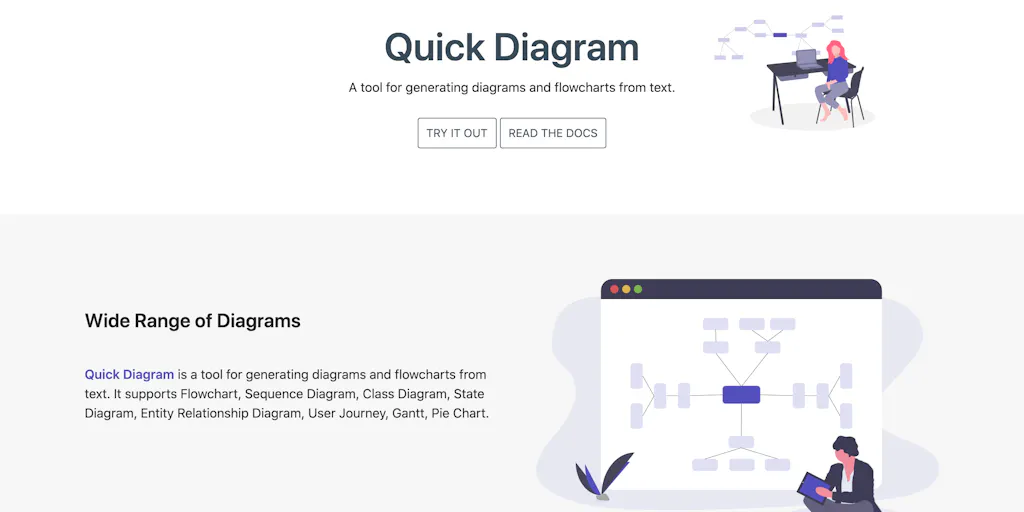
Generate diagrams and flowcharts from simple text instantly
Isometric cloud architecture diagrams you can actually present

The diagram studio that thinks like you
Turn diagrams into animated explainers in minutes
Turn research into clear scientific figures in seconds
Recently Added AI Tools
New tools added to the directory



Share PDFs securely - no account, no trace, automatic expiration.

Batch download & auto-organize TikTok, Instagram, YouTube videos in one command
From the Blog
Latest guides and tips on AI tools
Free Logo Maker Apps in 2026
Free Logo Maker Apps in 2026
AI Image GenerationBest AI Tools for Ecommerce in 2026
Best AI Tools for Ecommerce in 2026
Best AI ToolsBest AI Tools for Digital Marketers in 2026
Best AI Tools for Digital Marketers in 2026
Best AI ToolsBest AI Tools for Freelancers in 2026
Best AI Tools for Freelancers in 2026
Best AI ToolsWant to list your AI tool on NextStair?
Submit Tool