

Best AI Productivity Tools 2026
Discover AI tools that help you work smarter across every part of your day. AI meeting assistants that summarize calls, smart note-taking apps, AI task managers, email organizers, and file tools - this category covers the tools that eliminate busywork and keep you focused on high-value work. Whether you are a solo professional or managing a team, find the productivity stack that fits your workflow and saves you hours every week.

.svg)
Professional AI video and image generator built for modern creators
All-in-one AI creative studio for solo creators

All your work in one place. No more context switching.
All-in-one AI creation platform - images, videos, slides, and docs in one chat
All-in-one AI studio for videos, images, and creative content - no switching tools.
One canvas for every AI model, every medium, every creative idea.

Official Russian access to ChatGPT, Claude, Gemini, and Midjourney
All AI creative tools in one affordable platform

Free AI tools for creating videos, images, and audio in minutes
All AI models in one place - free chat, images & videos without switching apps
One gateway, all top AI models, unified access, zero juggling.

All-in-one AI platform for images, videos, audio & content creation
Orchestrate AI models on your creative canvas - zero friction, maximum control.

50+ AI models for images, videos & music in one platform

75+ AI tools and all major AI models in one platform - save $1,100/month
One unified workspace for multiple AI models - cut costs 65% with BYOK
Turn imagination into influence with AI-powered image and video creation.
Ultimate AI platform for cinematic videos and stunning images.

All-in-one AI platform for writing, designing, learning, and productivity
All top AI video & image models in one unified platform
AI that automatically schedules focus time, habits, and meetings on your calendar
AI that builds your perfect daily schedule from tasks and calendar automatically
Your always-on AI assistant that runs email, meetings, and scheduling for you
Turn any web context into a managed task with AI.

Real-time margin protection for consulting firms

Beautiful branded scheduling pages with video backgrounds - the Calendly you'll be proud to share.

The free Calendly alternative: just CC Ting and never schedule manually again
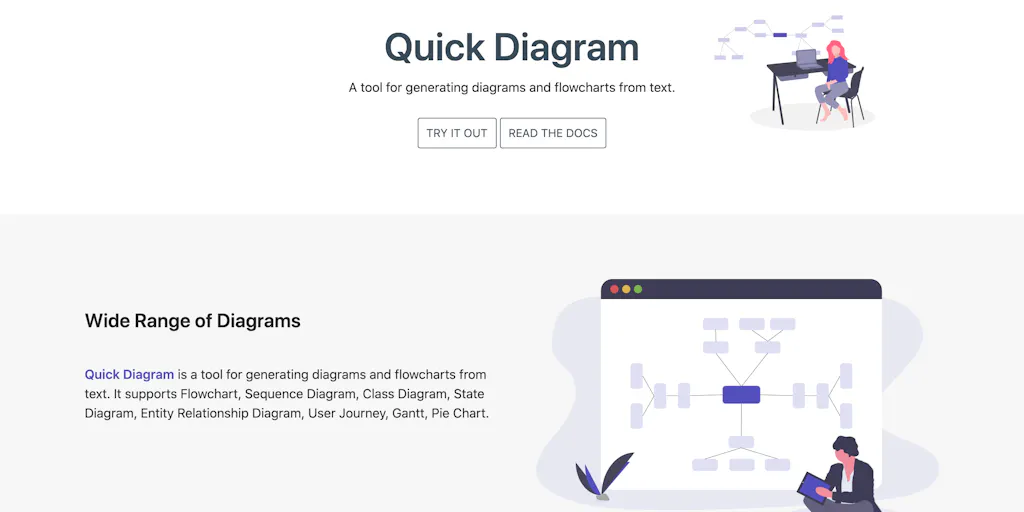
Generate diagrams and flowcharts from simple text instantly
Isometric cloud architecture diagrams you can actually present

The diagram studio that thinks like you
Turn diagrams into animated explainers in minutes
Turn research into clear scientific figures in seconds
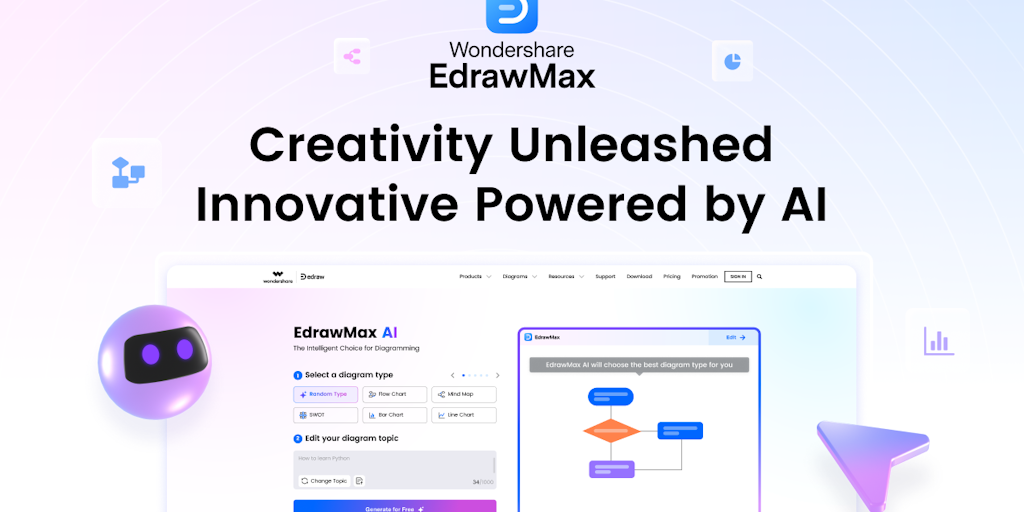
AI-powered diagramming for teams that think visually
Turn your diagram source into beautiful, publication-ready visuals instantly.

The simplest flowchart maker for teams

Architecture diagrams that compile, validate, and generate code
Create professional diagrams in seconds with AI
Turn text into professional diagrams in seconds with AI
From text to professional diagrams in 20 seconds
The fastest email client with AI that helps you reach inbox zero every day
Gmail AI assistant + cutting-edge models in your Chrome sidebar
AI-guided affirmations delivered to your inbox with intention
AI-powered email drafts and organization - save 1 hour daily

Simple website, email & cloud storage - no skills required

AI email assistant that responds 24/7, even while you sleep
AI email writer that drafts, organizes, and responds in your voice
AI executive assistant that handles your inbox, meetings, and follow-ups
Your morning intelligence in one brief.
AI that learns your voice and drafts every email response for you
All-in-one AI platform for video, image, and audio creation.
Most work weeks lose hours to the same small chores. Writing up a meeting, sorting an inbox, turning scattered notes into a plan, chasing the next task. None of it is hard, and all of it is friction. The tools in this category aim at that friction directly, sitting inside the apps you already use and handling the busywork so the thinking gets more of your attention.
Capturing what happens in meetings
The clearest win is the meeting. Meeting assistants join the call, transcribe it, and hand back a summary with action items before you have opened a doc. Paired with note-taking tools that organize the result, the record of a conversation stops depending on whoever remembered to write it down.
Taming the inbox and the task list
The other constant drain is coordination. Email management tools sort, summarize, and draft replies, while calendar tools find a slot without the back-and-forth. For planning, task and project management tools turn a rough goal into structured steps, and PDF summarizers pull the point out of a long document in seconds.
Adding a tool without adding noise
The trap is obvious once you name it. A productivity tool that needs constant tending is just another task. The ones that stick are quiet, running in the background of software you already open. Add them one at a time, keep the tool that genuinely removes a step, and drop the rest. When a chore has many steps and a clear goal, an AI agent can run the whole sequence instead of assisting one part of it.