


StoryMotion - Animated Explainers from Diagrams
Turn diagrams into animated explainers in minutes
What is Storymotion?
StoryMotion transforms complex diagrams, PDFs, and ideas into fully editable animated presentations in minutes. Using AI, it generates initial visuals that match your brand, which you can then refine with a whiteboard-style sketch editor, thousands of components, and precise motion controls. Export as video (up to 4K 60fps), present live, or embed anywhere - ideal for technical explainers, pitch decks, training, and online courses.
Need help implementing StoryMotion - Animated Explainers from Diagrams?
Find verified specialists who work with StoryMotion - Animated Explainers from Diagrams
Key Features of Storymotion
- AI-powered visual generation from PDFs and documents
- Whiteboard-style sketch editor with arrows and shapes
- Thousands of ready-made components and icons
- Full motion control with zoom, fade, and custom effects
- Video export up to 4K 60fps
- Live presentation mode
- Embed as iframe
- Transparent background export
- Google Fonts support
- MP3 audio timeline integration
Who Should Use Storymotion?
Create animated explainer videos for YouTube and social media
Build technical training presentations
Design pitch decks for investor presentations
Develop online course content
Animate AWS architecture and system diagrams
Produce customer journey animations
Add animations to internal wikis and documentation
Storymotion: Pros & Cons
✓Pros
- Generates 80% of animation automatically with AI
- Minute-to-minute learning curve with intuitive sketch interface
- No credit card required to start
- Full control over every element and timing
- Multiple export options (video, embed, presentation mode)
- High-quality output up to 4K 60fps
- Great for both technical and creative content
✕Cons
- Free tier limited to 15 AI credits per month
- Free tier has 5-page PDF upload limit
- Free tier exports include watermark
- Limited cloud storage on free tier (25 MB)
Frequently Asked Questions about Storymotion
What file formats does StoryMotion accept?
StoryMotion supports PDF, Markdown, images, and more. You can also draw directly in the sketch editor.
Can I export my animations as video?
Yes, you can export as video up to 4K 60fps. Creator plan and above support unlimited exports without watermarks.
Do I need a credit card to try StoryMotion?
No, the free plan requires no credit card and gives you 15 AI credits per month to get started.
What can I do with my finished animation?
You can present it live in presentation mode, export as video for editing or social media, or embed it as an iframe on websites and blogs.
How many pages of PDFs can I upload with AI?
The free plan allows up to 5 pages. Creator plan and above support up to 50 full-page document uploads.
Tool Details
- Pricing
- Free
- Category
- Ai Diagram Generator
- Added
- Jul 2026
- Last Updated
- Jul 2026
More Ai Diagram Generator Tools
7 tools in the same category
Create professional diagrams in seconds with AI
Turn text into professional diagrams in seconds with AI
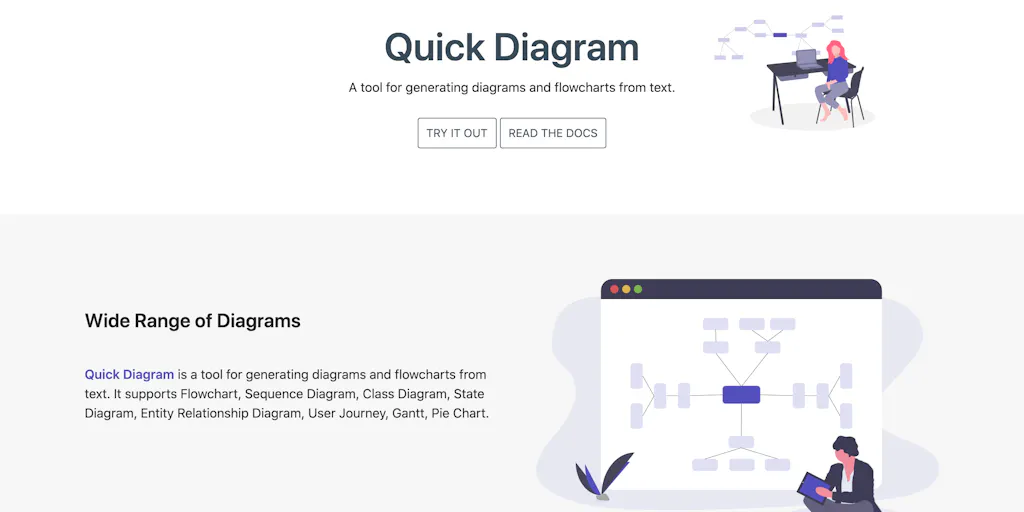
Generate diagrams and flowcharts from simple text instantly
From text to professional diagrams in 20 seconds
Isometric cloud architecture diagrams you can actually present

The diagram studio that thinks like you
Turn research into clear scientific figures in seconds
Recently Added AI Tools
New tools added to the directory

Share PDFs securely - no account, no trace, automatic expiration.

Batch download & auto-organize TikTok, Instagram, YouTube videos in one command

Instantly calculate your AP automation savings and ROI in seconds

Download YouTube thumbnails instantly in full HD, no signup required
From the Blog
Latest guides and tips on AI tools
Best AI Tools for Ecommerce in 2026
Best AI Tools for Ecommerce in 2026
Best AI ToolsBest AI Tools for Digital Marketers in 2026
Best AI Tools for Digital Marketers in 2026
Best AI ToolsBest AI Tools for Freelancers in 2026
Best AI Tools for Freelancers in 2026
Best AI ToolsBest AI Tools for Small Business Owners in 2026
Best AI Tools for Small Business Owners in 2026
Best AI ToolsWant to list your AI tool on NextStair?
Submit Tool