


Eddie AI
AI video editor that creates rough cuts while you sleep
What is Eddie Ai?
Eddie AI is an AI-powered assistant video editor that transforms raw footage into polished rough cuts ready for professional editing software. It automates tedious tasks like interview logging, B-roll organization, multicam syncing, and rough cut generation—freeing creative professionals to focus on storytelling. Trusted by 50,000+ video editors, creators, and filmmakers, Eddie integrates seamlessly with Premiere Pro, DaVinci Resolve, and Final Cut Pro.
Need help implementing Eddie AI?
Find verified specialists who work with Eddie AI
Key Features of Eddie Ai
- Rough cut generation from raw footage
- A&B Roll logging with smart summaries
- Automated soundbite detection and filler removal
- Multicam syncing for up to 6 cameras
- Speaker identification and camera selection
- Scripted edits with take selection
- Night Shift: background processing while you work
- B-roll visual tagging and organization
- NLE export ready (Premiere, Resolve, FCP)
- Privacy-focused with no training data usage
Who Should Use Eddie Ai?
Turn raw interviews into docu-style stories
Automate multicam podcast editing
Log and organize A-roll interviews
Tag and organize B-roll visuals
Choose best takes for scripted projects
Generate rough cuts from interview footage
Save hours on tedious editing tasks
Eddie Ai: Pros & Cons
✓Pros
- Handles up to 6 camera syncing automatically
- Advanced speaker identification AI
- Works with major NLE software (Premiere, Resolve, FCP)
- Night Shift processes footage in background
- Privacy-secured for serious teams
- No training data usage
- Trusted by 50,000+ professional creators
- Saves significant editing time
Frequently Asked Questions about Eddie Ai
What video editing software does Eddie AI work with?
Eddie AI exports directly to Premiere Pro, DaVinci Resolve, and Final Cut Pro (FCP).
How many cameras can Eddie AI sync at once?
Eddie AI can sync and align up to 6 cameras simultaneously, with smart speaker identification to cut to the right camera based on who is speaking.
What is Night Shift?
Night Shift is Eddie's background processing feature that automatically parses interviews, organizes B-roll, syncs multicams, and builds rough cuts overnight—ready to open in your NLE by morning.
Is my footage used for AI training?
No. Eddie AI is privacy-focused with no training data usage, making it secured for serious teams and professional workflows.
Can Eddie AI help with podcast editing?
Yes. Eddie AI specializes in multicam podcast editing, automatically syncing multiple camera feeds and cutting based on speaker identification.
Tool Details
- Pricing
- Free
- Category
- Pro Video Editors
- Added
- Jul 2026
More Pro Video Editors Tools
7 tools in the same category

The video editor built for AI — generate and edit directly in your timeline
Turn podcasts into viral clips and show notes in seconds

Turn podcasts into viral clips with AI—edit by text, runs locally, completely free.
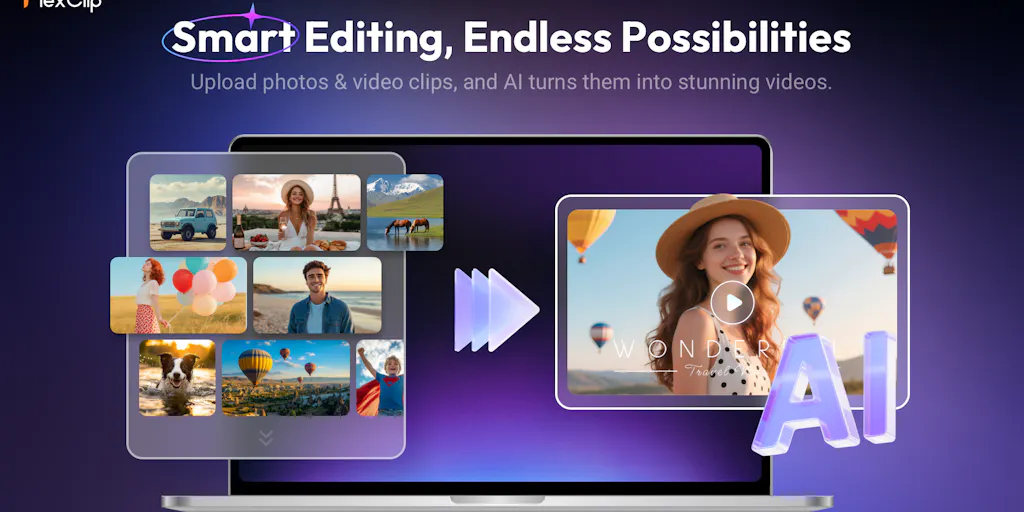
Create professional videos in minutes with AI avatars and smart templates.

Turn articles into professional videos in minutes with AI + human expertise

AI video editing on autopilot—from raw footage to ready-to-post in minutes

Recently Added AI Tools
New tools added to the directory

Deploy AI workers that take real actions in your systems, 24/7.

Free API to extract Open Graph data from any URL instantly


From the Blog
Latest guides and tips on AI tools
Best AI Tools for Ecommerce in 2026
Best AI Tools for Ecommerce in 2026
Best AI ToolsBest AI Tools for Digital Marketers in 2026
Best AI Tools for Digital Marketers in 2026
Best AI ToolsBest AI Tools for Freelancers in 2026
Best AI Tools for Freelancers in 2026
Best AI ToolsBest AI Tools for Small Business Owners in 2026
Best AI Tools for Small Business Owners in 2026
Best AI ToolsWant to list your AI tool on NextStair?
Submit Tool