

Best Video Editing Tools 2026
Browse the best video editing software for content creators, filmmakers, marketers, and business teams. From professional non-linear editors like DaVinci Resolve and Premiere Pro to fast-cut mobile editors and browser-based tools - this category covers every editing workflow and budget level. Find the right video editing tool for your project type, output format, technical skill level, and whether you need desktop or online access.
.svg)

Turn podcasts into viral clips and show notes in seconds

Turn articles into professional videos in minutes with AI + human expertise

AI video editing on autopilot - from raw footage to ready-to-post in minutes

AI video editing from upload to finish, all in one timeline.
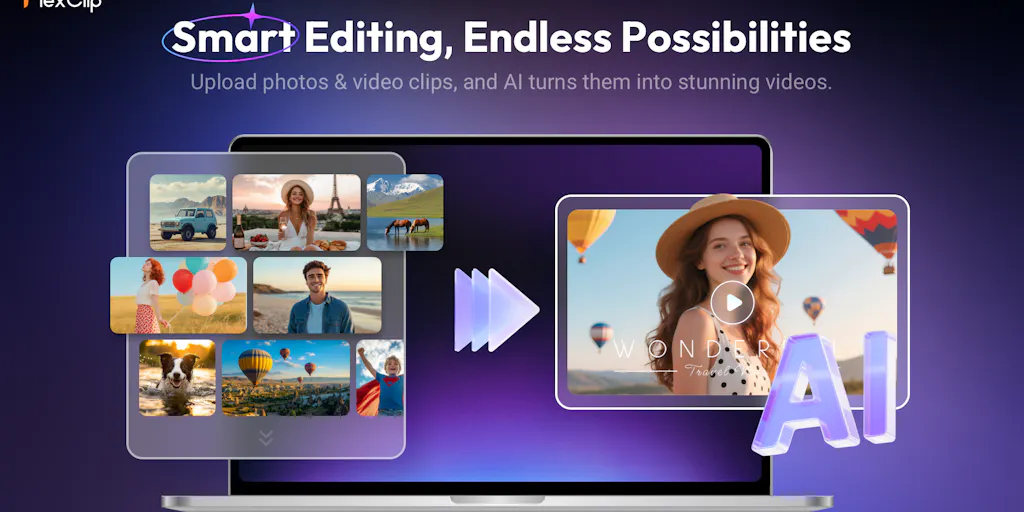
Create professional videos in minutes with AI avatars and smart templates.

Turn podcasts into viral clips with AI - edit by text, runs locally, completely free.

AI video editor that creates rough cuts while you sleep

The video editor built for AI - generate and edit directly in your timeline
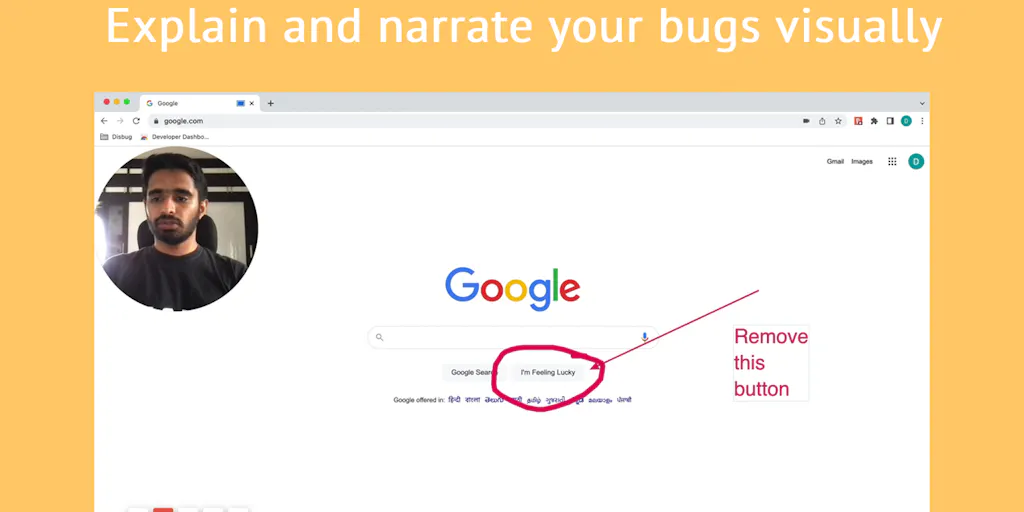
Capture bugs with complete context in one click

Capture and beautify screenshots in one step, right in your browser

Screen recordings that look designed - automatically.

Record, edit, and share AI-powered videos to supercharge team communication

Drag screenshots and clips from the notch straight into Slack - no uploads, no links.

Create polished product demos in your browser, free.
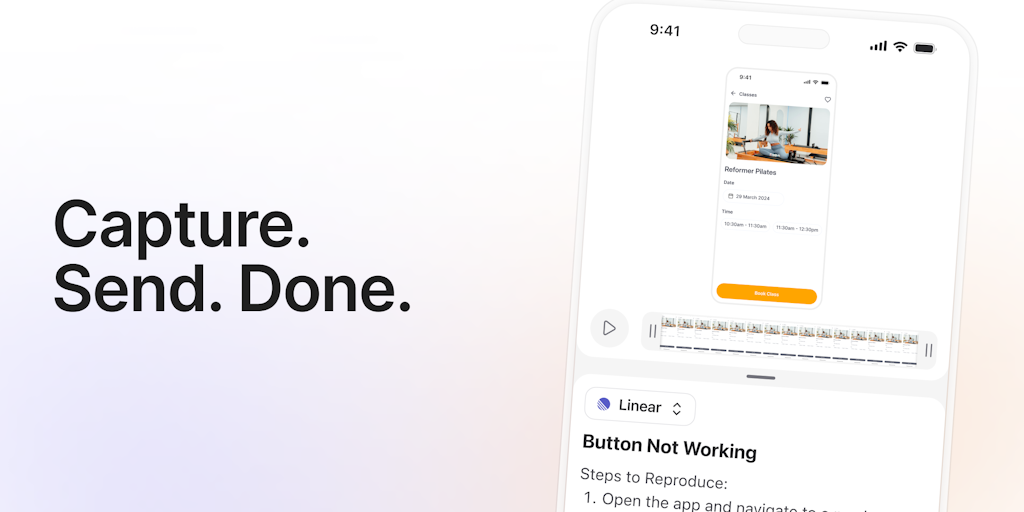
One-click bug reports with all the context devs need
Record once, FocuSee perfects it automatically.

Turn boring screenshots into professional graphics in seconds

Professional screen recording and live presentations - no editing required.

Free online screen recorder with no watermark or setup required
Record, edit, and share professional videos - all in one tool

Copy large, paste small - automatic clipboard optimization for macOS

Compress videos without quality loss or watermarks - fast & easy

Shrink your Mac's photos and videos 40-70% without losing quality
Compress and convert videos online - privately in your browser or fast in the cloud
Reduce videos by 90% offline - no quality loss, no uploads

Turn Figma prototypes into animated videos in one click

Transcribe audio and video in 66 languages - no subscriptions, pay per minute

Batch convert videos and extract audio on Mac - no limits.
Free online converter: YouTube, TikTok, SoundCloud to MP3/MP4 instantly
AI-powered video repair tool that fixes corrupted MP4, MOV, and 20+ formats in one click
Editing is where footage becomes a story. The raw clips are just material; the cut is the decision about pace, emphasis, and what to leave out. That is why the same event can produce a dull recap or a gripping short depending only on who sat in the editor. The tools here range from free software that runs Hollywood color suites to browser apps built for a thirty-second social clip.
Cutting the footage
At the center are the professional video editors like DaVinci Resolve and Premiere Pro, where the timeline, color, and audio all live. Around them, screen recorders capture the source material for tutorials, demos, and course content, which is a large share of what actually gets edited.
Getting the file ready to ship
Finishing a video is not only about the cut. Video compressors shrink a large export so it uploads fast and streams smoothly, and format converters translate a file into whatever a platform or an older device demands. These unglamorous steps are where a finished edit often stalls.
Where AI is changing the edit
The tedious parts are going first. Auto-captions, silence removal, background cleanup, and scene detection now happen in a click, cutting hours off routine edits. What AI does not decide is the story, the rhythm, or which take carries the moment, which remain the editor's job. Use it to clear the busywork, then spend the reclaimed time on the cut itself. For generation rather than editing, see AI video, and source extra footage from stock video sites.