

Editaimg
Editaimg is an all-in-one AI image editor for retouching, removing watermarks, and adding people to photos seamlessly.
What is Editaimg?
Editaimg provides a comprehensive suite of AI-powered image editing tools designed for both casual users and professionals. The platform simplifies complex editing tasks such as removing unwanted objects, retouching portraits, and modifying text within images. By leveraging advanced machine learning models, it ensures high-quality results with minimal manual effort.
One of the standout features is the ability to seamlessly add people to existing photos or remove specific watermarks, including Gemini AI watermarks. Whether you are looking to fix a group photo or clean up a professional shot, the interface offers intuitive controls to achieve realistic outcomes quickly.
Need help implementing Editaimg?
Find verified specialists who work with Editaimg
Key Features of Editaimg
- Advanced AI retouching and object removal. Seamlessly add someone to photo (https://editaimg.com/features/add-someone-to-photo). Specialized Gemini watermark remover (https://editaimg.com/features/gemini-watermark-remover). Real-time image text editing.
Who Should Use Editaimg?
Photographers, social media content creators, and marketing professionals who need fast, high-quality image edits.
Editaimg: Pros & Cons
✓Pros
- User-friendly interface requiring no technical skills. High-quality AI processing for realistic results. Unique tools for specific needs like watermark removal.
✕Cons
- Requires internet access for processing. High-resolution exports may require a premium subscription.
Frequently Asked Questions about Editaimg
Can I remove text from images?
Yes, the image text editor allows you to modify or remove text while preserving the background.
How do I get a discount?
Use the code EgcSBNSY at checkout for 20% off.
Tags
Tool Details
- Company
- Editaimg
- Pricing
- Freemium
- Languages
- English, German
- Category
- Ai Image Editors
- Added
- Jul 2026
Recently Added AI Tools
New tools added to the directory

Translate, dub, and lip-sync videos in 160+ languages 30x faster
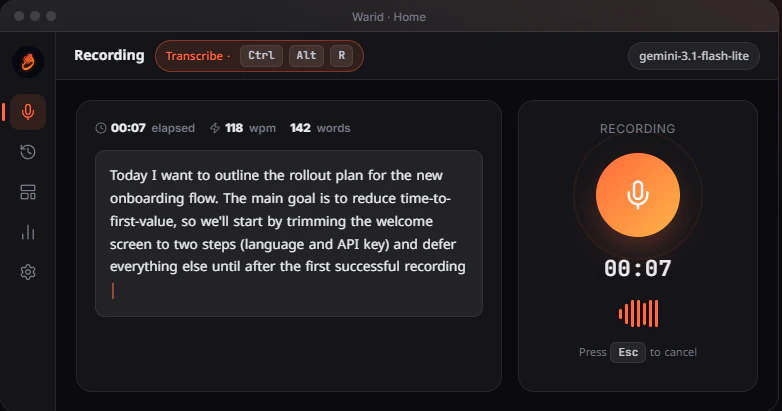

Private voice-to-text that never leaves your device

From the Blog
Latest guides and tips on AI tools
Best AI Tools for Digital Marketers in 2026
Best AI Tools for Digital Marketers in 2026
Best AI ToolsBest AI Tools for Freelancers in 2026
Best AI Tools for Freelancers in 2026
Best AI ToolsBest AI Tools for Small Business Owners in 2026
Best AI Tools for Small Business Owners in 2026
Best AI ToolsBest Vibe Coding Tools in 2026
Best Vibe Coding Tools in 2026
Vibe & Agentic CodingWant to list your AI tool on NextStair?
Submit Tool