


Punch Time Tracker - Time Blocking Inside Airtable
Make every minute pack a punch with Airtable time tracking
What is Punch Time Tracker?
Punch is an Airtable app that helps users block time, manage their calendar, and eliminate wasted hours. It combines punch card time tracking, time blocking, and auto-scheduling with nearly 50 shift templates to plan workflows efficiently. Designed for professionals, freelancers, and teams who use Airtable and need simple, visual time management without complicated setup.
Need help implementing Punch Time Tracker - Time Blocking Inside Airtable?
Find verified specialists who work with Punch Time Tracker - Time Blocking Inside Airtable
Key Features of Punch Time Tracker
- Punch Cards for accurate work-time tracking
- Time Blocking with preloaded Time Blocks
- Auto-Scheduling with 50+ Shift Templates
- Monthly Planner with dead-simple scheduling
- Cost Analysis to track earnings and projects
- Multiple Workday Styles (Sprints, Pomodoro, Classic)
- Custom Time-Blocking Templates with drag-and-drop builder
- Calendar Colors and Timeline Views
- Tag organization for Punch Cards
- Daily and Weekly Planner
- Lifetime access to updates
Who Should Use Punch Time Tracker?
Track work-time accurately for freelancers and contractors
Block time for focused productivity and deep work
Plan monthly schedules in seconds
Analyze project costs and earnings by week, month, or quarter
Organize workday with multiple scheduling styles
Manage multiple projects with custom templates
Punch Time Tracker: Pros & Cons
✓Pros
- Simple one-click punch interface
- Nearly 50 pre-made shift templates included
- Customizable workday styles for different needs
- Powerful automations and custom scripts
- Lifetime access with one payment
- No subscription required (one-time purchase)
- Integrates directly with Airtable
✕Cons
- Requires a paid Airtable account
- Designed only for Airtable users (not a standalone tool)
Frequently Asked Questions about Punch Time Tracker
Do I need a paid Airtable account to use Punch, or does it work with Airtable's free tier?
Punch requires a paid Airtable account. If you are not already on a paid plan, you will need to upgrade before you can install and use Punch.
Can I create my own time-blocking templates, or am I limited to the 50 included shift templates?
Punch includes a drag-and-drop builder that lets you create custom time-blocking templates beyond the 50 preloaded shift templates. This customization is available in the Punch Pro plan, which also unlocks 12 built-in workday styles and the option to add more.
Does Punch track project costs and earnings, or only time?
Punch includes earnings and project tracking features that let you analyze costs and revenue by week, month, or quarter. You can tag punch cards by project to see which work is most profitable.
What's the difference between Punch at $19 and Punch Pro at $29?
Punch ($19) includes punch cards, shift templates, earnings tracking, and lifetime updates. Punch Pro ($29) adds 12 workday styles, the ability to create custom workday styles, daily and weekly planners, calendar colors, and timeline views. Both are one-time purchases with no recurring fees.
Tool Details
- Company
- Olive Haus
- Pricing
- Free
- Category
- Time Tracking
- Added
- Jul 2026
- Last Updated
- Jul 2026
More Time Tracking Tools
7 tools in the same category
Free timesheet calculator - calculate hours, overtime, and pay instantly
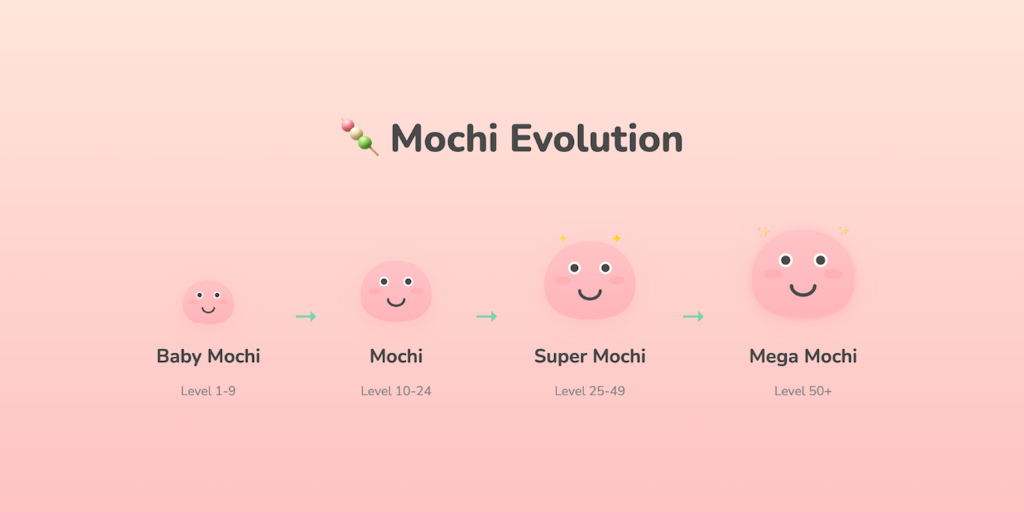
Cute productivity companion with Pomodoro timer, site blocker & evolving mascot

Turn your focus sessions into airplane flights

Free online stopwatch with lap tracking and instant data export

Simple to-do list & timer app that gives you superpowers

A calmer way to get into flow, right at the edge of your screen

Distraction-free focus timer with no accounts or subscriptions
Recently Added AI Tools
New tools added to the directory



Share PDFs securely - no account, no trace, automatic expiration.

Batch download & auto-organize TikTok, Instagram, YouTube videos in one command
From the Blog
Latest guides and tips on AI tools
Free Logo Maker Apps in 2026
Free Logo Maker Apps in 2026
AI Image GenerationBest AI Tools for Ecommerce in 2026
Best AI Tools for Ecommerce in 2026
Best AI ToolsBest AI Tools for Digital Marketers in 2026
Best AI Tools for Digital Marketers in 2026
Best AI ToolsBest AI Tools for Freelancers in 2026
Best AI Tools for Freelancers in 2026
Best AI ToolsWant to list your AI tool on NextStair?
Submit Tool