


RelateDB
Design database schemas offline, sync with your team, connect live databases
What is Relatedb?
RelateDB is a browser-based ERD studio for modeling database schemas visually, with offline-first capabilities powered by IndexedDB. Users can design tables, columns, and relationships without internet, import/export SQL and DBML, and upgrade to Pro for cloud sync, team collaboration, and live database connections. It's designed for developers, database architects, and teams who need a fast, lightweight schema design tool.
Need help implementing RelateDB?
Find verified specialists who work with RelateDB
Key Features of Relatedb
- Visual ERD canvas with drag-and-drop
- Offline-first with IndexedDB storage
- Import SQL/DBML schemas
- Export SQL for Postgres/MySQL and DBML
- Auto-layout with ELK-based packing
- Version history and snapshots
- Cloud sync across devices (Pro)
- Team collaboration with editors/viewers (Pro)
- Live database connection for PostgreSQL/MySQL (Pro)
- Export to PNG/JPG/SVG
- Read-only share links
- Migration SQL generation
- Workspace backups
Who Should Use Relatedb?
Design database schemas from scratch for new projects
Visualize and refactor existing database schemas
Collaborate on schema design with team members
Generate migration SQL between schema versions
Document database structure with visual diagrams
Import and organize legacy SQL schemas
Relatedb: Pros & Cons
✓Pros
- Completely free for unlimited local projects
- Works offline with no internet required
- Fast visual canvas for modeling
- Auto-layout keeps diagrams organized
- Version history with snapshots for tracking changes
- Easy import/export of SQL and DBML
- No setup required to get started
- Team collaboration available with Pro
✕Cons
- Collaboration and cloud sync require Pro subscription
- Live database connections limited to PostgreSQL and MySQL only
Frequently Asked Questions about Relatedb
Does RelateDB work without internet?
Yes, RelateDB is offline-first and uses IndexedDB-backed storage to persist your work locally. You can refresh, reopen, and continue working without any servers.
Can I import my existing database schema?
Yes, you can import SQL CREATE TABLE statements or DBML format, then refine them visually. Pro users can also connect directly to live PostgreSQL or MySQL databases to import schemas automatically.
How do I share my schema with my team?
With Pro, you can invite teammates by email as editors or viewers per workspace. You can also export a read-only share link for reviews without requiring Pro.
What formats can I export to?
You can export SQL for Postgres/MySQL, DBML format, diagram images (PNG/JPG/SVG), workspace backups (.relatedb.json), and migration SQL between versions.
Tool Details
- Pricing
- Free
- Category
- Database Tools
- Added
- Jul 2026
More Database Tools Tools
7 tools in the same category

Powerful cross-platform database management for SQL & NoSQL workflows

Type-safe ORM and full-stack TypeScript infrastructure for modern applications
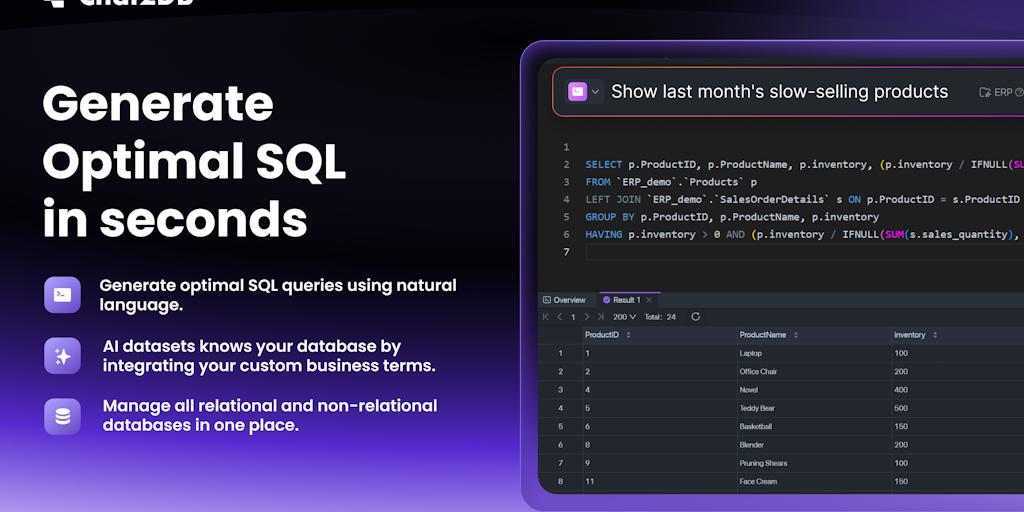
AI SQL client for all databases—local, fast, and open source.

The 11 MB database manager that leaves Electron in the dust


WordPress-like editor for your Supabase database—no schema lock-in.

Query PostgreSQL in plain English from your terminal
Recently Added AI Tools
New tools added to the directory

Deploy AI workers that take real actions in your systems, 24/7.

Free API to extract Open Graph data from any URL instantly


From the Blog
Latest guides and tips on AI tools
Best AI Tools for Ecommerce in 2026
Best AI Tools for Ecommerce in 2026
Best AI ToolsBest AI Tools for Digital Marketers in 2026
Best AI Tools for Digital Marketers in 2026
Best AI ToolsBest AI Tools for Freelancers in 2026
Best AI Tools for Freelancers in 2026
Best AI ToolsBest AI Tools for Small Business Owners in 2026
Best AI Tools for Small Business Owners in 2026
Best AI ToolsWant to list your AI tool on NextStair?
Submit Tool