

Sam Audio - AI Audio Separation
Isolate any sound from audio with AI-powered text, visual, or time prompts
Add your screenshot here
Image or video shown in this spot
What is Sam Audio?
SAM Audio is an AI-powered audio separation tool that brings Meta's Segment Anything Audio Model to your workflow. It isolates vocals, instruments, speech, and sound effects from complex audio mixtures using text, visual, or time-based prompts. The tool works through multimodal prompting - describe sounds in natural language, select visually, or specify exact time ranges to surgically extract audio components. It's designed for music producers, podcasters, filmmakers, researchers, and accessibility professionals who need professional-grade audio editing without switching between multiple tools.
Need help implementing Sam Audio - AI Audio Separation?
Find verified specialists who work with Sam Audio - AI Audio Separation
Key Features of Sam Audio
- Text prompting for sound description
- Span prompting for temporal selection (time ranges)
- Vocal isolation and extraction
- Instrument separation
- Sound effects isolation
- Background noise removal
- One unified model for all audio separation tasks
- Preserves original sample rates for professional quality
- Supports speech, music, instruments, and sound effects
Who Should Use Sam Audio?
Music production and remixing (isolate vocals, drums, bass, instruments)
Podcast editing and voice enhancement (remove background noise, isolate speakers)
Film and video post-production (extract dialogue, sound effects, music)
Accessibility and hearing aids (enhance audio for hearing assistance)
Audio research and analysis (isolate environmental sounds, animal calls)
Creative audio tool development and next-generation audio software
Sam Audio: Pros & Cons
✓Pros
- Professional-grade audio editing made intuitive through prompts
- Industry-first temporal selection with span prompting
- Unified model eliminates need to switch between tools
- Supports multiple prompting methods (text, visual, time-based)
- Apache-2.0 licensed models deployed on independent infrastructure
Frequently Asked Questions about Sam Audio
Can I isolate a specific instrument like drums or bass from a full song?
Yes. SAM Audio separates individual instruments, vocals, and other sound components from music through text prompting. You describe what you want to isolate, and the model extracts it from the full mix while preserving the original sample rate.
How does span prompting work for isolating audio in specific time ranges?
Span prompting lets you select exact start and end points in your audio file to isolate sound within that window. This is useful if unwanted noise appears only in part of a recording, or if you need to separate overlapping sounds at different moments.
What audio file formats does SAM Audio accept?
SAM Audio does not publish its supported input and output formats on the materials available. Check their site or documentation before uploading to confirm your file type will work.
Is SAM Audio free to use?
Yes, SAM Audio is free. It uses Meta's Segment Anything Audio Model under an Apache-2.0 license and runs on independent infrastructure, so there are no subscription costs or paywalls.
Tool Details
- Pricing
- Free
- Category
- Ai Vocal Remover
- Added
- Jun 2026
- Last Updated
- Jul 2026
More Ai Vocal Remover Tools
7 tools in the same category
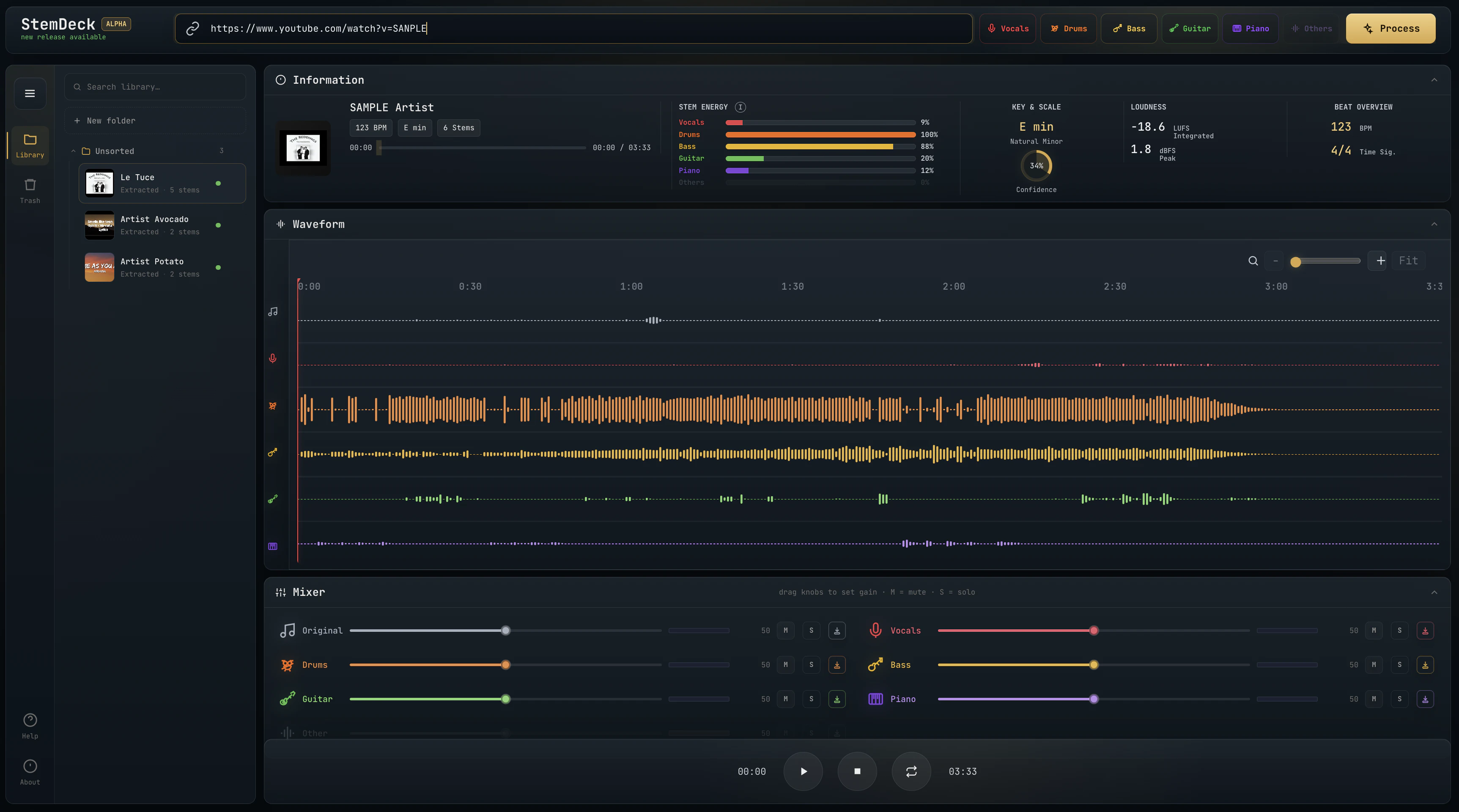
Free local stem separation. No account. No upload. No subscription.
Remove vocals from songs in 3 steps with AI - no download needed

Free AI vocal remover - isolate vocals & instrumentals in seconds, no sign-up needed
Separate vocals and instruments locally, no uploads, lifetime access for $47.70
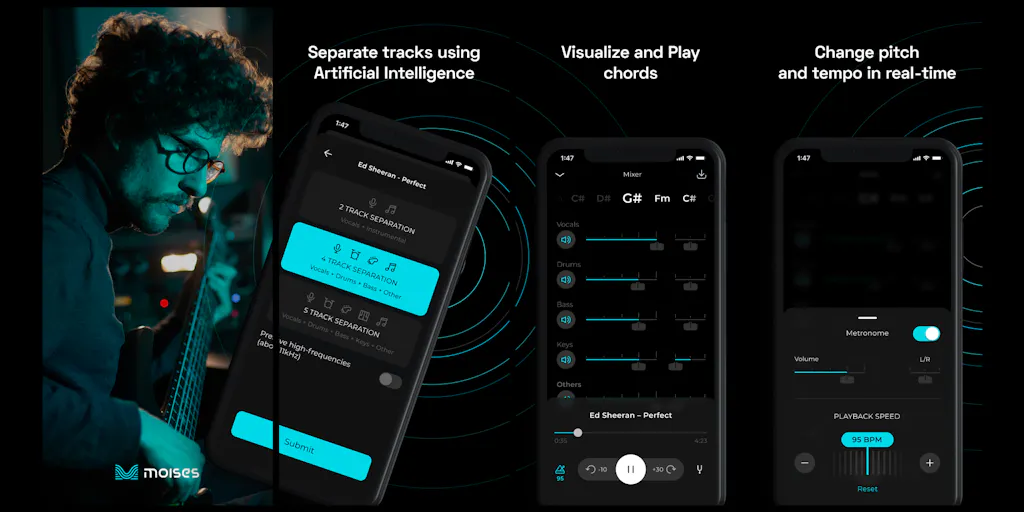
The creative suite for musicians to practice, perform, create, and collaborate anywhere.

Free AI vocal remover - create instrumentals instantly in your browser

Pro-level vocal removal and stem splitting powered by AI
Recently Added AI Tools
New tools added to the directory



Share PDFs securely - no account, no trace, automatic expiration.

Batch download & auto-organize TikTok, Instagram, YouTube videos in one command
From the Blog
Latest guides and tips on AI tools
Free Logo Maker Apps in 2026
Free Logo Maker Apps in 2026
AI Image GenerationBest AI Tools for Ecommerce in 2026
Best AI Tools for Ecommerce in 2026
Best AI ToolsBest AI Tools for Digital Marketers in 2026
Best AI Tools for Digital Marketers in 2026
Best AI ToolsBest AI Tools for Freelancers in 2026
Best AI Tools for Freelancers in 2026
Best AI ToolsWant to list your AI tool on NextStair?
Submit Tool