


Splitvoice
Separate vocals and instruments locally, no uploads, lifetime access for $47.70
What is Splitvoice?
Splitvoice is a desktop audio separation tool that removes vocals, isolates instruments, and creates clean stems directly on your computer without uploading files. Using advanced AI models (Demucs and BS-RoFormer), it separates music into up to 6 stems (vocals, drums, bass, guitar, keys, other) for karaoke, remixing, practice, and music production. Designed for musicians, producers, and content creators who need privacy and offline processing.
Need help implementing Splitvoice?
Find verified specialists who work with Splitvoice
Key Features of Splitvoice
- Vocal removal and isolation
- Drum and percussion extraction
- Bass line separation
- Guitar part isolation
- Piano and keyboard separation
- Up to 6 stems in Studio mode
- Fast mode (4 stems) and Studio mode (6 stems)
- GPU acceleration for faster processing
- Offline processing on local machine
- Supports MP3, WAV, FLAC, M4A, OGG import
- Export as WAV, MP3, or FLAC
- Up to 48 kHz / 24-bit quality output
- No file uploads or cloud processing
- No account or registration required
- No tracking or data collection
Who Should Use Splitvoice?
Create karaoke tracks for singing practice
Make remixes and mashups from existing songs
Extract instrument parts to learn and play along
Grab drum breaks and samples for music production
Isolate vocals for editing and content creation
Practice musical instruments with separated tracks
Splitvoice: Pros & Cons
✓Pros
- One-time purchase with lifetime access
- No subscriptions required
- Completely offline processing
- No file uploads — music stays private
- No account or registration needed
- No tracking or telemetry
- Works with common audio formats
- GPU acceleration available
- Two processing modes for different needs
- High-quality audio output up to 48 kHz / 24-bit
✕Cons
- Windows only (no Mac or Linux mentioned)
- Free version limited to 4 stems and WAV export
- Requires GPU for optimal performance with Studio mode
Frequently Asked Questions about Splitvoice
Does Splitvoice upload my music to the cloud?
No. Splitvoice processes every separation directly on your computer. Nothing is uploaded to cloud servers, and your music never leaves your machine.
What audio formats does Splitvoice support?
You can import MP3, WAV, FLAC, M4A, or OGG files. The Free version exports as WAV, while the Pro version exports as WAV, MP3, or FLAC.
How many stems can Splitvoice create?
The Free version creates 4 stems (vocals, drums, bass, other), while the Pro version creates 6 stems (vocals, drums, bass, guitar, piano/keys, other).
Is there a subscription required?
No. Splitvoice is a one-time purchase with lifetime access. There are no subscriptions or recurring fees.
Do I need an account to use Splitvoice?
No. Splitvoice requires no account, registration, or tracking. It works completely offline and privately.
Tool Details
- Pricing
- Free
- Category
- Ai Vocal Remover
- Added
- Jul 2026
More Ai Vocal Remover Tools
7 tools in the same category
Isolate any sound from audio with AI-powered text, visual, or time prompts
Remove vocals from songs in 3 steps with AI - no download needed

Pro-level vocal removal and stem splitting powered by AI
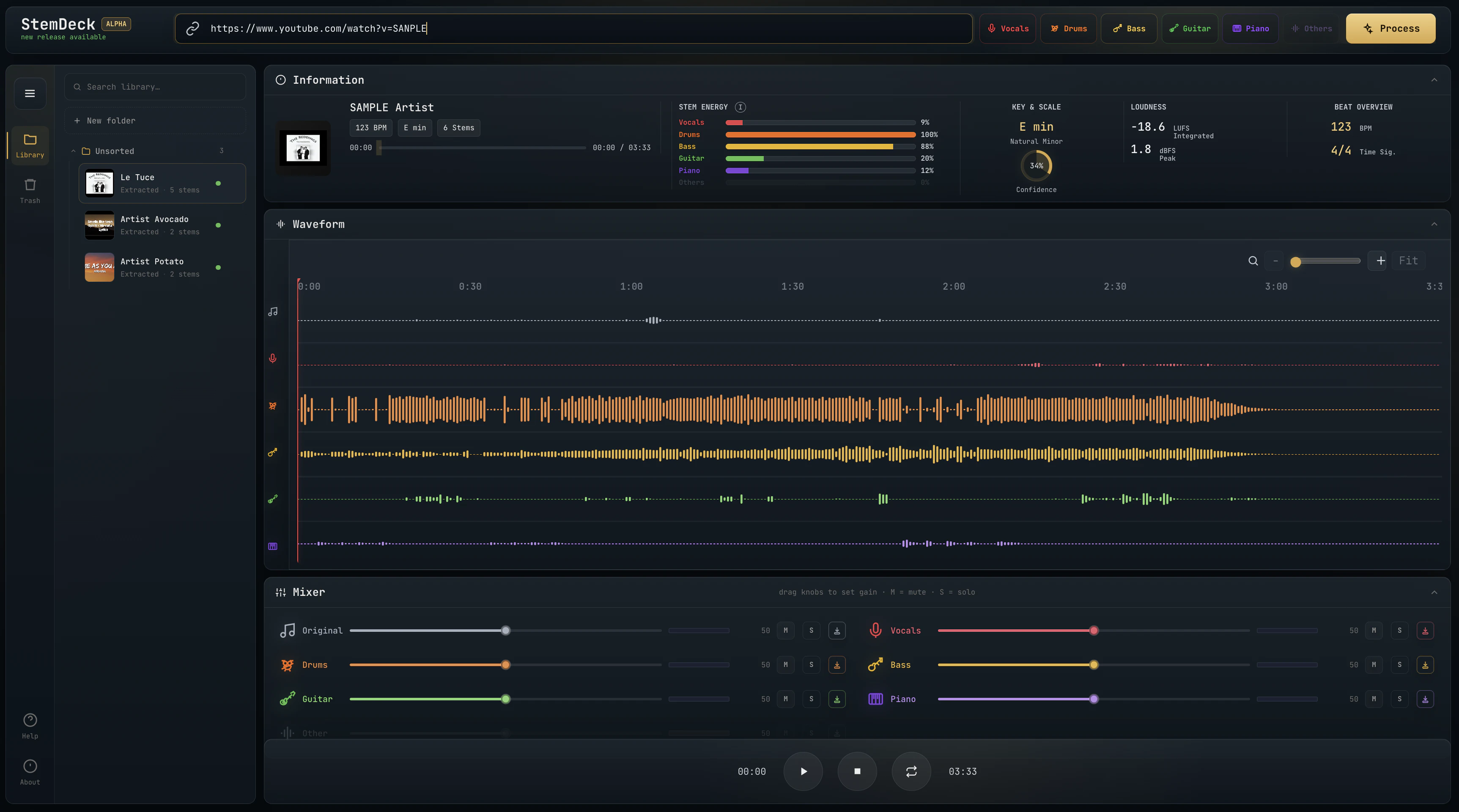
Free local stem separation. No account. No upload. No subscription.
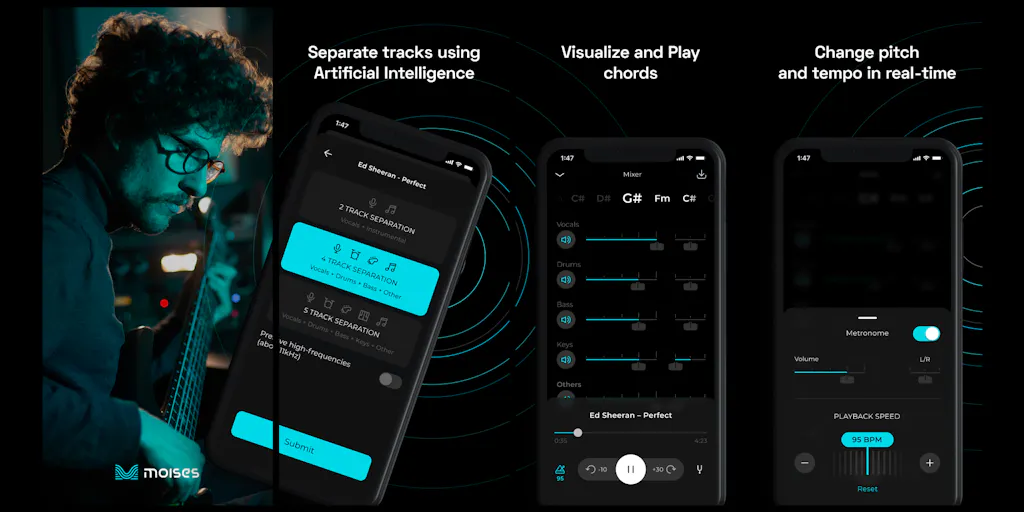
The creative suite for musicians to practice, perform, create, and collaborate anywhere.

Free AI vocal remover—create instrumentals instantly in your browser

Isolate vocals from any song instantly with AI—no software needed.
Recently Added AI Tools
New tools added to the directory

Create viral memes with AI captions in seconds, watermark-free

The complete creative workspace for series writers and comic producers

Turn Pinterest inspiration into on-brand product photos in one click
Turn text into viral memes with AI in 110+ languages
From the Blog
Latest guides and tips on AI tools
Best AI Tools for Ecommerce in 2026
Best AI Tools for Ecommerce in 2026
Best AI ToolsBest AI Tools for Digital Marketers in 2026
Best AI Tools for Digital Marketers in 2026
Best AI ToolsBest AI Tools for Freelancers in 2026
Best AI Tools for Freelancers in 2026
Best AI ToolsBest AI Tools for Small Business Owners in 2026
Best AI Tools for Small Business Owners in 2026
Best AI ToolsWant to list your AI tool on NextStair?
Submit Tool