


Sop software - Auto-Generate SOPs from Recorded Workflows
Record workflows once, auto-generate SOPs with screenshots instantly
Add your screenshot here
Image or video shown in this spot
What is Sop Software?
Sop software is a Chrome extension that captures website workflows and automatically generates step-by-step standard operating procedure guides with screenshots and action titles. It records user interactions across tabs and single-page applications, then produces editable, shareable guides with privacy blur options for sensitive data. Built for growing teams, it eliminates manual documentation work and serves as both a SOP creation tool and interactive walkthrough system for onboarding and support.
Need help implementing Sop software - Auto-Generate SOPs from Recorded Workflows?
Find verified specialists who work with Sop software - Auto-Generate SOPs from Recorded Workflows
Key Features of Sop Software
- Auto-captured screenshots with arrows for every action
- Multi-tab and SPA navigation recording
- Smart selectors that survive UI changes
- Editable titles, descriptions, and step order
- Privacy blur for sensitive information
- Guide Me interactive walkthroughs with highlights
- Export to PDF, Markdown, rich HTML, or public link
- Local device storage until export or share
Who Should Use Sop Software?
Create billing and payment process SOPs
Document HR onboarding workflows
Build IT and support procedure guides
Generate training materials for new hires
Create finance and accounting process documentation
Document customer support workflows
Build knowledge base articles with step-by-step guides
Sop Software: Pros & Cons
✓Pros
- No manual documentation required
- No setup or admin overhead needed
- Privacy-focused with built-in blur feature
- Multiple export formats for any platform
- Guide Me reduces support tickets and Slack questions
- Smart selectors adapt to UI changes
- Works across any website and application
Frequently Asked Questions about Sop Software
How does Sop software capture workflows?
Install the Chrome extension, open the website where your process lives, click Start Capture in the side panel, and click through your workflow as usual. The extension automatically takes screenshots and records action titles.
Can I edit the generated guides?
Yes, you can fix titles, edit descriptions, reorder steps, and blur sensitive information before sharing or exporting the guide.
What formats can I export to?
You can export to PDF, Markdown, rich HTML, or generate a public link to share directly.
What is Guide Me and how does it work?
Guide Me is an interactive walkthrough feature that replays your guide on the live website with step highlights and tips, helping teammates learn by doing without leaving the website.
Does this tool work with single-page applications?
Yes, Sop software supports multi-tab recording and SPA navigation, so it works across various website types and workflows.
Tool Details
- Pricing
- Free
- Category
- Ai Chrome Ext
- Added
- Jul 2026
- Last Updated
- Jul 2026
More Ai Chrome Ext Tools
7 tools in the same category

Chat with all AI models in one free, powerful assistant
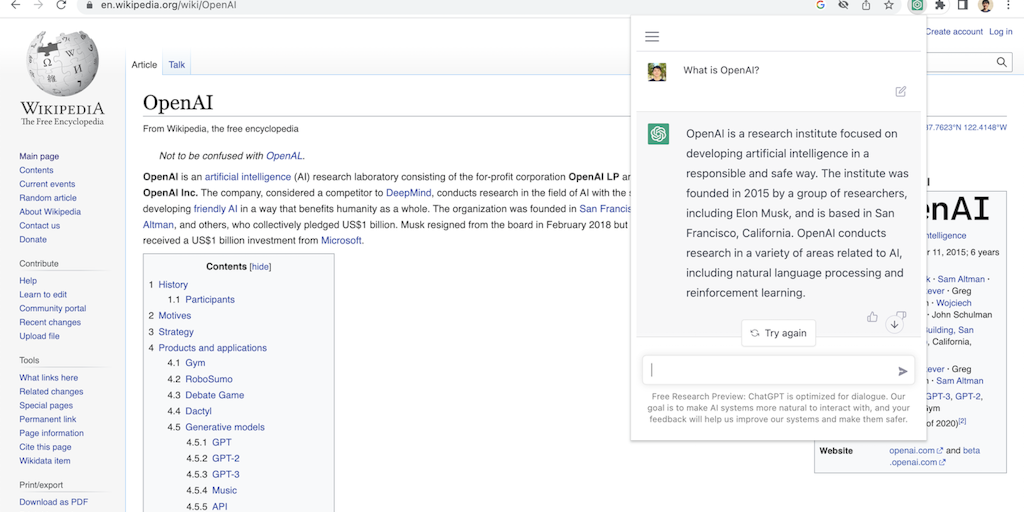
Access ChatGPT from anywhere on the web with one click

Translate, summarize & explain web text instantly with private AI

SEO data + AI search tracking in one Chrome extension

Productivity apps in your Chrome sidebar - no tab switching needed

Native OS AI that stays in your flow - no tab switching, no context loss.

Private on-device AI copilot that works offline, instantly.
Recently Added AI Tools
New tools added to the directory



Share PDFs securely - no account, no trace, automatic expiration.

Batch download & auto-organize TikTok, Instagram, YouTube videos in one command
From the Blog
Latest guides and tips on AI tools
Free Logo Maker Apps in 2026
Free Logo Maker Apps in 2026
AI Image GenerationBest AI Tools for Ecommerce in 2026
Best AI Tools for Ecommerce in 2026
Best AI ToolsBest AI Tools for Digital Marketers in 2026
Best AI Tools for Digital Marketers in 2026
Best AI ToolsBest AI Tools for Freelancers in 2026
Best AI Tools for Freelancers in 2026
Best AI ToolsWant to list your AI tool on NextStair?
Submit Tool