

Best Blogging & CMS Tools 2026
Find the best blogging platforms and content management systems for building and managing content-driven websites. From flexible open-source platforms like WordPress to modern headless CMS options and intuitive website builders - this category covers every approach to publishing content on the web. Compare platforms by technical requirements, customization depth, SEO capabilities, and long-term scalability.
.svg)


Professional blog platform to attract leads and drive sales through content marketing

Open source CMS that just works - edit effortlessly, build freely.
Build full websites with AI in minutes, no code required
Headless CMS for Next.js that lets developers focus on building, not blogging.

The agentic web platform for modern businesses - build, design, and rank in AI search.

AI agents that build, host, and grow your website from prompt to production.
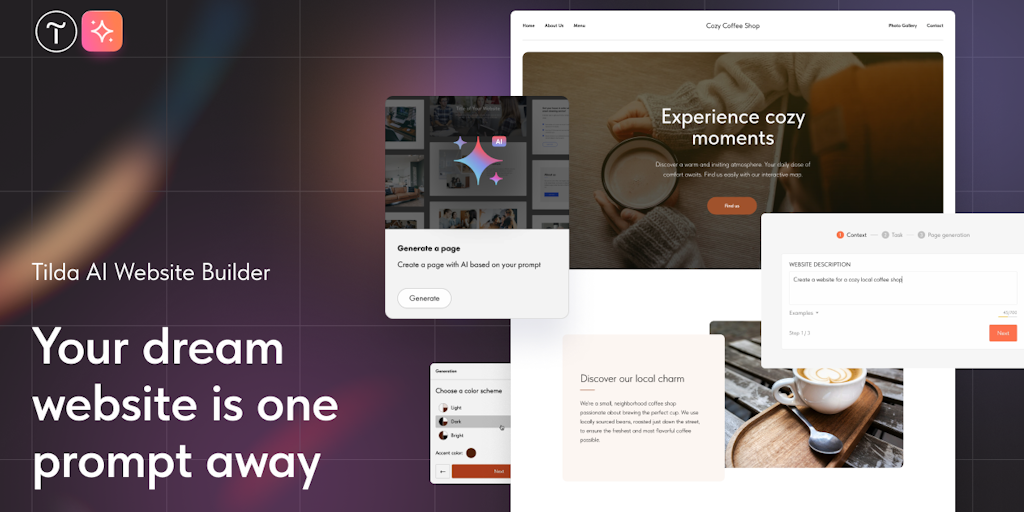
Create beautiful websites with AI - no code required

Professional restaurant websites with digital menus - no coding, launch in minutes

AI website builder for founders - launch in minutes, no code or design skills needed

Connect fragmented data. Build powerful AI agents. Drive enterprise impact.

The open-source Next.js backend to build anything - or everything.

Super simple headless CMS for blogs and content
GitHub's #1 Headless CMS with Visual Editor for Markdown
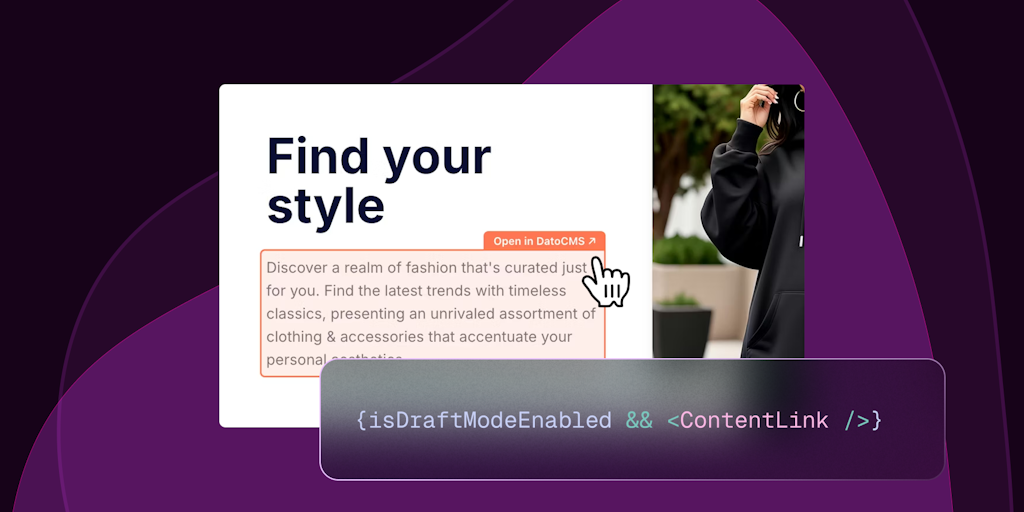
The friendliest headless CMS your team will actually love using
Build powerful websites in minutes with no coding required

AI-powered headless CMS with Git-style branching and Notion-like editing

Track which AI bots are reading your WordPress site
Advanced Gutenberg blocks to design beautiful WordPress pages without limits
Eight accessible, lightweight Elementor widgets for high-performance WordPress sites

Beautiful WordPress galleries without the bloat. Free, fast, accessible.

Dropbox integration for WordPress that syncs files automatically and manages media effortlessly.

Let AI agents build your WordPress site without opening wp-admin

The no-code WordPress builder with AI superpowers

WordPress security that runs on your server, not the cloud.

Spin up WordPress sandboxes instantly for safe testing

Generate WordPress code snippets blazing fast - no coding skills required

Replace 50+ plugins with one WordPress admin dashboard customizer

AI agent that automates WordPress tasks from simple instructions

Know which WordPress sites are at risk - and what to fix first.

Virtual try-on for WooCommerce - install in minutes, no code needed

Protect your WordPress content from being copied in 1 click

Track user growth and activity with WordPress analytics at a glance
The content management system is one of those early choices that quietly shapes everything after it. It decides how easily you publish, how much control you have over SEO, and how painful it will be to move in three years. Pick well and it disappears into the background; pick badly and every future change fights you. The right choice depends less on features than on how technical you are and how much control you need.
The classic and the flexible
CMS platforms range from all-in-one builders to WordPress, which still powers a huge share of the web because of its flexibility and control. That flexibility comes largely from WordPress plugins, which add SEO, security, and features without touching code, though piling on too many is a common way to slow a site down.
Splitting content from presentation
A more modern approach separates the two. A headless CMS stores content and serves it through an API, leaving the front end to a framework like Next.js. It suits teams building custom sites who want a flexible content backend, at the cost of needing developers to assemble the display layer.
What the CMS owes your SEO
The platform matters less than whether it lets you control the fundamentals: title tags, meta descriptions, clean URLs, structured data, and fast pages. WordPress, Webflow, and Ghost all handle these well, while some closed builders still lag on advanced technical control. Choose one that does not fight your SEO, then pair it with dedicated SEO tools. For building without code, see the website builders.