
NextStair
Ad
ElevenLabs: AI Voice Generator | Sign Up Now FREE
Try Now

Best CMS Platforms 2026

Find Content Management System (CMS) platforms for creating, organizing, and publishing digital content - from simple blogs to enterprise content operations. A CMS separates content from presentation, enabling non-technical editors to publish without developer involvement. Compare content modeling flexibility, editor experience quality, API capabilities (headless), plugin ecosystem, and hosting requirements.

9 tools
Showing 1–9 of 9 tools
LabiBlog - Blog Platform for Lead Generation

Professional blog platform to attract leads and drive sales through content marketing

ApostropheCMS - Headless CMS with In-Context Editing

Open source CMS that just works - edit effortlessly, build freely.
Dorik - Full Websites from Text Prompts

Build full websites with AI in minutes, no code required

Wisp CMS - Headless CMS for Next.js Developers

Headless CMS for Next.js that lets developers focus on building, not blogging.

Webflow - Design and Rank Without Code

The agentic web platform for modern businesses - build, design, and rank in AI search.

10Web.io - AI Agents Build Sites from Prompts

AI agents that build, host, and grow your website from prompt to production.
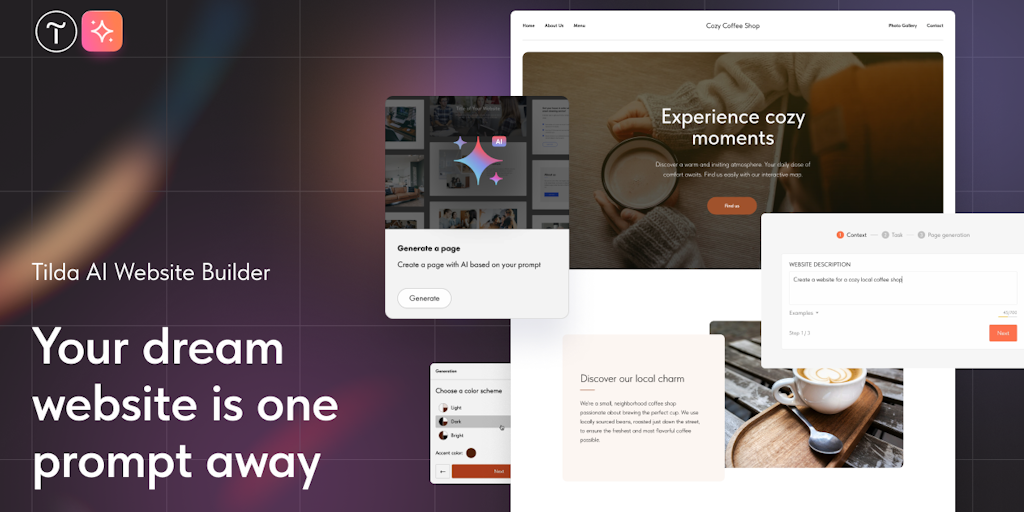
Tilda Publishing - AI Generates Pages and Copy

Create beautiful websites with AI - no code required

Nommy - Restaurant Websites with Digital Menus

Professional restaurant websites with digital menus - no coding, launch in minutes

Sponsored
DA
Descript: AI Video Editor
Unicorn Platform - Website Builder for Startup Founders

AI website builder for founders - launch in minutes, no code or design skills needed

A content management system lets you build and run a website, creating pages, publishing posts, and managing media, without hand-coding every change. CMS platforms power a huge share of the web because they put publishing in the hands of people who are not developers.

What a CMS platform provides

These platforms handle content creation and editing, templates and themes for design, media management, user roles, and publishing workflows. Some are all-in-one hosted services that manage everything for you, while others are self-hosted software you install and control, trading convenience for flexibility.

Choosing among CMS platforms

WordPress dominates through its ecosystem of plugins, while modern headless CMS options separate content from presentation for developers building custom front ends. For selling products, a CMS overlaps with e-commerce platforms.

Frequently Asked Questions

What is the most popular CMS?
WordPress powers 43% of all websites globally - the most widely used CMS by a significant margin, with thousands of themes and plugins. Squarespace and Wix are popular hosted CMS platforms for non-technical users. Ghost focuses on newsletter and publication workflows. Drupal is powerful for complex enterprise content needs. Webflow combines CMS with visual design control for marketing sites.
What is a headless CMS?
A headless CMS stores and manages content via an API but has no built-in presentation layer - the 'head' (frontend) is built separately using any framework (Next.js, React, Vue). This decoupling allows content to be delivered to websites, mobile apps, digital signage, and any other channel from one content source. Contentful, Sanity, Strapi, and Payload CMS are popular headless options. Suitable for organizations with development resources who need content across multiple channels.
Should I use WordPress or a headless CMS?
Use WordPress if: you need a traditional website with a rich plugin ecosystem, your team includes non-technical editors who need a familiar admin, and you do not need content across multiple platforms. Use a headless CMS if: you are building a custom Next.js or React frontend, you need content on web and mobile apps simultaneously, or you need structured content modeling beyond WordPress's post/page paradigm. Headless requires more development investment upfront.
What is a CMS and why do websites use one?
A content management system is software that lets you create, edit, organize, and publish website content through an interface, without writing code for every change. Websites use one because it separates content from the underlying code, so writers and marketers can add pages and posts, upload images, and update the site themselves, while developers handle design and functionality. This makes a site maintainable by a team rather than dependent on a programmer for every edit. A CMS also provides structure, templates, media handling, and user permissions that would be tedious to build from scratch.
What is the difference between hosted and self-hosted CMS platforms?
A hosted CMS is an all-in-one service where the provider manages hosting, updates, security, and infrastructure, and you simply build your site through their platform, which is convenient but less flexible and tied to their ecosystem. A self-hosted CMS is software you install on your own hosting, giving full control over customization, plugins, and data, but making you responsible for hosting, updates, and security. Hosted suits people who want simplicity; self-hosted suits those who need control and are comfortable managing the technical side or have someone who is.
Is WordPress still a good choice for a CMS?
For many sites, yes. WordPress powers a large share of the web thanks to its huge ecosystem of themes and plugins, strong community, and flexibility that spans blogs, business sites, and stores. It is a solid default when you want extensive functionality without custom development and value the availability of ready-made extensions and expertise. Alternatives may fit better in specific cases: modern hosted builders for simplicity, headless systems for developer-driven custom front ends, or dedicated platforms for e-commerce. But WordPress remains a capable, well-supported choice for a wide range of websites.