


AudioStrip
Perfect vocal isolation from any song in seconds—free or premium
What is Audiostrip?
AudioStrip is an AI-powered audio separation tool that isolates vocals and instrumentals from songs with near-perfect quality. It uses advanced algorithms to split audio files into individual stems, allowing musicians and producers to extract clean vocal or instrumental tracks. The tool works online without requiring software installation, serving musicians, producers, DJs, and audio professionals who need high-quality stem separation.
Need help implementing AudioStrip?
Find verified specialists who work with AudioStrip
Key Features of Audiostrip
- Vocal and instrumental isolation
- Noise removal from speech
- Batch processing for multiple songs
- AI mastering
- Key and BPM detection
- 10x faster processing with premium
- Free tier with unlimited use
- No software installation required
Who Should Use Audiostrip?
Extract vocals for remixes and covers
Remove backing tracks for karaoke
Isolate instruments for music production
Denoise speech recordings
Separate stems for audio post-production
Create acapella versions of songs
Audiostrip: Pros & Cons
✓Pros
- Free tier with unlimited use
- High-quality isolation with minimal artifacts
- Fast results
- Batch upload capability for premium users
- New features added regularly
- Trusted by professional musicians and composers
- No installation needed—works online
Frequently Asked Questions about Audiostrip
Is AudioStrip free to use?
Yes, AudioStrip offers a free tier with unlimited use for vocal and instrumental isolation. A premium version is available with a 15-day free trial that includes 10x faster processing and batch uploads.
What audio formats does AudioStrip support?
The page does not specify which audio formats are supported. Check the help documentation or contact support for format compatibility details.
How long does audio isolation take?
AudioStrip delivers quick results. Premium users get 10x faster isolation compared to the free tier.
Can I isolate multiple songs at once?
Yes, the Batch feature allows you to process multiple audio files at once, available with premium upgrade.
Tool Details
- Pricing
- Free
- Category
- Ai Vocal Remover
- Added
- Jul 2026
More Ai Vocal Remover Tools
7 tools in the same category
Isolate any sound from audio with AI-powered text, visual, or time prompts
Remove vocals from songs in 3 steps with AI - no download needed

Pro-level vocal removal and stem splitting powered by AI
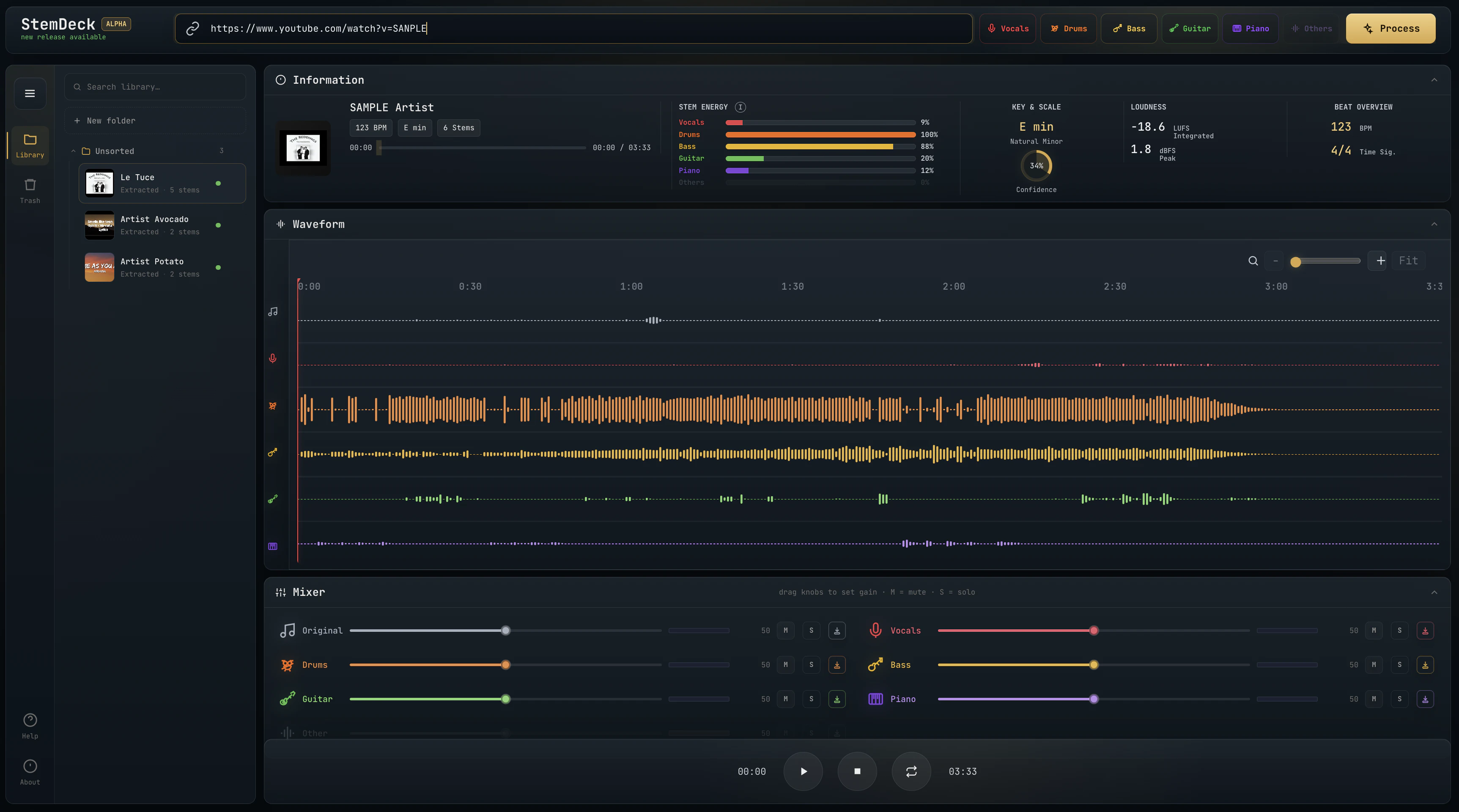
Free local stem separation. No account. No upload. No subscription.

Separate vocals and instruments locally, no uploads, lifetime access for $47.70
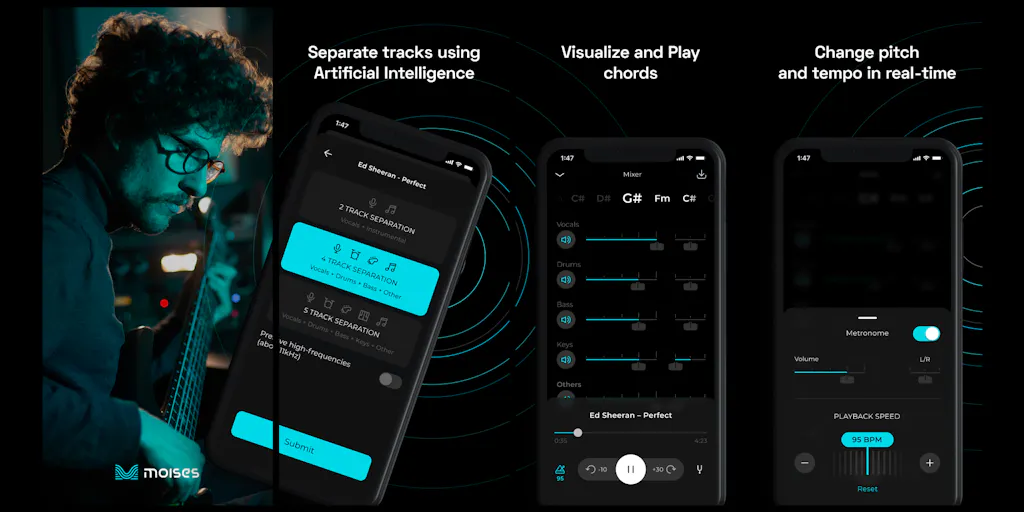
The creative suite for musicians to practice, perform, create, and collaborate anywhere.

Free AI vocal remover—create instrumentals instantly in your browser
Recently Added AI Tools
New tools added to the directory

Create viral memes with AI captions in seconds, watermark-free

The complete creative workspace for series writers and comic producers

Turn Pinterest inspiration into on-brand product photos in one click
Turn text into viral memes with AI in 110+ languages
From the Blog
Latest guides and tips on AI tools
Best AI Tools for Ecommerce in 2026
Best AI Tools for Ecommerce in 2026
Best AI ToolsBest AI Tools for Digital Marketers in 2026
Best AI Tools for Digital Marketers in 2026
Best AI ToolsBest AI Tools for Freelancers in 2026
Best AI Tools for Freelancers in 2026
Best AI ToolsBest AI Tools for Small Business Owners in 2026
Best AI Tools for Small Business Owners in 2026
Best AI ToolsWant to list your AI tool on NextStair?
Submit Tool