
Barr
Advanced task management native to Gmail—no new apps needed
What is Barr?
Barr is a Chrome extension that brings advanced task management directly into Gmail and Google Calendar without requiring a separate app. It transforms Google Tasks with Kanban boards, timeline views, and list management while maintaining native integration and two-way sync. Designed for professionals who find Google Tasks too basic but full project management tools overkill, Barr bridges the gap for teams already working within Gmail.
Need help implementing Barr?
Find verified specialists who work with Barr
Key Features of Barr
- Native integration inside Gmail & Calendar
- Two-way sync with Google Tasks
- Kanban board view
- Timeline view
- List view
- Team task sharing
- Zero learning curve
- 30-second setup
Who Should Use Barr?
Manage daily tasks without leaving Gmail
Visualize project workflows with Kanban boards
Track project timelines directly in Calendar
Share tasks with team members
Upgrade Google Tasks for power users
Replace heavy project management tools for small teams
Barr: Pros & Cons
✓Pros
- Lives natively inside Gmail and Calendar—no tab switching
- Two-way sync keeps Google Tasks updated
- Multiple view options (Kanban, Timeline, Lists)
- Minimal setup time (30 seconds)
- No separate application to learn
- Works with Google Workspace business accounts
- Team collaboration built-in
✕Cons
- Mobile support not available
- Dependent on Google Tasks as backend
Tool Details
- Pricing
- Free
- Category
- Project Management
- Added
- Jul 2026
More Project Management Tools
7 tools in the same category
Affordable all-in-one construction management software for contractors
Simple manufacturing ERP and MRP software for small manufacturers

Trello for your budget—real-time project finance tracking made simple

Affordable whiteboard, Kanban, and note-taking in one creative workspace

Your tasks, one click away. Zero loading, zero distractions.

Your projects on real sticky notes, right in your new tab

Native project planning for Apple—private, fast, focused.
Recently Added AI Tools
New tools added to the directory

Editaimg is an all-in-one AI image editor for retouching, removing watermarks, and adding people to photos seamlessly.

Translate, dub, and lip-sync videos in 160+ languages 30x faster
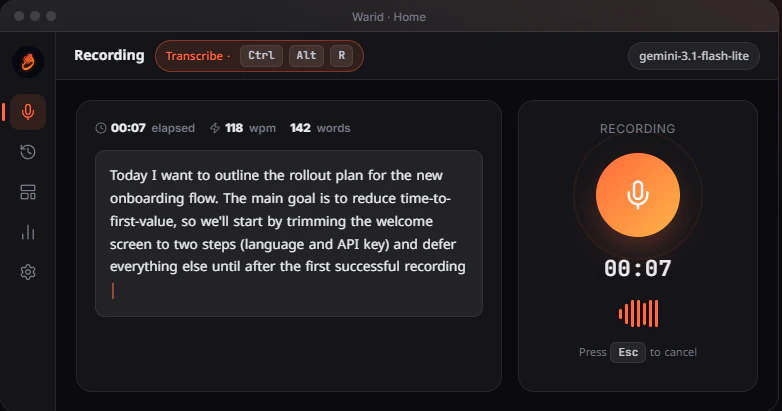

Private voice-to-text that never leaves your device
From the Blog
Latest guides and tips on AI tools
Best AI Tools for Digital Marketers in 2026
Best AI Tools for Digital Marketers in 2026
Best AI ToolsBest AI Tools for Freelancers in 2026
Best AI Tools for Freelancers in 2026
Best AI ToolsBest AI Tools for Small Business Owners in 2026
Best AI Tools for Small Business Owners in 2026
Best AI ToolsBest Vibe Coding Tools in 2026
Best Vibe Coding Tools in 2026
Vibe & Agentic CodingWant to list your AI tool on NextStair?
Submit Tool