

Bookmark Suggestions
Auto-populate your bookmarks bar with your most-visited sites daily
What is Bookmark Suggestions?
Bookmark Suggestions automatically discovers your most-visited websites from the last 7 days and displays them as clean favicon bookmarks in your browser's bookmarks bar with zero manual setup. The extension refreshes daily to keep your shortcuts current. Perfect for users who want quick access to their frequently-used sites without cluttering their interface.
Need help implementing Bookmark Suggestions?
Find verified specialists who work with Bookmark Suggestions
Key Features of Bookmark Suggestions
- Automatic discovery of most-visited sites from last 7 days
- Favicon bookmarks in bookmarks bar
- Daily refresh
- Hide distracting websites
- Customize number of suggested bookmarks
- Show/hide bookmarks bar toggle
- No manual setup required
Who Should Use Bookmark Suggestions?
Quick access to frequently-used websites
Keep bookmarks bar organized and current
Reduce time spent managing bookmarks manually
Prioritize most-visited sites for faster browsing
Bookmark Suggestions: Pros & Cons
✓Pros
- Fully automated with no setup required
- Daily automatic refresh keeps bookmarks current
- Clean favicon display saves space
- Customizable to hide unwanted sites
- Adjustable number of bookmarks
- Simple popup settings interface
Frequently Asked Questions about Bookmark Suggestions
How does Bookmark Suggestions work?
The extension automatically analyzes your browsing history from the last 7 days, identifies your most-visited websites, and displays them as favicon bookmarks directly in your bookmarks bar. It refreshes daily to keep your bookmarks current.
Do I need to manually set up anything?
No, Bookmark Suggestions requires zero manual setup. Simply install the extension and it starts working automatically.
Can I customize which sites appear?
Yes, you can hide distracting websites and adjust the number of suggested bookmarks through the extension's popup settings.
How often does the extension update my bookmarks?
The bookmarks refresh daily to reflect your most recent browsing habits from the last 7 days.
Tool Details
- Company
- RightBonds
- Pricing
- Free
- Languages
- English
- Category
- Productivity Chrome Ext
- Added
- Jul 2026
More Productivity Chrome Ext Tools
7 tools in the same category

Auto-organize tabs, find anything instantly, sleep idle tabs to speed up your browser
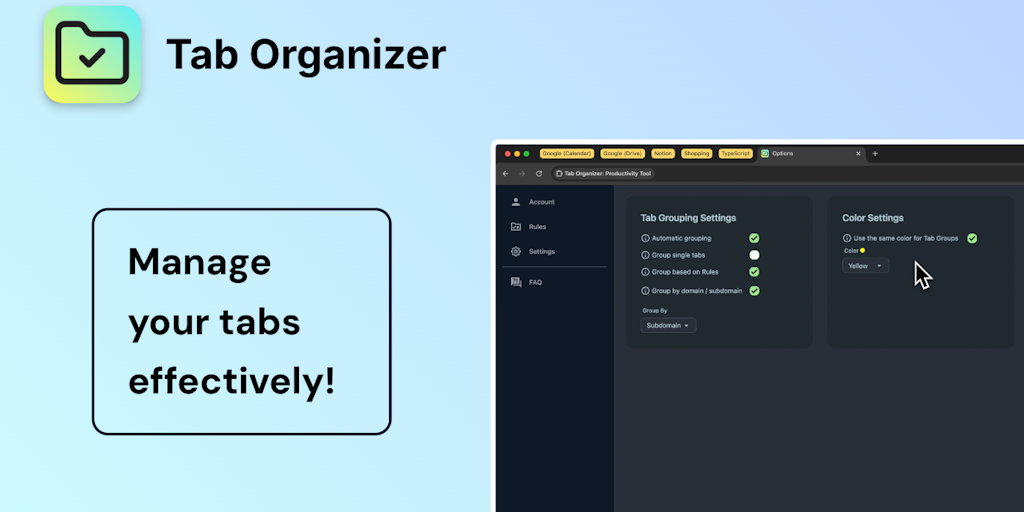
Transform tab chaos into organized bliss with smart grouping

Save websites visually. Find inspiration instantly.

AI-powered focus blocker that keeps distractions out, even across browser tabs.

AI agent in your sidebar—automate, organize, and research the web without breaking focus

Your personal search engine—organize everything, find anything effortlessly

AI bookmark manager that finds anything instantly—no folders, no friction.
Recently Added AI Tools
New tools added to the directory

Deploy AI workers that take real actions in your systems, 24/7.

Free API to extract Open Graph data from any URL instantly

From the Blog
Latest guides and tips on AI tools
Best AI Tools for Ecommerce in 2026
Best AI Tools for Ecommerce in 2026
Best AI ToolsBest AI Tools for Digital Marketers in 2026
Best AI Tools for Digital Marketers in 2026
Best AI ToolsBest AI Tools for Freelancers in 2026
Best AI Tools for Freelancers in 2026
Best AI ToolsBest AI Tools for Small Business Owners in 2026
Best AI Tools for Small Business Owners in 2026
Best AI ToolsWant to list your AI tool on NextStair?
Submit Tool