
NextStair
Ad
ElevenLabs: AI Voice Generator | Sign Up Now FREE
Try Now

Best Productivity Extensions 2026

Find Chrome productivity extensions that save time, reduce distraction, and improve focus while browsing. These tools block distracting sites, manage tabs, save reading lists, speed up repetitive actions, and extend browser functionality for knowledge workers. Compare feature sets, customization options, and whether extensions sync across devices.

13 tools
Showing 1–13 of 13 tools
Bookmarkify - Visual Library for Design Inspiration

Save websites visually. Find inspiration instantly.

AI Tab Manager - Search, Sleep & Manage

Auto-organize tabs, find anything instantly, sleep idle tabs to speed up your browser
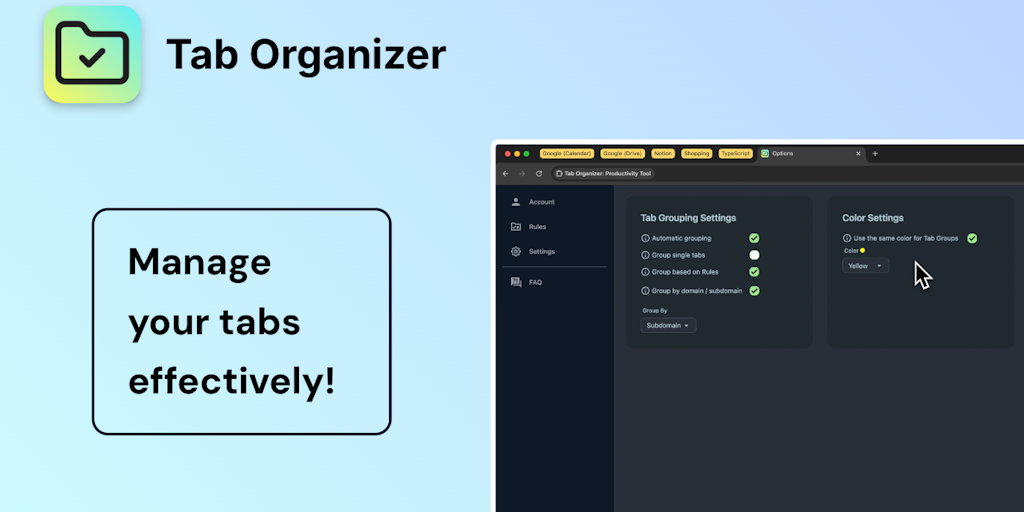
Tab Organizer - Smart Grouping by Domain and Rules

Transform tab chaos into organized bliss with smart grouping

Bookmarkjar ® - Search Bookmarks by Question, Not Folders

AI bookmark manager that finds anything instantly - no folders, no friction.

Super Session Manager - Suspend Tabs to Save Memory

Save, organize, and restore tab sessions with privacy-first tab management.

DeepPane - Focus Workspace with Ambient Scenes

Ambient focus workspace with AI agents, music, and Pomodoro for deeper work.
Bookmark Suggestions - Auto-Updates with Your Most-Visited Sites

Auto-populate your bookmarks bar with your most-visited sites daily

LockIn MCP - System-Level Distraction Blocker for AI Users

AI-powered focus blocker that keeps distractions out, even across browser tabs.

TabSnooze - Tabs Reopen at the Right Time

Snooze tabs now, see them when it matters - reach tab inbox zero.

Side Space - Automate Tasks While Browsing

AI agent in your sidebar - automate, organize, and research the web without breaking focus

Tab Manager - Organize Tabs Like Finder Files

Organize Chrome tabs like files in Finder

Realm App - Search Saved Content by Context

Your personal search engine - organize everything, find anything effortlessly

Sponsored
DA
Descript: AI Video Editor
Sidenote - AI Answers with Document Citations

AI answers with citations - verify every claim against your documents

The browser is where much work happens, and productivity Chrome extensions make it more efficient, managing tabs, saving content, blocking distractions, and streamlining repetitive tasks. The right few can meaningfully improve your daily workflow without cluttering the browser.

What productivity extensions do

They handle tab management, content clipping and saving, focus and distraction blocking, password management, and workflow shortcuts, removing small frictions from browser-based work. The best ones become invisible habits.

Choosing productivity extensions

A curated set beats a crowded one, so pair these with the AI extensions and, for distraction control, the ad blockers.

Frequently Asked Questions

What are the best Chrome extensions for focus and distraction blocking?
Freedom, Cold Turkey, and StayFocusd block distracting sites on a schedule or timer. News Feed Eradicator removes social media feeds while keeping functionality. LeechBlock NG is the most configurable free option. These tools are most effective when paired with intent-setting before work sessions rather than hoping the blocker does the motivational work for you.
What Chrome extension saves articles for later reading?
Pocket and Instapaper save articles for clean, distraction-free reading later across devices. Readwise Reader is the most powerful read-it-later tool for researchers and learners - combining saving, highlighting, and flashcard-based review. Notion Web Clipper saves pages directly to Notion with optional annotation. For simple bookmarking, Chrome's built-in Reading List is underused and requires no extension.
What Chrome extensions help with tab management?
OneTab converts all open tabs into a list (saving memory and preserving your session). Tabular and Workona organize tabs into workspaces. Suspender extensions (Tab Suspender, The Marvellous Suspender) pause inactive tabs to reduce Chrome's RAM usage. For power users with 50+ tabs regularly, a tab manager extension can meaningfully reduce cognitive overhead and memory consumption.
What are the most useful productivity Chrome extensions?
Widely valued ones include tab managers like OneTab for handling many tabs, content savers like Notion Web Clipper and Pocket, password managers like Bitwarden, focus and distraction blockers, dark mode extensions like Dark Reader, and note or annotation tools. AI extensions add another dimension of productivity. The most useful depend on your workflow, but tools that manage tabs, save content, and reduce distraction tend to help most. Rather than installing many, curate a small set addressing your actual frictions, since a focused collection of extensions you genuinely use improves productivity without slowing the browser or adding clutter.
Do productivity extensions slow down Chrome?
Some can, particularly extensions that run on every page or maintain background processes, and accumulating many compounds the effect on performance. Ironically, some productivity extensions like ad blockers actually speed up browsing by blocking heavy content. To keep Chrome fast, install only extensions you actively use, and remove or disable those you do not, checking Chrome's Task Manager to spot any consuming excessive resources. A lean, deliberate set of productivity extensions provides the benefits without the slowdown, while an unmanaged, ever-growing collection is a common cause of a sluggish browser, so curation matters for both productivity and performance.
How many Chrome extensions is too many?
There is no fixed number, but the practical limit is when performance suffers or you have extensions you no longer use, since each consumes some resources and some run constantly. The goal is a purposeful set that addresses real needs rather than accumulating extensions you forget about. If Chrome feels slow, audit your extensions and remove unused ones, using the Task Manager to find resource-heavy culprits. Many people run a handful to a couple dozen without issue if they are well-chosen and not all resource-intensive. Quality and relevance matter more than a specific count, so keep the ones you use and prune the rest.