


FontGen - Online Font Generator
Transform plain text into hundreds of cool, fancy fonts instantly
Add your screenshot here
Image or video shown in this spot
What is Fontgen?
FontGen.in is a free online font generator that transforms standard text into hundreds of stylized fonts instantly. Users simply type or paste text and select from aesthetic styles like cursive, bold, gothic, vaporwave, and glitch fonts, then copy the generated text. It's designed for social media users, gamers, students, and professionals who want to create visually distinctive text for bios, messages, documents, and creative projects without design skills.
Need help implementing FontGen - Online Font Generator?
Find verified specialists who work with FontGen - Online Font Generator
Key Features of Fontgen
- 100+ font styles including cursive, bold, gothic, and glitch
- Instant text transformation
- One-click copy functionality
- No account or login required
- Supports special characters and symbols
- Vaporwave and Asian fusion styles
- Strikethrough, underline, and accent variations
- Upside down and mirrored text options
Who Should Use Fontgen?
Create unique social media bios and profiles
Design gaming usernames and chat messages
Highlight headings in documents and invitations
Add creative flair to school and business projects
Make attention-grabbing text for ads and marketing
Decorate messages without design software
Fontgen: Pros & Cons
✓Pros
- Completely free to use
- No installation or account required
- Hundreds of font styles available
- One-click copy for easy sharing
- Works instantly without processing time
- No special design skills needed
- Supports creative text effects and symbols
Frequently Asked Questions about Fontgen
Is FontGen.in completely free to use?
Yes, FontGen.in is a free internet tool with no account or login required.
How many font styles are available?
FontGen.in offers hundreds of cool font styles including cursive, bold, gothic, glitch, vaporwave, strikethrough, upside down, and many more.
Can I use these fonts on social media?
Yes, the generated fonts are popular for social media bios, chat messages, and gaming names. You can copy and paste them directly.
Do I need design skills to use this tool?
No, the tool is designed for anyone to use without special design skills. Simply type your text, choose a style, and click copy.
What happens after I generate fancy text?
You can instantly copy the generated text with one click and paste it anywhere you want to use it.
Tool Details
- Pricing
- Free
- Category
- Ai Fonts
- Added
- Jul 2026
More Ai Fonts Tools
7 tools in the same category

Generate stunning AI fonts, signatures & logos in seconds - free, no design skills needed

Manage 6,000+ fonts with one click. Works with Photoshop, Illustrator & more.

Transform your text into 50+ stunning fonts in real-time
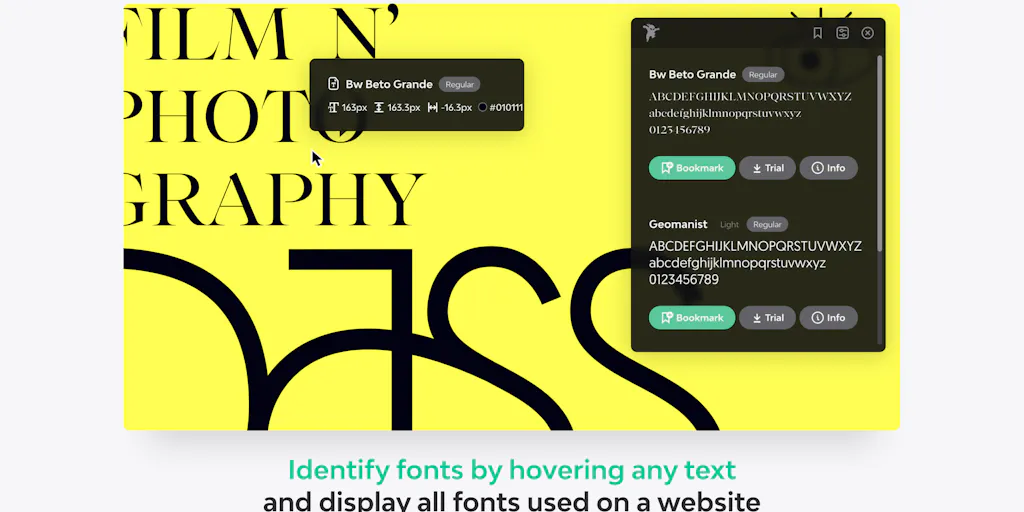
Identify any font on the web in seconds
A monospace font that makes code readable and beautiful
Turn your handwriting into a real font in under a minute

AI-powered font generation from prompts or images in seconds
Recently Added AI Tools
New tools added to the directory



Share PDFs securely - no account, no trace, automatic expiration.

Batch download & auto-organize TikTok, Instagram, YouTube videos in one command
From the Blog
Latest guides and tips on AI tools
Free Logo Maker Apps in 2026
Free Logo Maker Apps in 2026
AI Image GenerationBest AI Tools for Ecommerce in 2026
Best AI Tools for Ecommerce in 2026
Best AI ToolsBest AI Tools for Digital Marketers in 2026
Best AI Tools for Digital Marketers in 2026
Best AI ToolsBest AI Tools for Freelancers in 2026
Best AI Tools for Freelancers in 2026
Best AI ToolsWant to list your AI tool on NextStair?
Submit Tool