

MinuteFile
Local transcription for Mac meetings—no upload, no bot, no subscription.
What is Minutefile?
MinuteFile is a professional local transcription tool for Mac that converts meeting recordings into editable, searchable transcripts without uploading audio to the cloud or requiring meeting bots. It works by detecting recordings from Zoom, Meet, Teams, and other apps, then processing them locally using downloaded AI models. Built for teams and professionals who need privacy-first transcription with full control over their meeting archives.
Need help implementing MinuteFile?
Find verified specialists who work with MinuteFile
Key Features of Minutefile
- Local transcription without cloud upload
- Supports Zoom, Meet, Teams, Screen Studio recordings
- Editable speaker names and transcript text
- Searchable local meeting archive
- Batch transcription processing
- Audio and video input support
- Export to TXT, Markdown, and HTML
- Durable autosave
- Watched recording folders
- Sample meeting included
Who Should Use Minutefile?
Transcribe Zoom meetings for internal teams
Archive and search Teams recordings
Edit and share Google Meet transcripts
Maintain searchable meeting records for compliance
Export meeting notes for documentation
Minutefile: Pros & Cons
✓Pros
- Runs entirely locally—no privacy concerns
- One-time $39 purchase with no subscription
- Three free trial transcriptions
- Transcripts remain editable and searchable after trial
- Batch processing for multiple recordings
- Built-in sample meeting to explore features
- Autosave ensures no work is lost
✕Cons
- Mac-only application
- Requires manual speaker name repair if misattributed
- Local processing may be slower than cloud-based alternatives
Frequently Asked Questions about Minutefile
Do I need to upload my recordings to use MinuteFile?
No. MinuteFile runs entirely locally on your Mac. Your recordings never leave your computer.
What recording formats does MinuteFile support?
MinuteFile works with recordings from Zoom, Google Meet, Microsoft Teams, Screen Studio, and other apps on your Mac.
Can I keep using transcripts after my free trial ends?
Yes. All transcripts you created during the trial remain readable, editable, searchable, and exportable forever. You only need a license to create new transcriptions.
How much does MinuteFile cost?
MinuteFile costs US$39 as a one-time purchase with no subscription or account required.
Tool Details
- Company
- MotionObj
- Pricing
- Free
- Category
- Ai Meeting Agent
- Added
- Jul 2026
More Ai Meeting Agent Tools
7 tools in the same category

Record meetings with 99.9% reliability and perfect speaker diarization


Enterprise AI for contact centers that resolves tickets, guides agents, and automates workflows

.png)
Live meeting transcription and AI summaries for Zoom, Google Meet & Teams

AI teammate that participates in meetings, not just records them
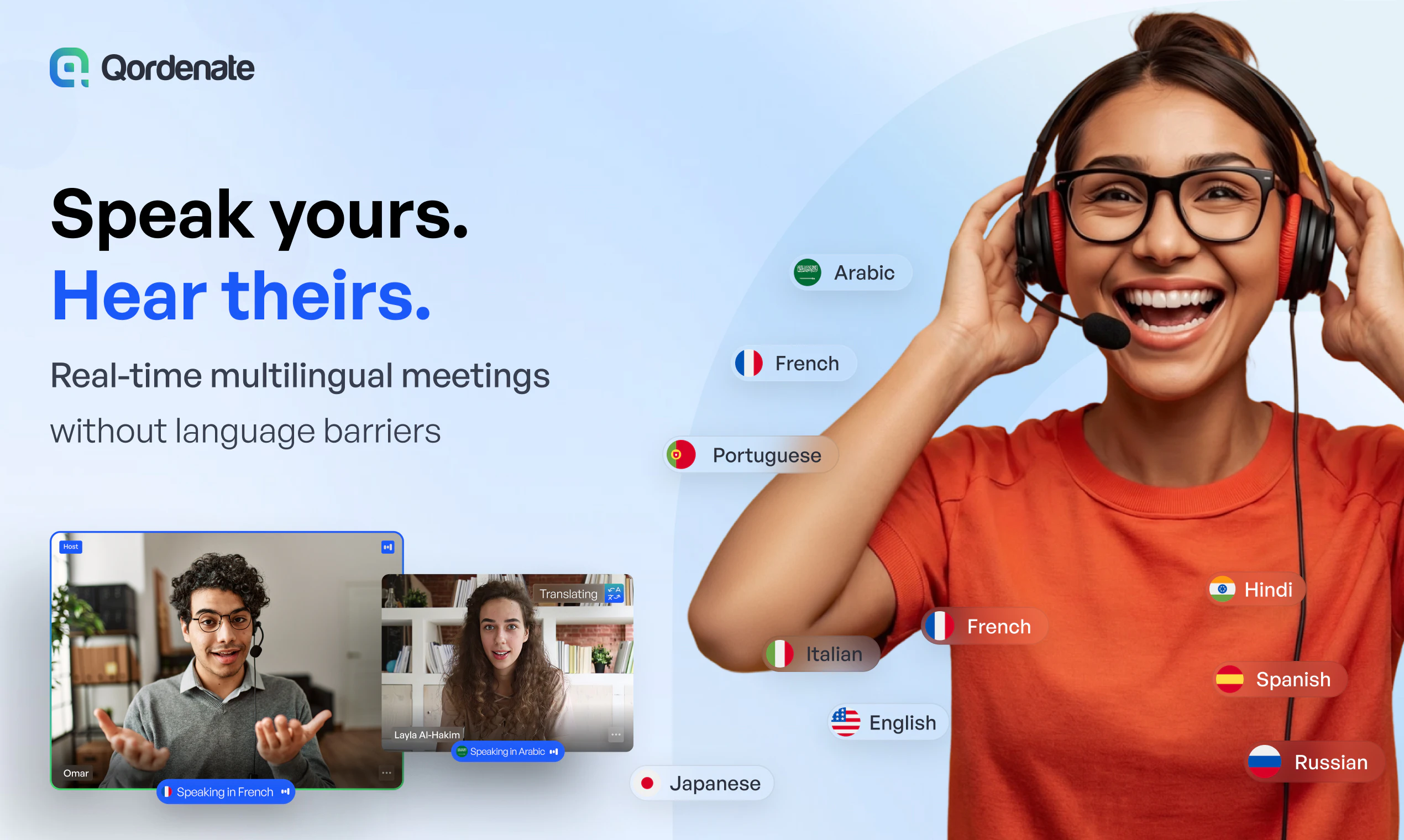
Real-time voice translation for 33+ languages—speak naturally, everyone understands.
Recently Added AI Tools
New tools added to the directory

Create viral memes with AI captions in seconds, watermark-free

The complete creative workspace for series writers and comic producers

Turn Pinterest inspiration into on-brand product photos in one click
Turn text into viral memes with AI in 110+ languages
From the Blog
Latest guides and tips on AI tools
Best AI Tools for Ecommerce in 2026
Best AI Tools for Ecommerce in 2026
Best AI ToolsBest AI Tools for Digital Marketers in 2026
Best AI Tools for Digital Marketers in 2026
Best AI ToolsBest AI Tools for Freelancers in 2026
Best AI Tools for Freelancers in 2026
Best AI ToolsBest AI Tools for Small Business Owners in 2026
Best AI Tools for Small Business Owners in 2026
Best AI ToolsWant to list your AI tool on NextStair?
Submit Tool