


Oculta
Read your script on camera without anyone noticing
What is Oculta?
Oculta is an invisible teleprompter app that lets you read scripts during video calls, screen sharing, and presentations without others seeing the text. It creates a hidden window visible only to you while maintaining eye contact with your camera. The tool works across all major platforms like Zoom, Google Meet, and Microsoft Teams, with arrow key controls for seamless pacing.
Need help implementing Oculta?
Find verified specialists who work with Oculta
Key Features of Oculta
- Hidden window invisible to screen sharing
- Read scripts while maintaining eye contact
- Arrow key text control
- Unlimited notes (Pro)
- Up to 2 notes (Basic)
- Custom appearance
- Sticky Notes
- Compatible with Zoom, Google Meet, Microsoft Teams
- No sign-up required
Who Should Use Oculta?
Present on video calls without losing eye contact
Record videos while reading from a script
Conduct online meetings with prepared talking points
Host webinars and presentations
Record tutorials and training videos
Oculta: Pros & Cons
✓Pros
- Text remains completely hidden from screen sharing and recordings
- Simple arrow key controls keep your flow uninterrupted
- Works with all major video conferencing platforms
- Free basic plan available
- No installation or sign-up needed to start
- Lifetime access option with one-time payment
- Enterprise bulk licensing available
✕Cons
- macOS only (version 15+, Apple Silicon & Intel)
- Basic plan limited to 2 notes
- No Windows support mentioned
Frequently Asked Questions about Oculta
What is Oculta App?
Oculta is an invisible teleprompter app that lets you read your script while sharing your screen and looking at the camera, without anyone else seeing the text.
Does the text appear in recordings or screen sharing?
No, the text does not appear in recordings or screen sharing. The hidden window is visible only to you.
Does it work with Zoom, Google Meet, and Microsoft Teams?
Yes, Oculta is compatible with all major video conferencing platforms.
How do I control the text?
You control the text using your arrow keys, allowing you to maintain your pace without losing your flow.
Does Oculta App work on Mac and Windows?
Oculta is currently available for macOS 15+ with Apple Silicon and Intel processors. Windows support is not mentioned.
Tool Details
- Company
- AGC
- Pricing
- Free
- Category
- Ai Meeting Agent
- Added
- Jul 2026
More Ai Meeting Agent Tools
7 tools in the same category

Record meetings with 99.9% reliability and perfect speaker diarization

Enterprise AI for contact centers that resolves tickets, guides agents, and automates workflows

.png)
Live meeting transcription and AI summaries for Zoom, Google Meet & Teams

AI teammate that participates in meetings, not just records them
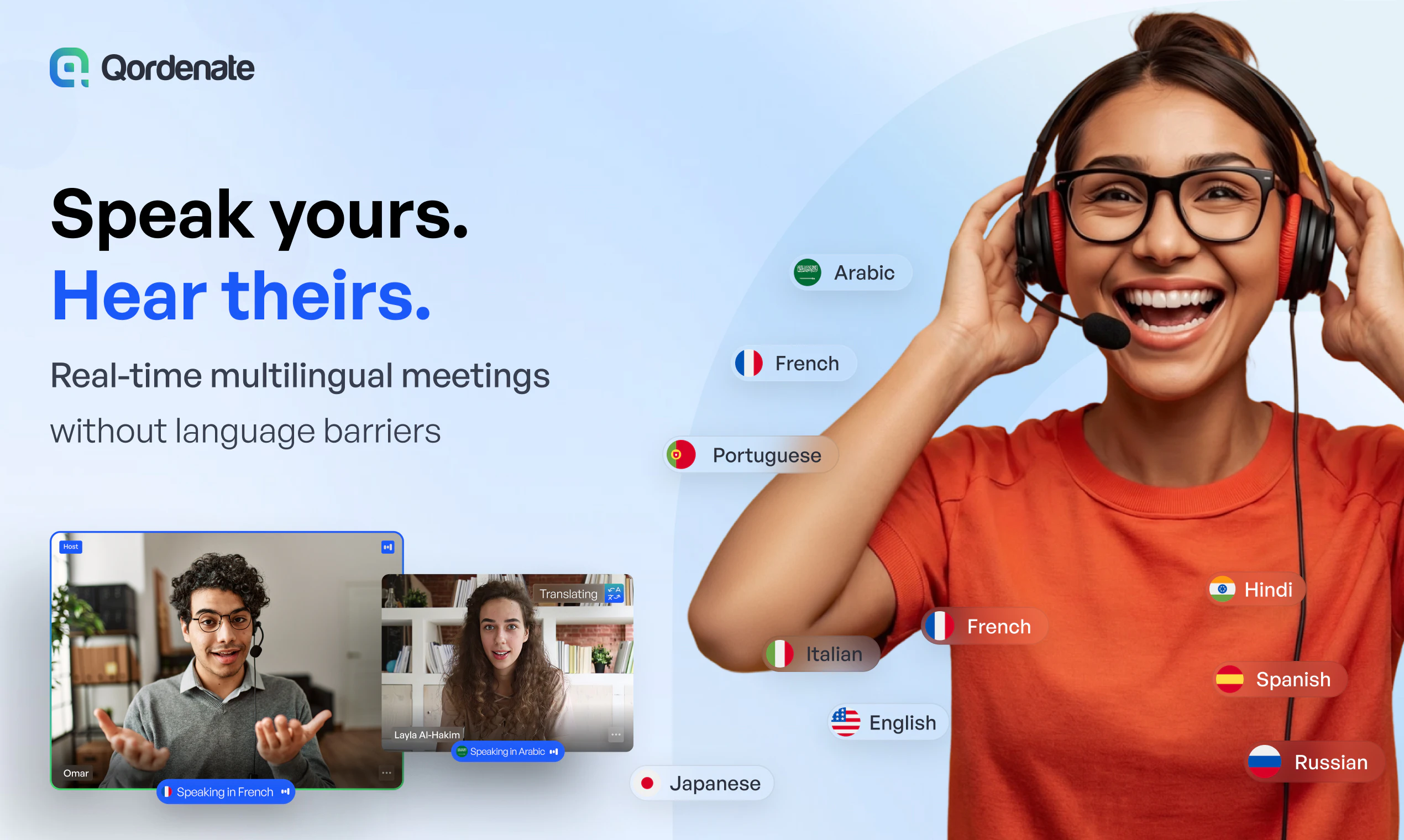
Real-time voice translation for 33+ languages—speak naturally, everyone understands.

Recently Added AI Tools
New tools added to the directory

Create viral memes with AI captions in seconds, watermark-free

The complete creative workspace for series writers and comic producers

Turn Pinterest inspiration into on-brand product photos in one click
Turn text into viral memes with AI in 110+ languages
From the Blog
Latest guides and tips on AI tools
Best AI Tools for Ecommerce in 2026
Best AI Tools for Ecommerce in 2026
Best AI ToolsBest AI Tools for Digital Marketers in 2026
Best AI Tools for Digital Marketers in 2026
Best AI ToolsBest AI Tools for Freelancers in 2026
Best AI Tools for Freelancers in 2026
Best AI ToolsBest AI Tools for Small Business Owners in 2026
Best AI Tools for Small Business Owners in 2026
Best AI ToolsWant to list your AI tool on NextStair?
Submit Tool