

Nod
Your personal meeting memory. No bot, no setup, no corporate email required.
What is Nod?
Nod is a personal meeting memory tool that captures and recalls conversations across calls, meetings, and voice notes without requiring a corporate setup or bot presence. It transcribes audio in seconds (then deletes it for privacy), extracts action items automatically, and stores everything in your personal Gmail workspace. Designed for independent workers, contractors, and teams who need to remember commitments and follow-ups without IT overhead.
Need help implementing Nod?
Find verified specialists who work with Nod
Key Features of Nod
- Automatic meeting transcription in 14 languages
- Action item extraction from every call
- No bot joins your meetings
- Works with personal or workspace Gmail
- Audio never stored—transcribed then deleted
- Searchable meeting memory across apps
- Share summaries as links or exports
- Works with Claude
- No setup required for macOS
Who Should Use Nod?
Remember follow-ups and commitments from client calls
Capture action items from standups and 1:1s
Track promises made to customers and prospects
Keep meeting context across contractor/freelancer work
Recall design review decisions and next steps
Export meeting summaries for team members who weren't present
Nod: Pros & Cons
✓Pros
- No corporate Workspace plan or IT setup required
- No bot joins calls—keeps meetings private
- Audio transcribed then immediately deleted for privacy
- Works with any Google account (personal or work)
- Automatic action item extraction
- Searchable across all meetings
- Supports 14 languages
- Ready to use on first call
- No credit card required for free tier
✕Cons
- macOS only for free tier (platform limitation mentioned)
- Requires Google account integration
Frequently Asked Questions about Nod
Do I need to set up a corporate Google Workspace to use Nod?
No. Nod works with any Google account—personal Gmail or workspace email. No corporate plan or IT ticket required.
What happens to my meeting audio after transcription?
Audio is transcribed in seconds and then immediately deleted. It is never stored.
Can Nod be used if a bot isn't allowed in the meeting?
Yes. Nod uses no bot—it captures your meetings privately without anyone else knowing.
What languages does Nod support?
Nod supports 14 languages for capturing and recalling meetings.
How do I share meeting summaries with teammates or clients?
You can share a summary as a link, copy it, or export it so others get the takeaways without the full transcript.
Tool Details
- Pricing
- Free
- Languages
- English, and 13 other languages (14 total supported)
- Category
- Ai Meeting Agent
- Added
- Jul 2026
More Ai Meeting Agent Tools
7 tools in the same category

Record meetings with 99.9% reliability and perfect speaker diarization


Enterprise AI for contact centers that resolves tickets, guides agents, and automates workflows

.png)
Live meeting transcription and AI summaries for Zoom, Google Meet & Teams

AI teammate that participates in meetings, not just records them
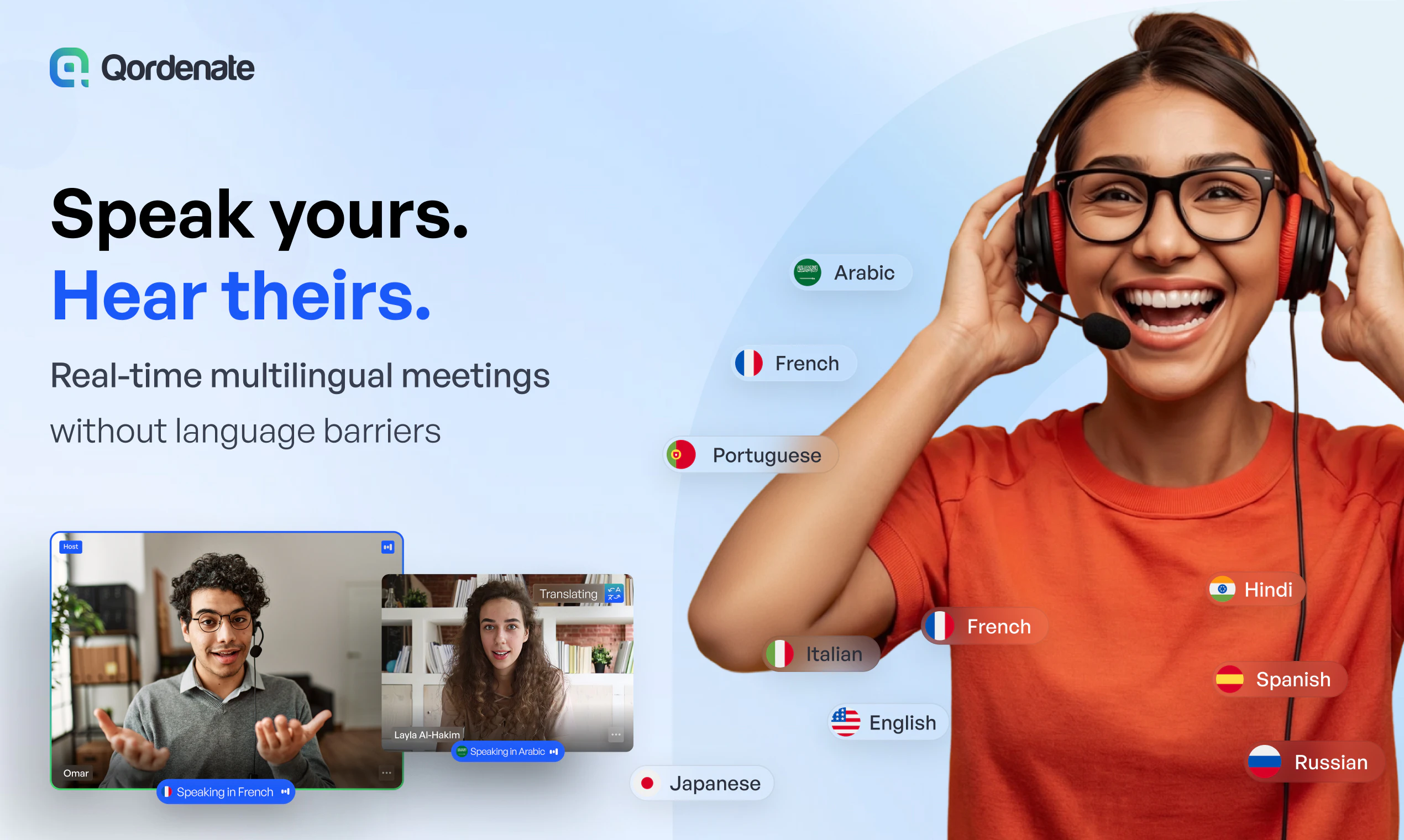
Real-time voice translation for 33+ languages—speak naturally, everyone understands.
Recently Added AI Tools
New tools added to the directory

Create viral memes with AI captions in seconds, watermark-free

The complete creative workspace for series writers and comic producers

Turn Pinterest inspiration into on-brand product photos in one click
Turn text into viral memes with AI in 110+ languages
From the Blog
Latest guides and tips on AI tools
Best AI Tools for Ecommerce in 2026
Best AI Tools for Ecommerce in 2026
Best AI ToolsBest AI Tools for Digital Marketers in 2026
Best AI Tools for Digital Marketers in 2026
Best AI ToolsBest AI Tools for Freelancers in 2026
Best AI Tools for Freelancers in 2026
Best AI ToolsBest AI Tools for Small Business Owners in 2026
Best AI Tools for Small Business Owners in 2026
Best AI ToolsWant to list your AI tool on NextStair?
Submit Tool