

Singify AI Vocal Remover
Remove vocals and split songs into stems with AI in seconds
What is Singify Ai Vocal Remover?
Singify AI Vocal Remover is a state-of-the-art AI tool that splits songs into distinct tracks and removes vocals with professional quality. It uses advanced AI models to extract vocals and isolate individual stems like drums, bass, piano, and guitar from any audio or video file. The tool is designed for musicians, producers, karaoke enthusiasts, and content creators who need lossless instrumental tracks or stem separation.
Need help implementing Singify AI Vocal Remover?
Find verified specialists who work with Singify AI Vocal Remover
Key Features of Singify Ai Vocal Remover
- 10 stems separation (vocals, drums, bass, piano, guitar, etc.)
- Vocal and instrumental isolation
- Reverb removal
- Lead & back vocal separation
- Multi-singer separation
- Male/female vocal separation
- Supports MP3, WAV, M4A output formats
- Up to 20 minutes per file, 30MB max
- Free to use with credits
- Cross-platform support (web, iOS, Android, macOS)
- Regular AI model updates
- One-click splitting with intuitive interface
Who Should Use Singify Ai Vocal Remover?
Create karaoke tracks from songs
Extract vocal stems for music production
Isolate individual instruments for remixing
Remove background vocals from recordings
Separate reverb from audio tracks
Extract lead and backing vocals separately
Analyze multi-singer compositions
Singify Ai Vocal Remover: Pros & Cons
✓Pros
- Effortless and free to use with no fees or complications
- Flawless sound quality with lossless processing
- Wide stem separation options (up to 10 stems)
- Fast and accurate vocal removal with state-of-the-art AI
- Cross-platform support across devices and browsers
- Multi-format audio output compatibility
- Regular AI model improvements
- Intuitive user interface for quick results
Frequently Asked Questions about Singify Ai Vocal Remover
What audio formats does Singify Vocal Remover support?
The tool supports MP3, WAV, and M4A formats for audio output. Maximum file duration is 20 minutes and maximum file size is 30MB.
How many stems can Singify separate?
Singify can separate up to 10 different stems including vocals, drums, bass, piano, guitar, reverb, and more depending on the selected model.
Is Singify Vocal Remover free to use?
Yes, Singify is effortless and free to use with no fees or complications. Users get credits to process songs.
What devices can I use Singify on?
Singify works cross-platform on web, iOS, Android, and macOS browsers.
How accurate is the vocal removal?
Singify uses state-of-the-art AI models to deliver fast, accurate, and distortion-free vocal removal while preserving sound quality.
Tool Details
- Pricing
- Free
- Languages
- English
- Category
- Ai Vocal Remover
- Added
- Jul 2026
More Ai Vocal Remover Tools
7 tools in the same category
Isolate any sound from audio with AI-powered text, visual, or time prompts
Remove vocals from songs in 3 steps with AI - no download needed

Pro-level vocal removal and stem splitting powered by AI
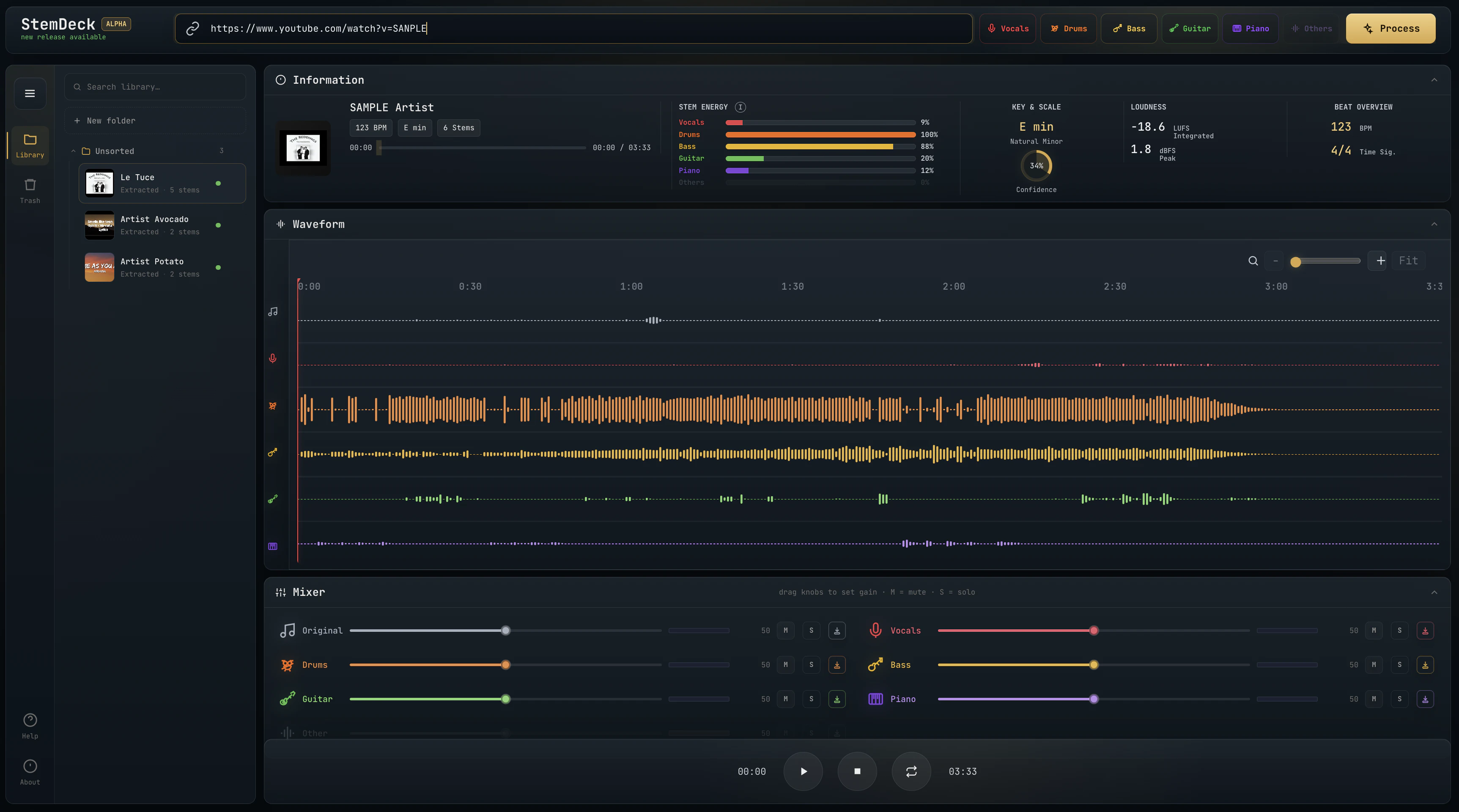
Free local stem separation. No account. No upload. No subscription.

Separate vocals and instruments locally, no uploads, lifetime access for $47.70
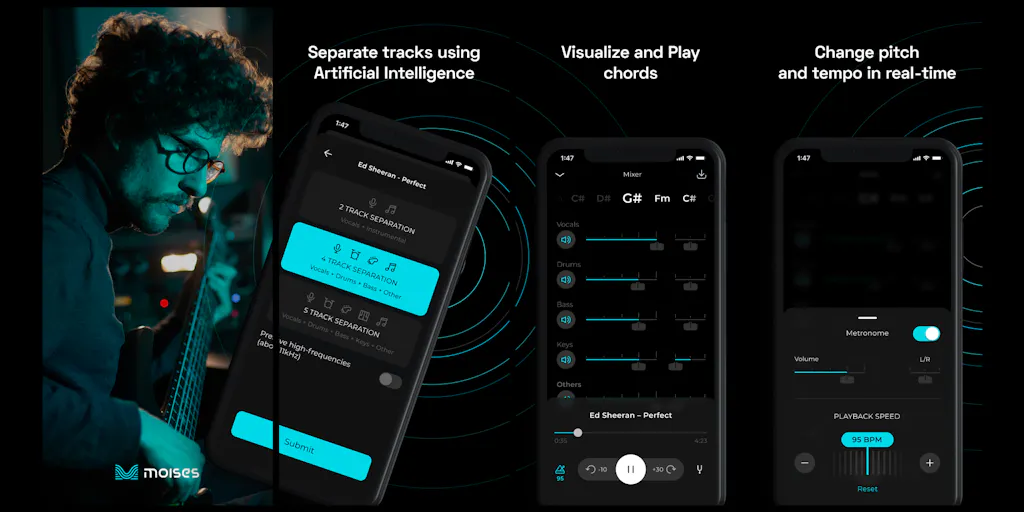
The creative suite for musicians to practice, perform, create, and collaborate anywhere.

Free AI vocal remover—create instrumentals instantly in your browser
Recently Added AI Tools
New tools added to the directory

Create viral memes with AI captions in seconds, watermark-free

The complete creative workspace for series writers and comic producers

Turn Pinterest inspiration into on-brand product photos in one click
Turn text into viral memes with AI in 110+ languages
From the Blog
Latest guides and tips on AI tools
Best AI Tools for Ecommerce in 2026
Best AI Tools for Ecommerce in 2026
Best AI ToolsBest AI Tools for Digital Marketers in 2026
Best AI Tools for Digital Marketers in 2026
Best AI ToolsBest AI Tools for Freelancers in 2026
Best AI Tools for Freelancers in 2026
Best AI ToolsBest AI Tools for Small Business Owners in 2026
Best AI Tools for Small Business Owners in 2026
Best AI ToolsWant to list your AI tool on NextStair?
Submit Tool