


TabSnooze
Snooze tabs now, see them when it matters—reach tab inbox zero.
What is Tabsnooze?
TabSnooze is a Chrome extension that helps users manage browser tab overload by snoozing tabs to reopen automatically at scheduled times. Users can close tabs now and have them return at a specific time (Today, This Week, Someday, or Daily Routine), with notifications reminding them. All data is stored locally in the browser with no accounts, servers, or tracking.
Need help implementing TabSnooze?
Find verified specialists who work with TabSnooze
Key Features of Tabsnooze
- Snooze current tab with one click
- Snooze all other open tabs at once
- Right-click any link to snooze without opening
- Labels to organize and filter saved tabs
- Reorderable daily routine list
- Badge counter for tabs returning today
- Quick reschedule options (+1h, +3h, +1d, +3d, +1w)
- Archive of read or dismissed tabs
- Local-only storage with no data collection
Who Should Use Tabsnooze?
Manage tab hoarders with 30+ open tabs
Follow up on emails, articles, flight prices, or job posts at the right time
Replace bookmarks with reminders that actually return
Keep a clean, fast browser without losing important pages
Tabsnooze: Pros & Cons
✓Pros
- Privacy-first design with local-only storage
- No accounts or servers required
- One-click snoozing with flexible scheduling
- Supports multiple languages (English, Español, Português)
- Auto-detected language switching
- Badge counter for quick reference
- Archive feature for dismissed items
Frequently Asked Questions about Tabsnooze
How does TabSnooze store my data?
TabSnooze stores everything locally in your browser. There are no accounts, servers, or data collection—your tabs stay private.
Can I snooze multiple tabs at once?
Yes, you can snooze all other open tabs at once with a single action, or snooze individual tabs one by one.
What scheduling options are available?
You can snooze tabs to return Today (at a chosen time, default 6 PM), This Week (on a chosen day, default Friday), Someday (saved with no alarm), or as part of your Daily Routine (opens every morning).
What languages does TabSnooze support?
TabSnooze is available in English, Español, and Português with auto-detection of your browser language.
Tool Details
- Pricing
- Free
- Languages
- English, Spanish, Portuguese
- Category
- Productivity Chrome Ext
- Added
- Jul 2026
More Productivity Chrome Ext Tools
7 tools in the same category

Auto-organize tabs, find anything instantly, sleep idle tabs to speed up your browser
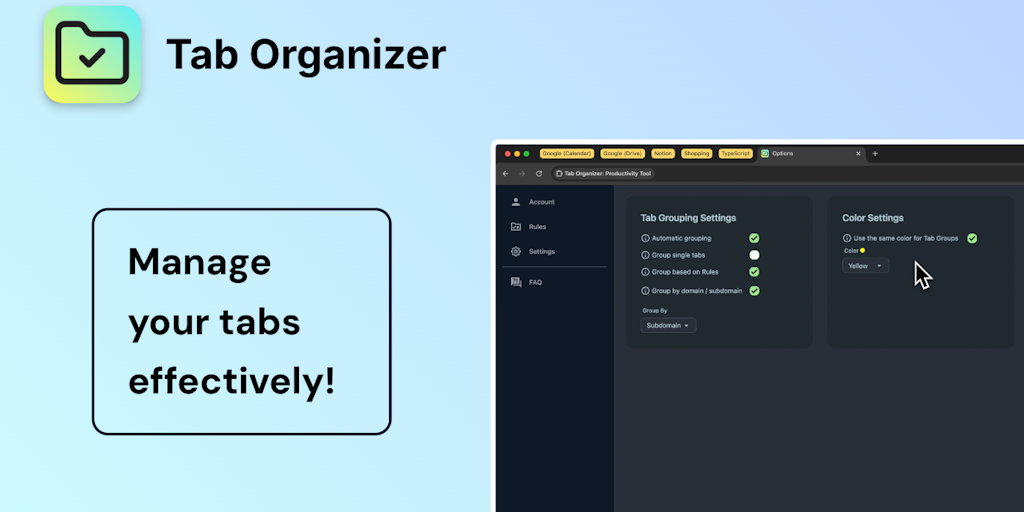
Transform tab chaos into organized bliss with smart grouping

Save websites visually. Find inspiration instantly.

AI-powered focus blocker that keeps distractions out, even across browser tabs.

AI agent in your sidebar—automate, organize, and research the web without breaking focus

Your personal search engine—organize everything, find anything effortlessly

AI bookmark manager that finds anything instantly—no folders, no friction.
Recently Added AI Tools
New tools added to the directory

Deploy AI workers that take real actions in your systems, 24/7.

Free API to extract Open Graph data from any URL instantly

From the Blog
Latest guides and tips on AI tools
Best AI Tools for Ecommerce in 2026
Best AI Tools for Ecommerce in 2026
Best AI ToolsBest AI Tools for Digital Marketers in 2026
Best AI Tools for Digital Marketers in 2026
Best AI ToolsBest AI Tools for Freelancers in 2026
Best AI Tools for Freelancers in 2026
Best AI ToolsBest AI Tools for Small Business Owners in 2026
Best AI Tools for Small Business Owners in 2026
Best AI ToolsWant to list your AI tool on NextStair?
Submit Tool