


Zen Flowchart - Flowcharts with Real-Time Team Collaboration
The simplest flowchart maker for teams
What is Zen Flowchart?
Zen Flowchart is a streamlined flowchart maker designed to eliminate unnecessary complexity while maintaining full capability. It enables users to create flowcharts, mind maps, and diagrams through intuitive drag-and-drop interfaces and 1-click node creation with smart connectors. The platform supports real-time collaboration, allowing team members to view, comment, and edit together, with the ability to export or publish interactive diagrams via shared links.
Need help implementing Zen Flowchart - Flowcharts with Real-Time Team Collaboration?
Find verified specialists who work with Zen Flowchart - Flowcharts with Real-Time Team Collaboration
Key Features of Zen Flowchart
- 1-click node creation
- Smart connectors for easy linking
- Drag-and-drop shape library
- Flowchart templates
- Minimal and intuitive interface
- 1-click styling options
- Real-time collaboration
- Team comments and editing
- Interactive flowchart publishing
- Export and shared links
Who Should Use Zen Flowchart?
Create flowcharts for process documentation
Build mind maps for brainstorming
Design diagrams for team collaboration
Publish interactive flowcharts for stakeholders
Document workflow processes
Zen Flowchart: Pros & Cons
✓Pros
- Extremely simple and intuitive interface
- Fast 1-click creation process
- Real-time collaboration features
- Comprehensive shape library and templates
- Free flowchart maker available
- Minimal learning curve
- Clean and beautiful design
- Automatic updates on shared links
Frequently Asked Questions about Zen Flowchart
Can I collaborate with others on Zen Flowchart?
Yes, you can invite team members and clients to view, comment, or edit your flowcharts in real-time.
What shapes and templates does Zen Flowchart offer?
The platform includes a shape library with all standard flowchart symbols and countless shapes, plus flowchart templates for various diagram types.
How can I share my flowchart?
You can export your flowchart or publish it to a shared link that automatically updates with any changes you make.
Is there a learning curve to using Zen Flowchart?
No, Zen Flowchart features a minimal and intuitive interface designed to be accessible with a simple drag-and-drop workflow and 1-click creation.
Tool Details
- Pricing
- Free
- Category
- Ai Diagram Generator
- Added
- Jul 2026
- Last Updated
- Jul 2026
More Ai Diagram Generator Tools
7 tools in the same category

Create professional diagrams in seconds with AI
Turn text into professional diagrams in seconds with AI
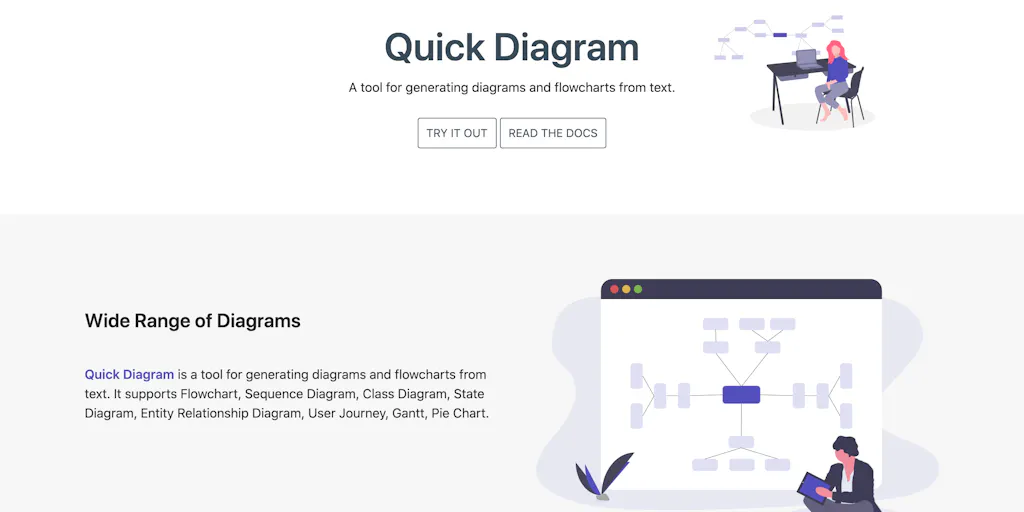
Generate diagrams and flowcharts from simple text instantly
From text to professional diagrams in 20 seconds
Isometric cloud architecture diagrams you can actually present

The diagram studio that thinks like you
Turn diagrams into animated explainers in minutes
Recently Added AI Tools
New tools added to the directory



Share PDFs securely - no account, no trace, automatic expiration.

Batch download & auto-organize TikTok, Instagram, YouTube videos in one command
From the Blog
Latest guides and tips on AI tools
Free Logo Maker Apps in 2026
Free Logo Maker Apps in 2026
AI Image GenerationBest AI Tools for Ecommerce in 2026
Best AI Tools for Ecommerce in 2026
Best AI ToolsBest AI Tools for Digital Marketers in 2026
Best AI Tools for Digital Marketers in 2026
Best AI ToolsBest AI Tools for Freelancers in 2026
Best AI Tools for Freelancers in 2026
Best AI ToolsWant to list your AI tool on NextStair?
Submit Tool