

Best AI Video Tools 2026
Explore the best AI video generation and editing tools for creators, marketers, and businesses. From text-to-video generators and AI short-form creators to digital humans, AI dubbing, subtitle generators, and thumbnail makers - this category covers every aspect of AI-powered video production. Create engaging video content at a fraction of the time and cost of traditional production. Compare tools by output quality, pricing, and use case.

.svg)

One AI agent that actually does the work for you
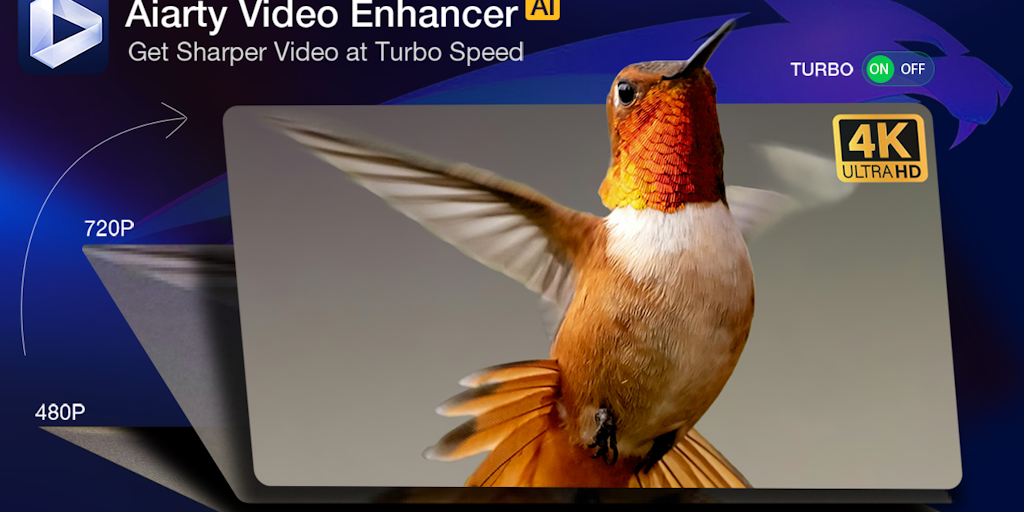
Upscale, denoise, and enhance videos to 4K with AI - 3X faster.

Verified brand deals for creators, no middlemen or unpaid campaigns.

Create engaging trivia videos in seconds with AI - no credit card needed.

Your AI creative studio for video, images, and custom tools powered by Google
Turn long videos into viral shorts in minutes, not hours
AI-powered YouTube creator platform - ideas to published video in under 5 minutes

Translate and dub videos in 130+ languages with AI voice cloning

Preview YouTube thumbnails instantly across all devices - free, no signup.
Turn your ideas into engaging whiteboard videos with AI - no skills required
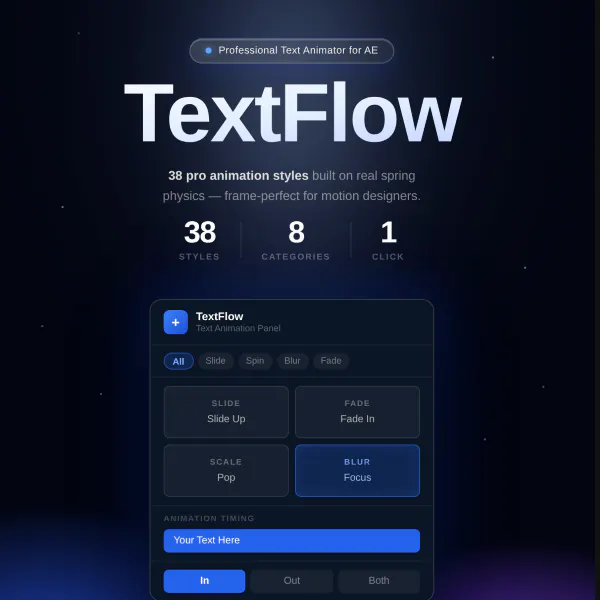
Physics-based text animation for After Effects - 38 styles, zero keyframes

Turn long videos into viral shorts with AI-powered highlight detection

Local AI subtitles for Mac - no cloud, no subscription.
Create AI YouTube thumbnails from a URL, title, or prompt.

Create short AI UGC video ads with editable scripts, presenters, voices, and MP4 export.
Video used to be the most expensive thing a small team could attempt. A single explainer meant a camera, a voice actor, a location, and days in an editor. That cost structure is coming apart. Models like Sora, Runway, Kling, and Veo now build moving footage from a prompt, and separate tools handle the voice, the captions, and the cuts. The result is not always broadcast ready, but for social clips and internal training it clears the bar.
Generated footage versus a presenter on screen
Two very different jobs share this category. Video generators imagine a scene that never happened, which suits b-roll, ads, and short concept pieces. Talking avatars take the opposite approach, putting a synthetic presenter on camera to read a script, which fits courses and product walkthroughs. If you need a face explaining something, an avatar tool wins. If you need a world, you want a generator.
The unglamorous work that gets views
Most of the daily value is in finishing, not generating. Subtitles and captions lift watch time on muted feeds, dubbing and video translation open a clip to new languages, and short video makers chop a long recording into vertical cuts. AI editors tie the steps together so one person can ship a finished piece.
Where quality still breaks
Generated video struggles with the things people notice most: hands, text on signs, and anything holding a consistent face across a long shot. Clips run short for a reason, since coherence falls apart past a few seconds. Plan for stitching and manual cleanup rather than a finished cut on the first render. For heavier timeline work and color, hand off to a full video editing tool, and generate the voice with an AI audio platform.