

Klypse - Auto-Cut Long Videos into Social Clips
Turn long videos into viral shorts in minutes, not hours
Add your screenshot here
Image or video shown in this spot
What is Klypse?
Klypse is an AI video assistant that automatically transforms long-form videos into optimized short-form clips for TikTok, Instagram Reels, and YouTube Shorts. It analyzes your content to detect the strongest moments, automatically reframes landscape to vertical while tracking faces, adds captions and social copy, and scores clips by hook strength. Built for creators, coaches, agencies, and content teams who need to repurpose webinars, calls, vlogs, and live sessions into consistent, ready-to-post social media content without manual editing.
Need help implementing Klypse - Auto-Cut Long Videos into Social Clips?
Find verified specialists who work with Klypse - Auto-Cut Long Videos into Social Clips
Key Features of Klypse
- Automatic highlight detection from long-form video
- Smart face tracking and auto-reframing (landscape to vertical)
- Word-perfect cuts that never cut mid-word
- Hook scoring with platform-specific ratings (TikTok, Reels, Shorts)
- Auto-captioning and AI-generated social copy
- Built-in editor for fine-tuning clips
- One-click sharing to multiple platforms
- Full transparency showing all AI optimizations
- Multiple brand management for agencies
Who Should Use Klypse?
Convert talking-head videos and vlogs into consistent social media content
Repurpose webinars and keynotes into LinkedIn, Instagram and YouTube clips
Turn client calls into ready-to-post content for coaches and consultants
Manage multiple brand channels with a single workflow
Generate short-form ads from long-form video content
Create steady streams of TikToks, Reels and Shorts without a full-time editor
Klypse: Pros & Cons
✓Pros
- Processes videos in minutes instead of hours
- Never cuts mid-word for natural speech boundaries
- Face tracking keeps speakers centered in vertical format
- Hook scoring prioritizes strongest clips first
- Full transparency with explained optimizations
- No black box - see exactly what AI adjusted
- Simple three-step workflow with clear interface
- Free trial with 2 full-feature videos and 7-day access
Frequently Asked Questions about Klypse
How does Klypse automatically detect highlights in my video?
Klypse analyzes your long-form video using AI to identify the strongest moments and natural speech patterns, then creates clips optimized for TikTok, Instagram Reels, and YouTube Shorts.
Will Klypse cut my words mid-sentence?
No. Klypse uses word-perfect cutting technology that ensures every clip starts and ends on natural speech boundaries, never cutting mid-word.
How does face tracking work when converting landscape to vertical?
Klypse's smart face tracking technology locks onto every subject and automatically reframes the video from landscape to vertical, keeping speakers perfectly centered in the frame.
What is hook scoring and how does it help?
Hook scoring rates each generated clip for hook strength with platform-specific ratings for TikTok, Reels, and Shorts. The best-performing clips surface first, helping you identify your most engaging content.
Can I use Klypse for multiple brands or channels?
Yes. Klypse is built for agencies and social teams to manage multiple brands with one workflow, handling analysis, cutting, captions, and copy generation.
Tool Details
- Pricing
- Free
- Category
- Ai Video Enhancer
- Added
- Jul 2026
- Last Updated
- Jul 2026
More Ai Video Enhancer Tools
7 tools in the same category
One credit system for 15+ AI video & image models
Remove video backgrounds with AI - no green screen needed
Transform blurry videos into stunning 4K quality with one click

Remove video backgrounds in 1 click. No greenscreen needed.
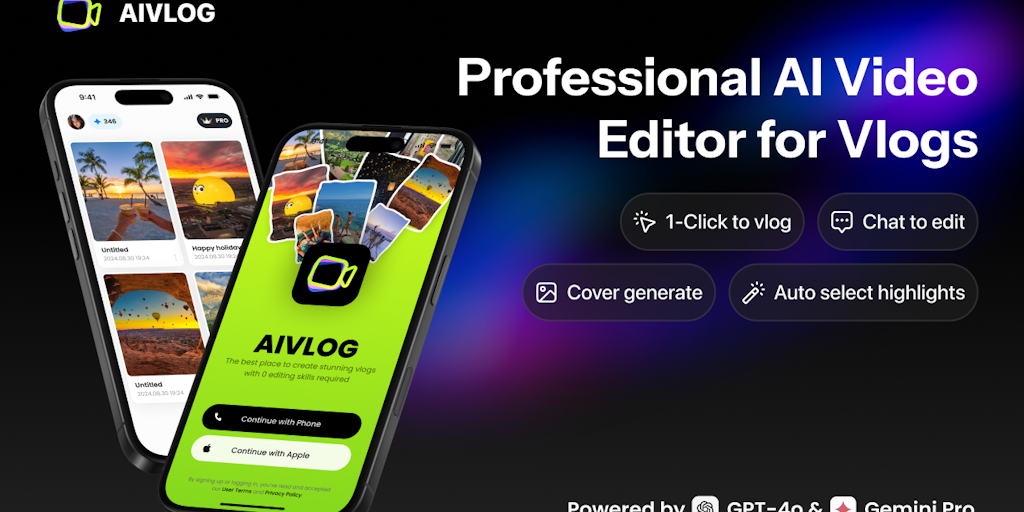
AI vlog editor that auto-selects highlights & saves 95% editing time

Remove hardcoded subtitles & watermarks naturally with AI background restoration
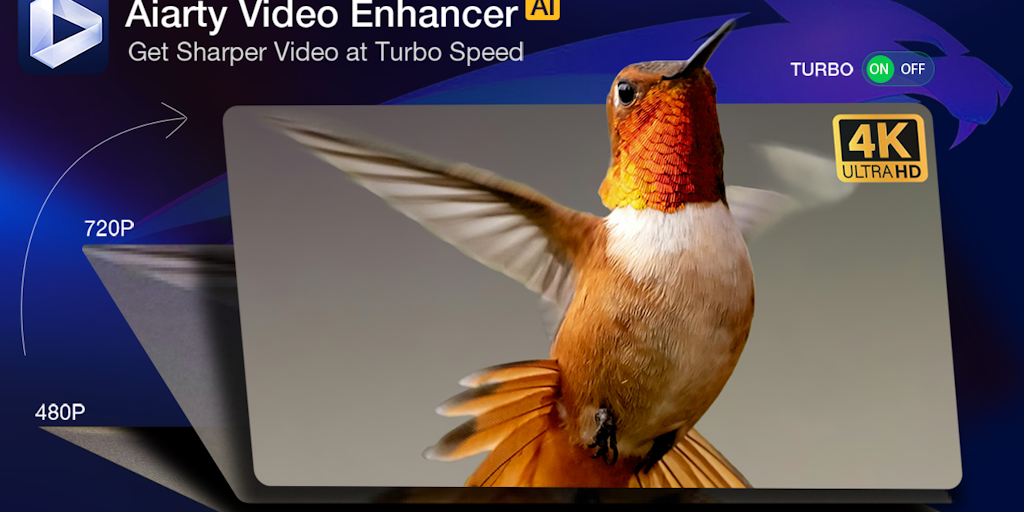
Upscale, denoise, and enhance videos to 4K with AI - 3X faster.
Recently Added AI Tools
New tools added to the directory

Share PDFs securely - no account, no trace, automatic expiration.

Batch download & auto-organize TikTok, Instagram, YouTube videos in one command

Instantly calculate your AP automation savings and ROI in seconds

Download YouTube thumbnails instantly in full HD, no signup required
From the Blog
Latest guides and tips on AI tools
Best AI Tools for Ecommerce in 2026
Best AI Tools for Ecommerce in 2026
Best AI ToolsBest AI Tools for Digital Marketers in 2026
Best AI Tools for Digital Marketers in 2026
Best AI ToolsBest AI Tools for Freelancers in 2026
Best AI Tools for Freelancers in 2026
Best AI ToolsBest AI Tools for Small Business Owners in 2026
Best AI Tools for Small Business Owners in 2026
Best AI ToolsWant to list your AI tool on NextStair?
Submit Tool