

Best UI/UX Design Tools 2026
Discover the best UI/UX design tools for wireframing, prototyping, user research, and design systems management. From industry-standard platforms like Figma to specialized tools for usability testing, user journey mapping, and design handoff - this category covers every stage of the product design workflow. Compare tools used by top product design teams at startups and enterprises worldwide.

.svg)

Annotate your UI in the browser, hand full context to Claude with one click

Design with code-backed components, export production-ready React instantly

Convert designs to code in seconds with AI-powered frontend automation

Generate shippable UI in seconds with AI, then edit and export production-ready code

Flip through UI variants instantly while coding with AI

Convert Figma designs to clean, responsive code in seconds

The intelligent canvas for infinite creativity and team collaboration

Compress Figma designs to token-efficient handoffs for AI coding agents

Turn Figma designs into live apps with AI - no backend configuration needed.

Design to code in one click - 5x faster front-end development

AI context management platform that powers design systems for product teams

Export Figma designs to production-ready Webflow sites in minutes
Bulk font replacer and pairing tool for Figma - swap 100 fonts in seconds

Complete Figma design system for SaaS apps - 8000+ components, instant consistency.
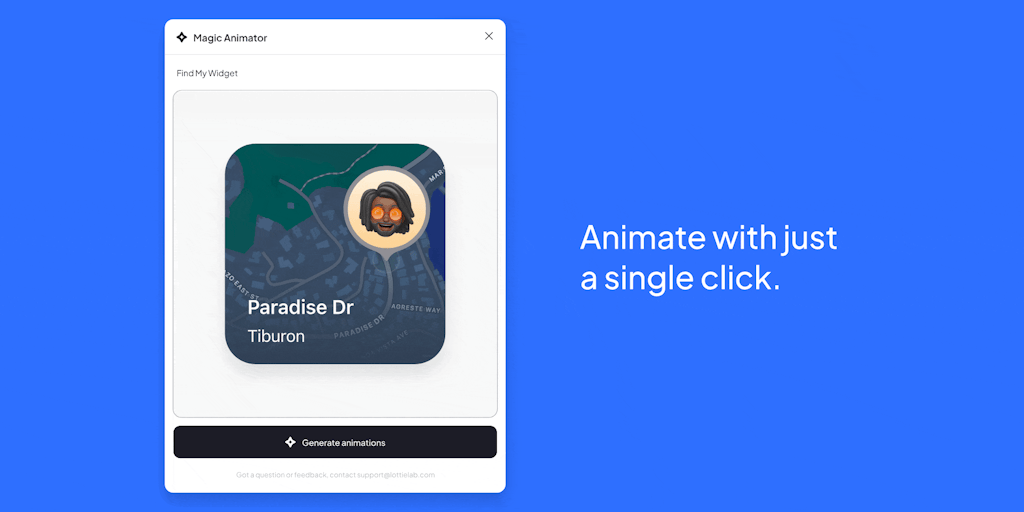
Animate your designs in one click with AI

Automate LTR ↔ RTL conversion in Figma without breaking your design system
Convert Figma vectors to pixel art - stay in Figma, keep editing

AI-powered eye-tracking heatmaps to optimize design attention in seconds

Inspect and reverse-engineer any website's design system instantly
Design faster with smart content and AI-powered assets in Figma
26,000+ design assets instantly in Figma - no tab switching

Design your ideas, simply - before you code.

Design interactive experiences visually, no coding required
Prototype natively for iPhone with Claude Code in under 60 seconds

AI agent that defines, designs, and delivers products end-to-end

Wireframe, prototype, and align - all in one fast tool
macOS AI workspace for designing and iterating prototypes with Claude or Codex

Build software faster with your team and AI agents in one collaborative platform

Share prototypes, get pinned feedback - no sign-ups required.
Create professional app store screenshots in seconds - no design skills needed.
Beautiful animated components for Vue

The ultimate UI kit, React components, and icon library for modern design and development

6,700+ Components & Templates to Design Faster in Figma
One workspace for every design token your team creates.

500+ beautifully designed components & templates by Tailwind CSS creators
Islamic fintech Figma UI kit - 690+ screens, Zakat engine, RTL-native design system

Components that make interfaces feel alive

Sharp SaaS theme for Astro with pre-built pages and lifetime updates
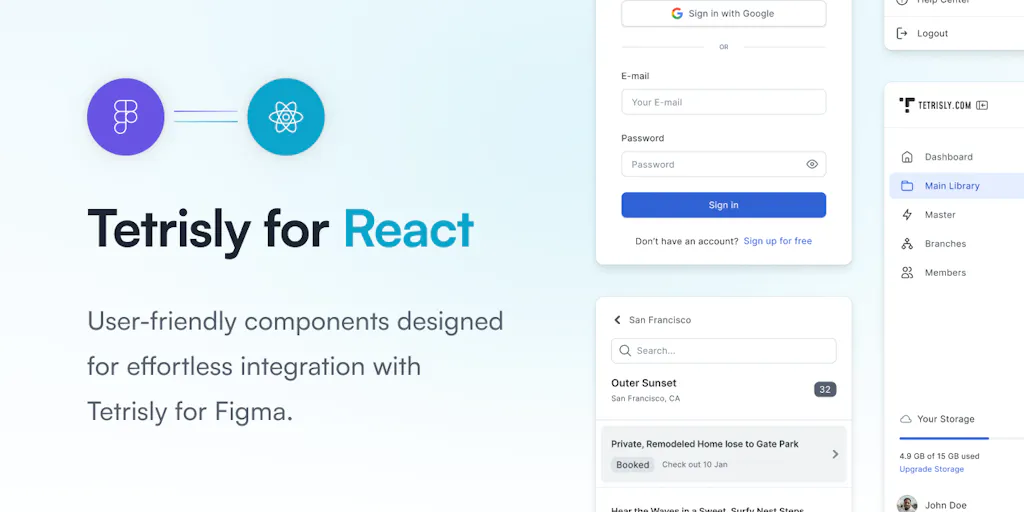
React more, code less with a complete design system for Figma and React
Design system that connects Figma to React in minutes
Real design specs for AI agents - measured from live sites, not guesses
Copy-paste React components that feel premium and ship fast
Spec-first design system for 2000s nostalgia meets modern AI agents

Premium fintech dashboard: 123 pages, zero build tooling, Tailwind CSS 4.
Design app UIs in seconds with AI - no coding required

AI-powered UX testing that benchmarks user journeys before human testing

Turn your product idea into complete UX research in minutes

From customer interviews to defended roadmaps, all in one place
Launch A/B tests in minutes, not sprints - no developers needed.

Turn customer conversations into revenue with AI-powered feedback intelligence
Product design is the work of deciding how something behaves before anyone builds it. Getting that wrong in code is expensive; getting it wrong in a mockup costs an afternoon. That is the whole reason this toolchain exists, to move the hard decisions earlier, when they are cheap to change, and to carry the result cleanly to the people who ship it.
From rough idea to clickable screen
Most projects move through a sequence. Wireframing tools sketch structure without sweating the pixels, then UI design tools turn that skeleton into a real interface, and prototyping tools wire the screens together so a flow can be clicked through before a line of code exists.
Testing and handing off
A design is a hypothesis until someone uses it. User testing tools put the prototype in front of real people and record where they stumble, which beats arguing about it in a meeting. Once the design is settled, design handoff tools give developers the specs, assets, and measurements they need, and Figma plugins automate the repetitive parts.
Where AI fits, and where it does not
AI now drafts layouts and generates screens from a prompt, which is a real head start on the blank canvas. What it does not do is decide what the product should be or how a specific user thinks, and those choices set the ceiling on everything below. Use generation to skip the boring parts, then apply judgment to the rest. The AI UI generators pair well with this workflow for first drafts.