


550W Video Eraser - Remove Hardcoded Subtitles and Watermarks
Remove hardcoded subtitles & watermarks naturally with AI background restoration
Add your screenshot here
Image or video shown in this spot
What is 550w Video Eraser?
550W Video Eraser uses AI-powered background restoration to remove hardcoded subtitles, watermarks, and burned-in text from videos. Users upload a video, mark the text area with a box, and the tool's neural network analyzes surrounding pixels and adjacent frames to naturally reconstruct the hidden background. It processes videos up to 30 minutes at 1080p with results typically ready in 3 minutes, ideal for content creators and video editors working with multiple files.
Need help implementing 550W Video Eraser - Remove Hardcoded Subtitles and Watermarks?
Find verified specialists who work with 550W Video Eraser - Remove Hardcoded Subtitles and Watermarks
Key Features of 550w Video Eraser
- AI-Powered Background Restoration
- Dedicated Compute with No Queue
- Batch Video Processing for Multiple Files
- Supports MP4/MOV up to 30 minutes and 1080p
- Pay-As-You-Go Credits (Never Expire)
- Standard and Protect Mode Options
- ~3 Minutes Average Processing Time
Who Should Use 550w Video Eraser?
Remove hardcoded subtitles from international videos
Erase watermarks from video content
Remove burned-in captions for repurposing
Batch process multiple videos with same resolution
Clean up footage for resale or redistribution
550w Video Eraser: Pros & Cons
✓Pros
- Advanced AI background reconstruction without blur or black bars
- Dedicated processing power with no queue delays
- Credits never expire and have no usage limit
- Batch processing for bulk operations
- Fast processing (typically 3 minutes)
- No subscription required
- 200 free credits on signup
✕Cons
- Results expire in 24 hours (must download promptly)
- Limited to MP4/MOV formats
- File size limits (300MB for videos ≤3 min, 1GB for longer videos)
- Requires credit-based payment system
Frequently Asked Questions about 550w Video Eraser
How does 550W Video Eraser remove subtitles without leaving traces?
The tool uses advanced AI that analyzes surrounding pixels and adjacent frames to reconstruct the hidden background. Users mark the text area with a box, and the neural network fills in what was behind it naturally, producing results without blur or black bars.
What file formats and sizes does 550W support?
The tool supports MP4 and MOV files up to 30 minutes at 1080p resolution. Files ≤3 minutes are limited to 300MB, while files >3 minutes are limited to 1GB.
How long does video processing take?
Videos typically process in about 3 minutes on average with dedicated compute and no queue.
Do credits expire, and is a subscription required?
Credits never expire and have no usage limit. There is no subscription required - you only pay for what you process using the pay-as-you-go credit system.
What is the difference between Standard and Protect mode?
Standard mode removes subtitles inside the marked box and rebuilds the background. Protect mode keeps the boxed area unchanged.
Tool Details
- Pricing
- Free
- Languages
- English, Simplified Chinese, Traditional Chinese, Japanese, Korean, Spanish, Spanish (Mexico), French, French (Canada), German, Portuguese (Brazil), Portuguese (Portugal), Italian, Russian, Arabic, Hebrew, Indonesian, Malay, Dutch, Polish, Thai, Turkish, Ukrainian, Vietnamese
- Category
- Ai Video Enhancer
- Added
- Jul 2026
- Last Updated
- Jul 2026
More Ai Video Enhancer Tools
7 tools in the same category
One credit system for 15+ AI video & image models

Remove video backgrounds with AI - no green screen needed
Transform blurry videos into stunning 4K quality with one click

Remove video backgrounds in 1 click. No greenscreen needed.
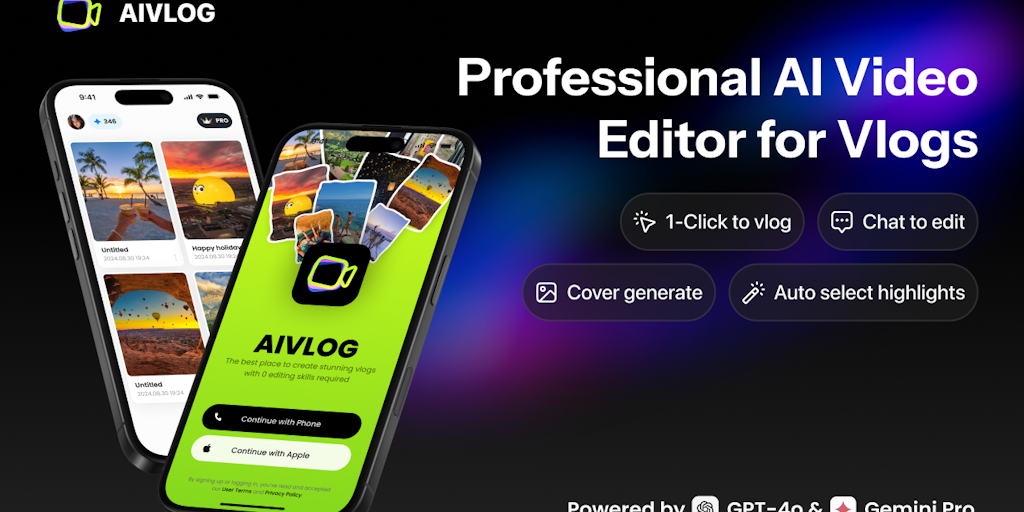
AI vlog editor that auto-selects highlights & saves 95% editing time
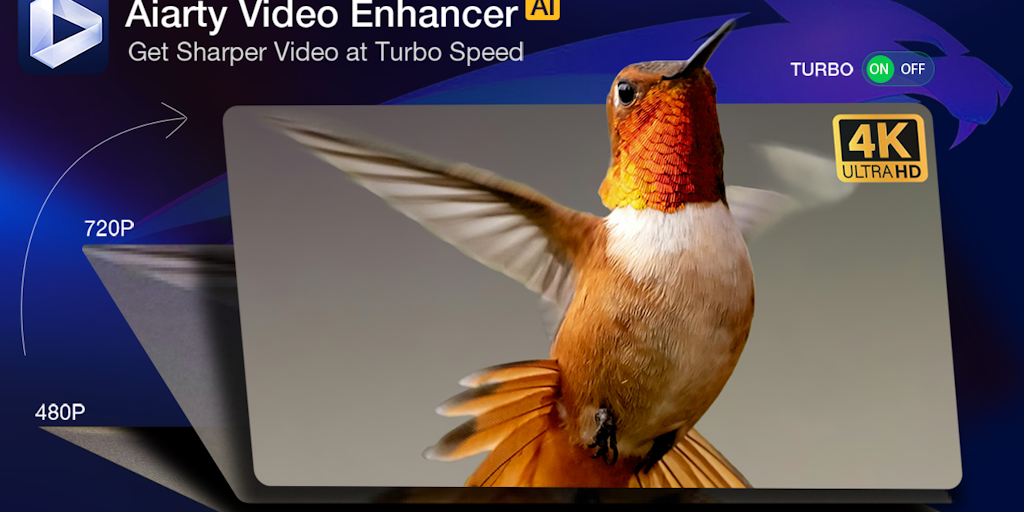
Upscale, denoise, and enhance videos to 4K with AI - 3X faster.
Turn long videos into viral shorts in minutes, not hours
Recently Added AI Tools
New tools added to the directory

Share PDFs securely - no account, no trace, automatic expiration.

Batch download & auto-organize TikTok, Instagram, YouTube videos in one command

Instantly calculate your AP automation savings and ROI in seconds

Download YouTube thumbnails instantly in full HD, no signup required
From the Blog
Latest guides and tips on AI tools
Best AI Tools for Ecommerce in 2026
Best AI Tools for Ecommerce in 2026
Best AI ToolsBest AI Tools for Digital Marketers in 2026
Best AI Tools for Digital Marketers in 2026
Best AI ToolsBest AI Tools for Freelancers in 2026
Best AI Tools for Freelancers in 2026
Best AI ToolsBest AI Tools for Small Business Owners in 2026
Best AI Tools for Small Business Owners in 2026
Best AI ToolsWant to list your AI tool on NextStair?
Submit Tool