


VideoBGRemover - Remove Video Backgrounds Without Green Screen
Remove video backgrounds with AI - no green screen needed
Add your screenshot here
Image or video shown in this spot
What is Videobgremover?
VideoBGRemover uses AI-powered detection to remove video backgrounds instantly without green screens, supporting humans, animations, and complex motion. The tool detects subjects and motion with studio-quality precision, replacing backgrounds with transparent, solid colors, images, or videos. It's designed for UGC creators, influencers, agencies, and content creators who need fast, professional background removal with 9 export formats and batch processing capabilities.
Need help implementing VideoBGRemover - Remove Video Backgrounds Without Green Screen?
Find verified specialists who work with VideoBGRemover - Remove Video Backgrounds Without Green Screen
Key Features of Videobgremover
- AI-powered human and hair detection
- No green screen required
- Transparent background export (WebM, MOV, PNG, GIF, Lottie)
- Image and video background replacement
- 9 export formats (MP4, WebM, ProRes, PNG sequence, GIF, WebP, Lottie, dotLottie)
- Batch processing for multiple videos
- Up to 120 minutes per video
- Up to 4K video processing
- Free preview for all videos
- API access included
Who Should Use Videobgremover?
Create UGC content without green screens
Remove backgrounds from influencer videos
Process animations and motion graphics
Edit social media portraits
Handle long-form content (webinars, courses, tutorials)
Batch process multiple videos for agencies
Export for web, apps, and professional editors
Videobgremover: Pros & Cons
✓Pros
- No green screen or manual editing required
- Works with humans, animations, and complex motion
- Free preview available before purchase
- Pay-as-you-go pricing with no subscriptions
- Batch processing saves hours of editing time
- Handles up to 120 minutes per video
- Multiple export formats for different use cases
- Trusted by 40,000+ creators
- Processing under 5 minutes
- API access included
Frequently Asked Questions about Videobgremover
What video formats and lengths does VideoBGRemover support?
VideoBGRemover processes videos up to 120 minutes long and handles up to 4K resolution. The tool accepts standard video formats, though the specific input formats aren't detailed on their site; check before uploading if you work with uncommon codecs.
Can I export with a transparent background for use in other editors?
Yes. VideoBGRemover exports transparent backgrounds in WebM, MOV, and PNG formats, plus animated sequences as GIF, WebP, and Lottie files. This covers most professional editing workflows and web animation use cases.
How much does it cost to process a 10-minute video?
At the lowest tier, you pay $4.80 per minute, so a 10-minute video costs $48. Buying credits in larger bundles cuts the per-minute rate; a $50 bundle drops it to $4.20 per minute, and bigger purchases reach $2.50 per minute.
Does VideoBGRemover have an API for automation?
Yes, API access is included with all pricing tiers. This lets you automate background removal in custom workflows, though specifics about API rate limits or endpoints aren't published; contact their team for technical details.
Tool Details
- Pricing
- Free
- Category
- Ai Video Enhancer
- Added
- Jun 2026
- Last Updated
- Jul 2026
More Ai Video Enhancer Tools
7 tools in the same category
One credit system for 15+ AI video & image models
Transform blurry videos into stunning 4K quality with one click

Remove video backgrounds in 1 click. No greenscreen needed.
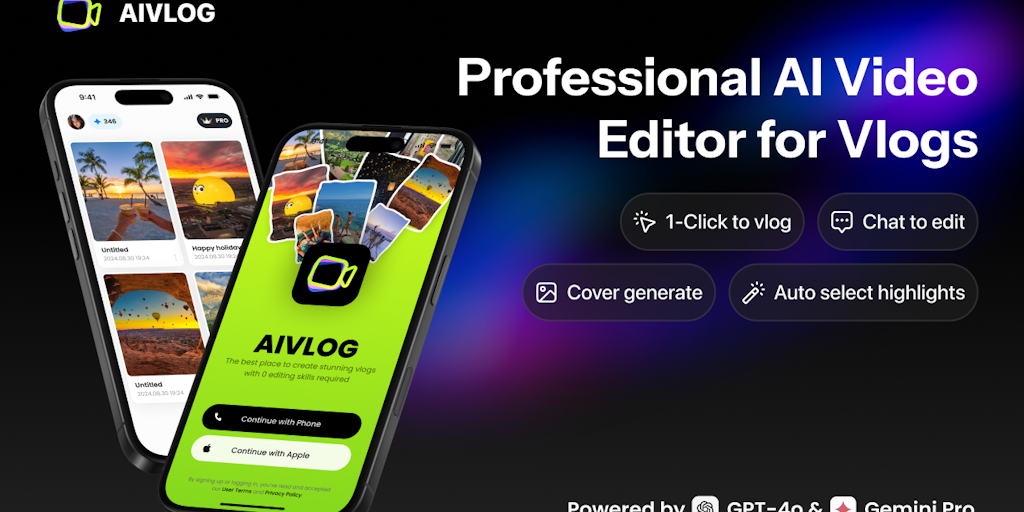
AI vlog editor that auto-selects highlights & saves 95% editing time

Remove hardcoded subtitles & watermarks naturally with AI background restoration
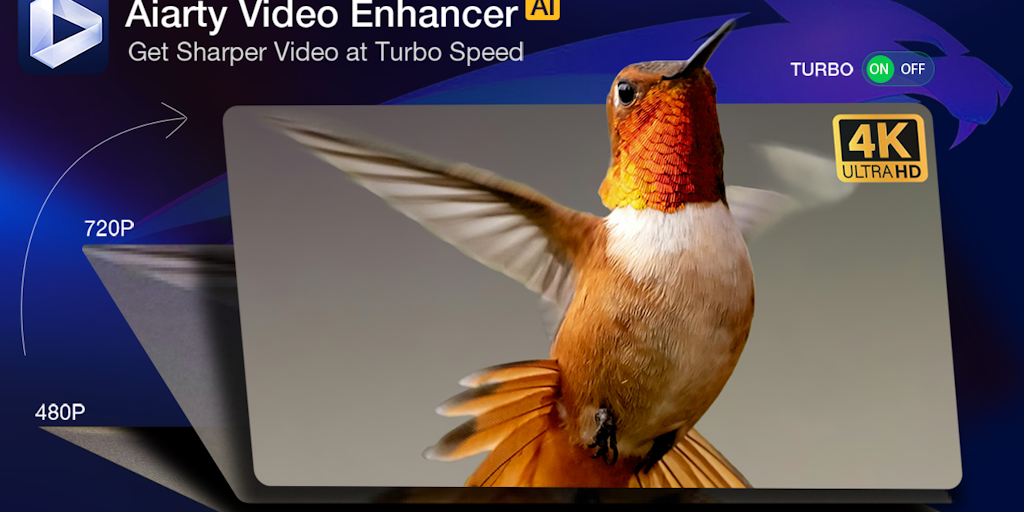
Upscale, denoise, and enhance videos to 4K with AI - 3X faster.
Turn long videos into viral shorts in minutes, not hours
Recently Added AI Tools
New tools added to the directory



Share PDFs securely - no account, no trace, automatic expiration.

Batch download & auto-organize TikTok, Instagram, YouTube videos in one command
From the Blog
Latest guides and tips on AI tools
Free Logo Maker Apps in 2026
Free Logo Maker Apps in 2026
AI Image GenerationBest AI Tools for Ecommerce in 2026
Best AI Tools for Ecommerce in 2026
Best AI ToolsBest AI Tools for Digital Marketers in 2026
Best AI Tools for Digital Marketers in 2026
Best AI ToolsBest AI Tools for Freelancers in 2026
Best AI Tools for Freelancers in 2026
Best AI ToolsWant to list your AI tool on NextStair?
Submit Tool