

VidHex - Upscale Blurry Footage to 4K
Transform blurry videos into stunning 4K quality with one click
What is Vidhex?
VidHex is an AI-powered all-in-one video enhancement suite that transforms low-quality footage into professional-grade content. It uses advanced machine learning to upscale videos to 4K/8K, enhance brightness and contrast, remove noise and blur, colorize black-and-white videos, interpolate frames, stabilize shaky footage, and restore degraded clips. Designed for casual users, content creators, e-commerce sellers, educators, and anyone needing quick video improvements without technical expertise.
Need help implementing VidHex - Upscale Blurry Footage to 4K?
Find verified specialists who work with VidHex - Upscale Blurry Footage to 4K
Key Features of Vidhex
- AI Video Enhancer for brightness and contrast adjustment
- Video Upscaler to 4K/8K resolution
- Colorizer for black-and-white videos
- Frame Interpolation to increase video FPS
- Video Denoiser to remove grain and noise
- Unblur Video for clarity restoration
- Video Brightener for low-light enhancement
- Video Stabilizer for shaky footage
- Video Restorer for damaged videos
- Face Enhancer for facial feature enhancement
- Video Deinterlacer to remove artifacts
- NVIDIA RTX Upscaler with HDR support
- HD Video Converter
- Online video enhancement without download
Who Should Use Vidhex?
Restore old family videos and cherished memories
Create professional content for social media (Instagram reels, TikTok, YouTube)
Enhance e-commerce product videos for higher sales conversion
Improve classroom lesson videos for better student engagement
Upgrade low-resolution security or archive footage
Colorize historical black-and-white films and photographs
Stabilize and enhance travel vlogs and personal recordings
Enhance content creator tutorials and educational materials
Vidhex: Pros & Cons
✓Pros
- One-click AI automation requires no technical editing skills
- Supports multiple video formats and resolutions
- Offers both desktop (Windows, Mac) and online versions
- Powered by advanced deep learning technology
- 30-day money-back guarantee
- Trusted by 30M+ satisfied users globally
- Processes 88B+ files across 150+ countries
- 1.2M+ active subscribers
- 4.4/5.0 average rating
- Fast processing without manual adjustments
Frequently Asked Questions about Vidhex
Can VidHex upscale video to 4K or 8K from standard definition footage?
Yes, VidHex includes a dedicated video upscaler that can enhance low-resolution footage to 4K or 8K quality. The upscaling uses AI-powered machine learning, and VidHex offers an NVIDIA RTX Upscaler option with HDR support for higher-end results.
Does VidHex work in a browser, or do I need to download software?
VidHex offers both an online version that works in your browser without download and desktop apps for Windows and Mac. You can choose whichever fits your workflow, so no installation is required if you prefer the web version.
What video formats does VidHex accept as input?
VidHex supports multiple video formats, though the specific list is not detailed on their site. Check their documentation or upload page before committing a large batch of video files.
Can I restore color to old black-and-white videos with VidHex?
Yes, VidHex includes a colorizer tool built specifically for black-and-white videos. This feature handles both old family recordings and historical footage, letting you restore color in a single step without manual adjustments.
Tool Details
- Pricing
- Free
- Category
- Ai Video Enhancer
- Added
- Jun 2026
- Last Updated
- Jul 2026
More Ai Video Enhancer Tools
7 tools in the same category
One credit system for 15+ AI video & image models
Remove video backgrounds with AI - no green screen needed

Remove video backgrounds in 1 click. No greenscreen needed.
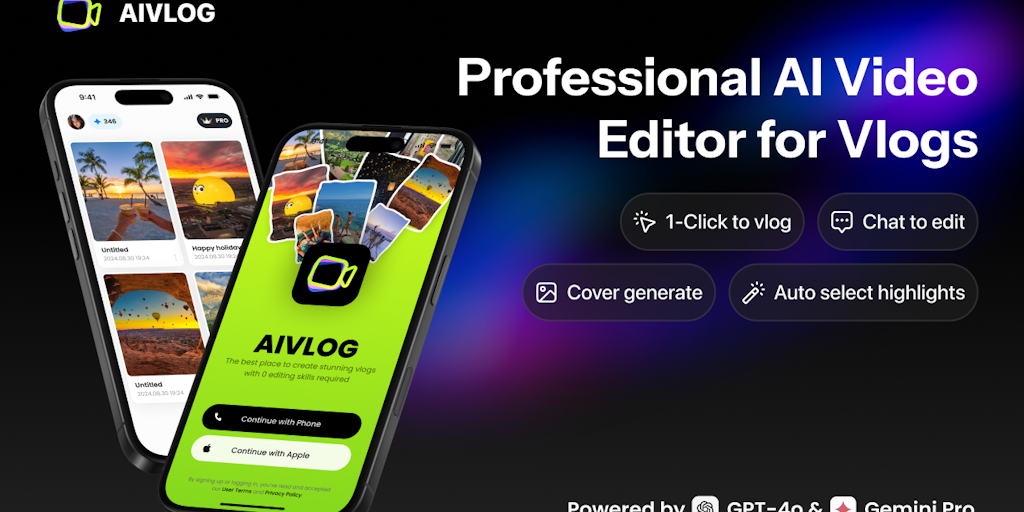
AI vlog editor that auto-selects highlights & saves 95% editing time

Remove hardcoded subtitles & watermarks naturally with AI background restoration
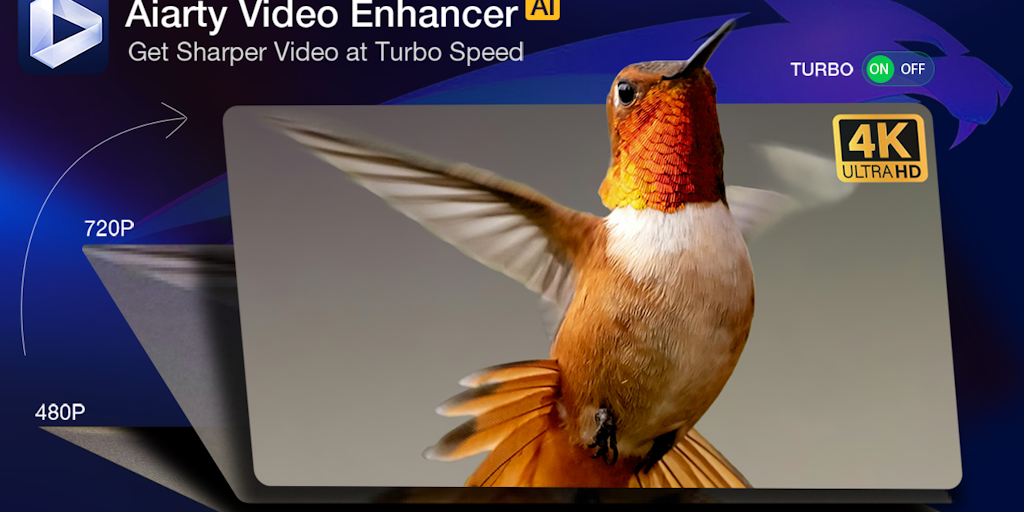
Upscale, denoise, and enhance videos to 4K with AI - 3X faster.
Turn long videos into viral shorts in minutes, not hours
Recently Added AI Tools
New tools added to the directory



Share PDFs securely - no account, no trace, automatic expiration.

Batch download & auto-organize TikTok, Instagram, YouTube videos in one command
From the Blog
Latest guides and tips on AI tools
Free Logo Maker Apps in 2026
Free Logo Maker Apps in 2026
AI Image GenerationBest AI Tools for Ecommerce in 2026
Best AI Tools for Ecommerce in 2026
Best AI ToolsBest AI Tools for Digital Marketers in 2026
Best AI Tools for Digital Marketers in 2026
Best AI ToolsBest AI Tools for Freelancers in 2026
Best AI Tools for Freelancers in 2026
Best AI ToolsWant to list your AI tool on NextStair?
Submit Tool