


Cascadeur
AI-powered 3D animation software that makes keyframe animation faster and easier
What is Cascadeur?
Cascadeur is a standalone 3D animation software that combines AI-assisted keyframe animation with physics tools to dramatically speed up animation creation and editing. It features AutoPosing neural networks that automatically position character bodies naturally, Animation Unbaking to convert baked animations into editable keyframes, and AutoPhysics for realistic motion. Designed for animators, game developers, and VFX artists working with humanoid characters, it integrates seamlessly into existing workflows via FBX, DAE, and USD file support.
Need help implementing Cascadeur?
Find verified specialists who work with Cascadeur
Key Features of Cascadeur
- AutoPosing with neural networks for natural pose generation
- Animation Unbaking to convert baked animations to editable keyframes
- AutoPhysics for realistic motion with minimal alterations
- Quick Rigging Tool with one-click standard skeleton support
- Intelligent finger animation controllers
- Secondary motion adjustment for natural body movement
- Video Mocap integration for motion capture cleanup
- Copy/Paste Retargeting between characters
- Support for FBX, DAE, and USD file formats
- Multilingual interface (English, Chinese, Japanese, Korean)
Who Should Use Cascadeur?
Animate humanoid characters for games and VFX
Clean up and edit motion capture animations
Retarget animations between characters with different proportions
Create hand gestures and finger animations
Add secondary motion to idle animations and action moves
Convert video footage into animation-ready motion data
Cascadeur: Pros & Cons
✓Pros
- AI-assisted tools dramatically speed up animation workflow
- Automatic rig generation from standard skeleton formats
- Natural pose generation through neural networks
- Realistic physics simulation with minimal manual adjustment
- Works with industry-standard file formats
- Intuitive drag-and-drop interface for rigging
- Supports humanoid characters of any proportion
Frequently Asked Questions about Cascadeur
What file formats does Cascadeur support?
Cascadeur works with FBX, DAE, and USD files, making it easy to integrate into any animation workflow.
Can I use Cascadeur to edit motion capture animations?
Yes, Animation Unbaking converts baked animations into editable keyframes, and Video Mocap combined with Motion Cleaning allows you to clean up and edit motion capture animations.
How does AutoPosing work?
AutoPosing is powered by neural networks that automatically position the rest of your character's body naturally when you move control points, making pose creation faster and easier.
Can I retarget animations between different characters?
Yes, Copy/Paste Retargeting allows you to transfer animations between any humanoid characters regardless of different proportions or skeletal structure with just two clicks.
Does Cascadeur have a free trial?
Yes, you can try Cascadeur for free before purchasing a plan.
Tool Details
- Pricing
- Free
- Languages
- English, Chinese, Japanese, Korean
- Category
- Animation Tools
- Added
- Jul 2026
More Animation Tools Tools
4 tools in the same category

Motion design made fast, intuitive, and effortless—no After Effects pain.

Practice critical conversations with AI avatars before they happen.
Generate game-ready sprite sheets and animations in seconds with AI
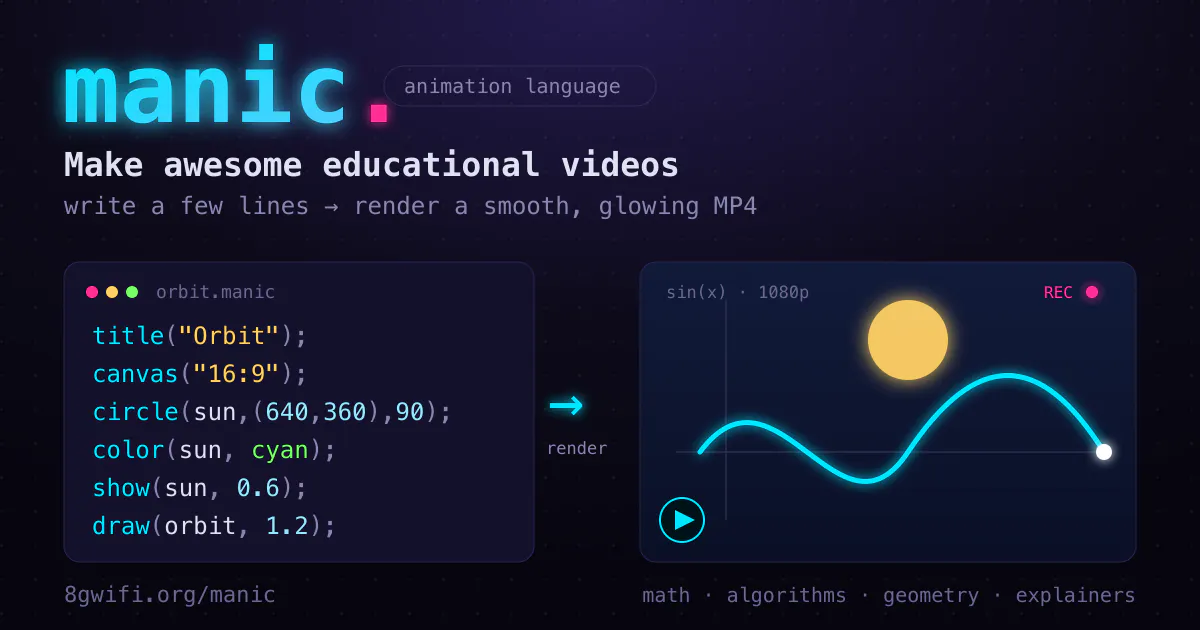
Code your animations, not your timelines
Recently Added AI Tools
New tools added to the directory

Deploy AI workers that take real actions in your systems, 24/7.

Free API to extract Open Graph data from any URL instantly

From the Blog
Latest guides and tips on AI tools
Best AI Tools for Ecommerce in 2026
Best AI Tools for Ecommerce in 2026
Best AI ToolsBest AI Tools for Digital Marketers in 2026
Best AI Tools for Digital Marketers in 2026
Best AI ToolsBest AI Tools for Freelancers in 2026
Best AI Tools for Freelancers in 2026
Best AI ToolsBest AI Tools for Small Business Owners in 2026
Best AI Tools for Small Business Owners in 2026
Best AI ToolsWant to list your AI tool on NextStair?
Submit Tool