
NextStair
Ad
ElevenLabs: AI Voice Generator | Sign Up Now FREE
Try Now

Best Animation Tools 2026

Discover animation tools for creating 2D character animation, explainer video animation, UI micro-interactions, and web animations. These tools cover a wide range from frame-by-frame traditional animation to vector-based character rigging and web animation libraries. Compare animation style support, learning curve, export formats (GIF, MP4, Lottie), and integration with design tools.

5 tools
Showing 1–5 of 5 tools
Cascadeur - AI-Assisted Keyframe Animation for Characters

AI-powered 3D animation software that makes keyframe animation faster and easier
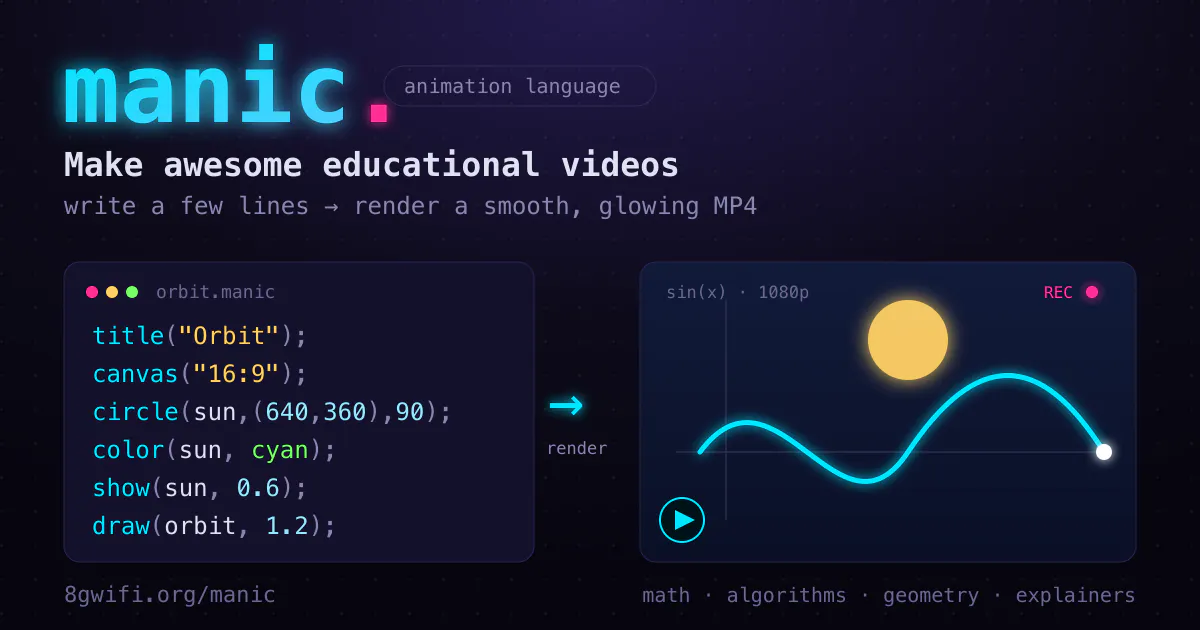
Manic - Code-Based Animation for Educational Videos

Code your animations, not your timelines

Gamelabs Studio - Sprite Sheets for Game Engines

Generate game-ready sprite sheets and animations in seconds with AI
Rapport Self Service - Practice Difficult Conversations with AI

Practice critical conversations with AI avatars before they happen.

Linearity Move - Animation Without Timelines or Keyframes

Motion design made fast, intuitive, and effortless - no After Effects pain.

Animation tools bring characters, objects, and stories to life through movement, spanning 2D and 3D, from hand-drawn frames to rigged 3D characters. Whether for film, games, explainers, or web, these tools handle the craft of making things move believably and expressively.

What animation tools cover

They provide rigging, keyframing, and playback for animating movement over time, in 2D or 3D, giving animators control over performance, timing, and expression. The tool depends on the style and medium.

Animation across styles

Animation connects to modeling and simpler formats, so these pair with the 3D modeling tools, and AI generates related content via the whiteboard animation tools.

Frequently Asked Questions

What is the best tool for creating explainer video animations?
Vyond and Animaker are purpose-built for explainer video animation - providing character libraries, scene builders, and motion presets without requiring animation expertise. Adobe Animate handles professional 2D character animation. Doodly specializes in whiteboard animation style. For simple loop animations and GIFs, EZGif and Canva's animation features are accessible for non-animators.
What is Lottie animation and what tools create it?
Lottie is a JSON-based animation format that renders Adobe After Effects animations on web and mobile at small file sizes (compared to video). LottieFiles is the platform for finding, creating, and hosting Lottie animations. Jitter and SVGator create Lottie animations without After Effects. Lottie animations are widely used for UI loading states, empty states, and micro-interactions.
How do I create smooth CSS animations for web?
CSS animations use @keyframes with transform, opacity, and other animatable properties. Framer Motion (React) and GSAP (JavaScript) are the most popular libraries for complex web animations. CSS transitions handle simple hover effects. For production web animation, GSAP's performance and ScrollTrigger (scroll-based animations) are unmatched. Framer and WebFlow handle visual CSS animation without hand-coding.
What is the best animation software?
It depends on the type. For 3D animation, Blender (free) and Maya (industry standard) lead. For 2D animation, Toon Boom Harmony is a professional standard, Adobe Animate is widely used, and OpenToonz is a free option. For web and UI animation, Rive and similar tools fit. For motion graphics, After Effects. The best choice depends on whether you want 2D or 3D, your medium, and your budget. Rather than one universal best, choose based on your animation style and field, since the tools are specialized for different kinds of animation work.
Is 2D or 3D animation easier to learn?
Both have real learning curves but differ in nature. 2D animation, especially traditional frame-by-frame, demands strong drawing skills and understanding of movement, while rig-based 2D and 3D reduce the drawing requirement but add technical complexity like rigging and 3D space. 3D has a steeper technical learning curve but does not require drawing ability. Which is easier depends on your existing skills: those who draw well may find 2D more natural, while others may prefer 3D's technical, non-drawing approach. Both reward learning animation principles, which underpin good movement regardless of medium.
How do I start learning animation?
Begin by learning the fundamental principles of animation, timing, spacing, squash and stretch, anticipation, that underlie all good movement, since these matter more than any tool. Choose a program suited to your interest, Blender for 3D, a 2D tool if you prefer drawn animation, and follow structured tutorials while completing small projects. Start simple, a bouncing ball is the classic first exercise, and build up. Consistent practice and studying the principles alongside the software is the path. Focusing on one tool and finishing projects, rather than tool-hopping, produces the fastest real progress.