
NextStair
Ad
ElevenLabs: AI Voice Generator | Sign Up Now FREE
Try Now

Best 3D & Animation Tools 2026

Explore the best 3D modeling, animation, and motion design tools for game developers, VFX artists, architects, and digital creators. From industry-standard software like Blender and Cinema 4D to accessible 3D tools for non-technical creatives - this category covers the full spectrum of 3D and motion graphics creation. Find the right tool for your project's complexity, visual style, and delivery format.

23 tools
Showing 1–23 of 23 tools
Tripo AI - 3D Models from Text Descriptions

AI-powered 3D content creation from images and text

Kaedim - 3D Assets from Creative Briefs

Turn briefs and references into 3D assets in hours, not weeks

Blender - Professional 3D, VFX, and Animation Suite

Free and open-source 3D creation for everyone

Meshy - Text to Print-Ready 3D Models

Transform text, images, or sketches into print-ready 3D models in seconds

Amara - Complete Interactive Worlds from Text

AI-powered 3D world builder that generates complete, interactive environments from text

Z3D - Text and Images to 3D Models

AI Agents for 3D creation - no complexity, no learning curve.

Secret Sauce 3D - Game-Ready Assets in Minutes

AI copilot for professional 3D artists. Generate game-ready assets in minutes.
Create 3D Models Online - From Text or Images

AI-powered 3D model generation from text, images, or sketches in seconds.
Image to 3D Model - Game-Ready in Minutes

Turn photos into game-ready 3D models in minutes - no scanner needed.

MeshVista - PBR Materials in Seconds

Turn any image into a professional 3D model in seconds

Sculptura - Intuitive 3D Sculpting for iPad

3D sculpting for iPad without the complexity.
Sponsored
P
Printify
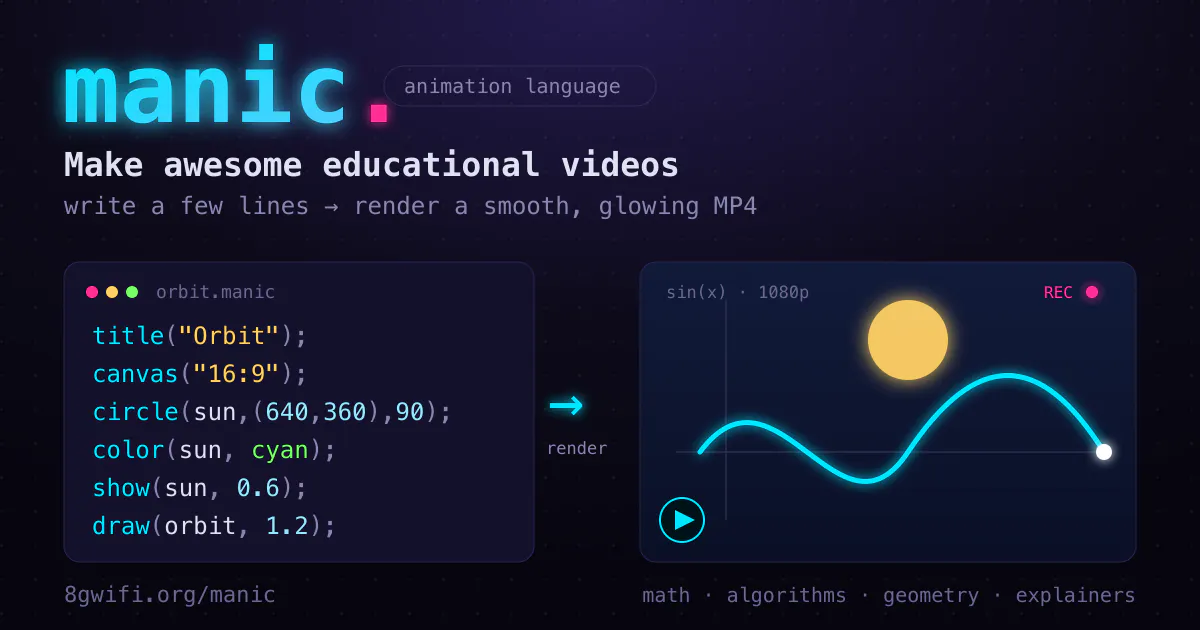
Manic - Code-Based Animation for Educational Videos

Code your animations, not your timelines

Cascadeur - AI-Assisted Keyframe Animation for Characters

AI-powered 3D animation software that makes keyframe animation faster and easier

Gamelabs Studio - Sprite Sheets for Game Engines

Generate game-ready sprite sheets and animations in seconds with AI
Rapport Self Service - Practice Difficult Conversations with AI

Practice critical conversations with AI avatars before they happen.

Linearity Move - Animation Without Timelines or Keyframes

Motion design made fast, intuitive, and effortless - no After Effects pain.

Hera - Product Launch Videos from Text

Create stunning product launch videos with AI in seconds
Keyframe - 2D Skeletal Animation

2D skeletal animation for game-ready sprites, straight in your browser.

Animos App - Static Images into Looping Videos

Turn static designs into looping animations in seconds, straight from your browser.

Sponsored
DA
Descript: AI Video Editor
Pikimov - Browser-Based After Effects Alternative

Free After Effects alternative - no sign-up, no uploads, pure editing power

Creattie - 100K Lottie Animations by Industry

100,000+ professional Lottie animations & illustrations organized by industry

QuickMagic - Motion Capture from Any Video

Markerless mocap from any video - no suit, no studio, just AI magic
Magic Motion AI - Text Descriptions into 3D Animations

Text-to-3D animation in seconds - no animation skills needed

3D is the most demanding corner of digital creation, and also the most rewarding to get right. A single polished shot can carry a game, a product launch, or a film title. The reason it takes so long to learn is that a 3D scene combines several separate crafts, modeling, texturing, lighting, and animation, each with its own tools and its own way of going wrong.

Building the objects

3D modeling is where every scene starts, shaping the meshes that become characters, products, and environments. Blender pulled this work out of expensive studios and into everyone's reach, which is why so many artists now begin there before deciding whether they ever need pricier software.

Making it move

A still model is only half the job. Animation tools bring characters and objects to life over time, while motion graphics tools handle the animated text, logos, and explainer visuals that dominate marketing and title sequences. The two overlap but reward different skills, one performance-driven, the other design-driven.

A realistic path in

The mistake beginners make is trying to learn everything at once. The fundamentals of modeling or simple animation come in weeks, but professional character work or VFX takes years, so pick one area and one program and go deep before broadening. AI is starting to help with the early steps, and AI 3D generation can rough out a model from a prompt. Finished renders often continue into a video editor for the final cut.

Frequently Asked Questions

Is Blender good enough for professional 3D work?
Yes - Blender is used in professional film, game development, and architecture visualization. It is open-source, free, and has a comprehensive feature set comparable to expensive commercial software. Major studios including Netflix productions have used Blender for feature animation. The main barrier is its learning curve, not its capabilities.
What 3D software is used most in game development?
Blender and Maya are the most common tools for creating game assets. Substance Painter is widely used for texturing. ZBrush is the standard for high-resolution character and creature sculpting. Unreal Engine and Unity both have built-in editors for 3D scene assembly, but asset creation typically happens in external DCC tools.
What is motion graphics and which tools are best for it?
Motion graphics is animated visual content - text animation, logo intros, explainer videos, and title sequences. After Effects is the industry standard for motion graphics, paired with Cinema 4D for 3D elements. For simpler motion work, tools like Jitter, Cavalry, and Rive offer more accessible alternatives at lower price points.
How hard is it to learn 3D modeling and animation?
Fundamentals (basic modeling, simple animation) can be learned in weeks with consistent practice. Reaching professional quality in character animation or VFX takes years. The best approach is focusing on one area (modeling, rigging, animation) and one software package first before broadening. Blender Guru, Donut Tutorial, and CGBoost are widely recommended learning resources.
Is Blender good enough for professional work?
Yes. Blender is free and open-source, yet it covers modeling, sculpting, animation, and rendering at a level used in real film, games, and product visualization, including Netflix productions. Some studios still standardize on Maya or Cinema 4D for pipeline reasons, but that is about team workflows, not a gap in what Blender can produce. For an individual or small studio, it is a genuinely professional choice.
How long does it take to learn 3D?
Basic modeling and simple animation are reachable in a few weeks of steady practice, enough to make finished simple scenes. Professional-grade character animation, rigging, or VFX takes years, because each is a craft in itself. The fastest progress comes from narrowing your focus, learning one discipline in one program well rather than sampling everything, then expanding once the fundamentals are solid.