


Gamelabs Studio
Generate game-ready sprite sheets and animations in seconds with AI
What is Gamelabs Studio?
Gamelabs Studio is an AI tool that generates game-ready sprite sheets and animations from text descriptions or reference images. It allows developers to create transparent artwork and loopable animations in multiple art styles (pixel art, photorealistic, etc.) while maintaining visual consistency across different camera angles. The tool exports directly to popular game engines like Unity, Godot, Unreal, and GameMaker, streamlining the asset creation workflow for indie and professional game developers.
Need help implementing Gamelabs Studio?
Find verified specialists who work with Gamelabs Studio
Key Features of Gamelabs Studio
- Multi-angle sprite generation with visual consistency
- Dynamic loopable animations from text descriptions
- Pixel-perfect native pixel art output
- Transparent background sprite sheet export
- Full sprite sheet customization (FPS, grid, padding)
- Support for any art style (photorealistic, pixel art, stylized)
- Reference-based image coherence
- Direct export to Unity, Godot, Unreal, GameMaker, Construct
- API and MCP integration for Cursor, VS Code, Windsurf
Who Should Use Gamelabs Studio?
Create sprite sheets for 2D indie games
Generate character animations for game development
Produce game assets with multi-angle consistency
Automate pixel art asset creation for game engines
Export production-ready animations without manual cleanup
Gamelabs Studio: Pros & Cons
✓Pros
- Maintains visual coherence across multiple camera angles and views
- Generates crisp pixel-perfect output with no downscaling artifacts
- Dynamic animations not limited to pre-canned actions
- One unified workflow from concept to export
- Direct integration with major game engines
- Supports multiple art styles beyond just pixel art
- True transparent backgrounds for sprite sheets
- Full control over export parameters (FPS, grid, padding)
Frequently Asked Questions about Gamelabs Studio
What art styles can Gamelabs Studio generate?
Gamelabs Studio supports any art style including photorealistic, pixel art, and stylized artwork with full creative flexibility.
Which game engines are supported for export?
The tool exports to Unity, Godot, Unreal, GameMaker, and Construct with game-ready sprite sheet formatting.
How does the multi-angle consistency feature work?
You generate your first view, then set a new camera angle and use the first view as a reference image to ensure visual coherence across all angles.
Can I customize the sprite sheet export?
Yes, you have full control over FPS, grid layout, padding, and transparency settings when exporting sprite sheets.
Do the generated animations loop?
Yes, all generated animations are loopable and created dynamically from your text descriptions rather than using pre-canned animations.
Tool Details
- Pricing
- Free
- Category
- Animation Tools
- Added
- Jul 2026
More Animation Tools Tools
4 tools in the same category

Motion design made fast, intuitive, and effortless—no After Effects pain.
Practice critical conversations with AI avatars before they happen.

AI-powered 3D animation software that makes keyframe animation faster and easier
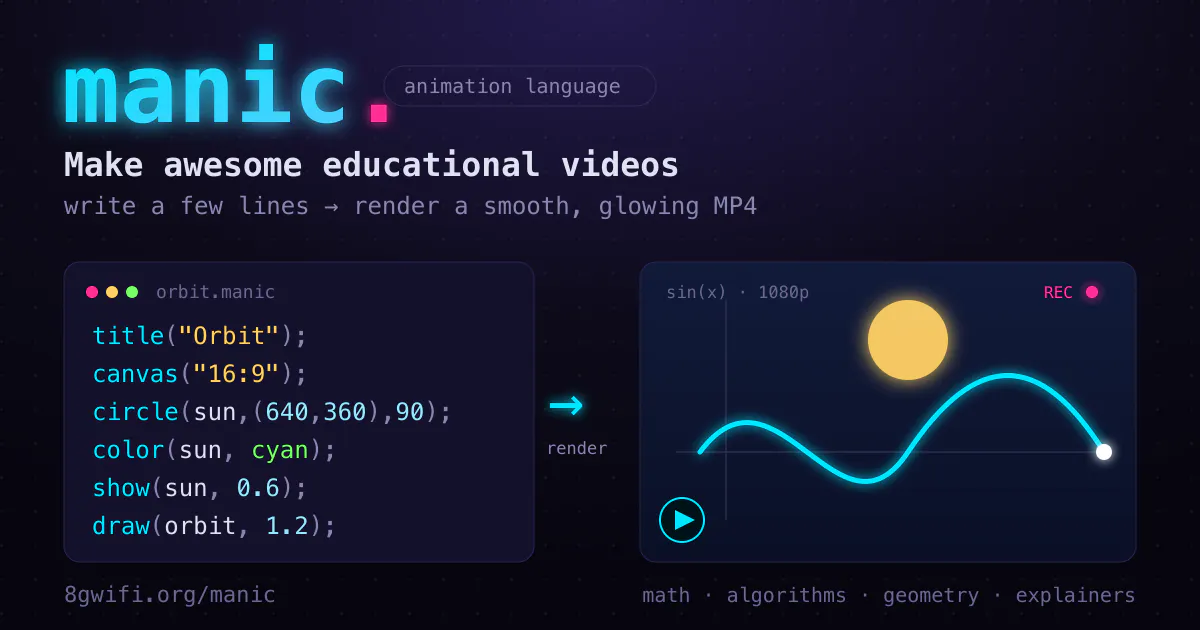
Code your animations, not your timelines
Recently Added AI Tools
New tools added to the directory

Deploy AI workers that take real actions in your systems, 24/7.

Free API to extract Open Graph data from any URL instantly

From the Blog
Latest guides and tips on AI tools
Best AI Tools for Ecommerce in 2026
Best AI Tools for Ecommerce in 2026
Best AI ToolsBest AI Tools for Digital Marketers in 2026
Best AI Tools for Digital Marketers in 2026
Best AI ToolsBest AI Tools for Freelancers in 2026
Best AI Tools for Freelancers in 2026
Best AI ToolsBest AI Tools for Small Business Owners in 2026
Best AI Tools for Small Business Owners in 2026
Best AI ToolsWant to list your AI tool on NextStair?
Submit Tool