


CastlePass - Secure Passwords by Playing Chess
Generate secure passwords by playing chess against a bot
What is Castlepass?
CastlePass is a Chrome extension that transforms chess gameplay into secure password generation. Play against a built-in chess bot, and the extension automatically creates strong, hashed passwords using SHA-256 encryption. Designed for users who want an interactive and engaging approach to password security without storing sensitive data online.
Need help implementing CastlePass - Secure Passwords by Playing Chess?
Find verified specialists who work with CastlePass - Secure Passwords by Playing Chess
Key Features of Castlepass
- Password generation using chess moves
- SHA-256 hashing algorithm
- Smart chess move suggestions
- Instant password auto-fill
- No password storage policy
- Local computation only
- Mix of uppercase, lowercase, numbers, and symbols
Who Should Use Castlepass?
Create strong passwords interactively while gaming
Auto-fill passwords into login forms
Generate unique passwords without external password managers
Learn chess while securing accounts
Castlepass: Pros & Cons
✓Pros
- Unique interactive approach to password generation
- SHA-256 encryption ensures high security
- No data sent online - local computation only
- Passwords never stored
- Free and open source
- Intuitive chess-based password creation
✕Cons
- Currently Chrome browser only
- No built-in password manager yet (planned for future)
- Requires manual installation via developer mode
- Limited chess engine difficulty options currently
Frequently Asked Questions about Castlepass
How does CastlePass generate passwords?
You play chess against a built-in bot, and your moves are converted into a strong password using SHA-256 hashing algorithm. The chess moves create unique, randomized passwords with uppercase, lowercase, numbers, and symbols.
Are my passwords stored anywhere?
No. CastlePass has a no storage policy. Generated passwords are not stored on servers or locally unless you manually save them. Everything happens on your device.
What browsers are supported?
Currently, CastlePass is compatible with Chrome browser only. Multi-platform support including mobile is planned for future updates.
Do I need an account to use CastlePass?
No account is required. The extension installs directly into Chrome and works locally on your device.
Can I get help with chess moves?
Yes. CastlePass includes smart chess move suggestions to help you if you need assistance during gameplay.
Tool Details
- Pricing
- Free
- Category
- Free Password Gen
- Added
- Jul 2026
More Free Password Gen Tools
5 tools in the same category

Generate secure passphrases you'll actually remember
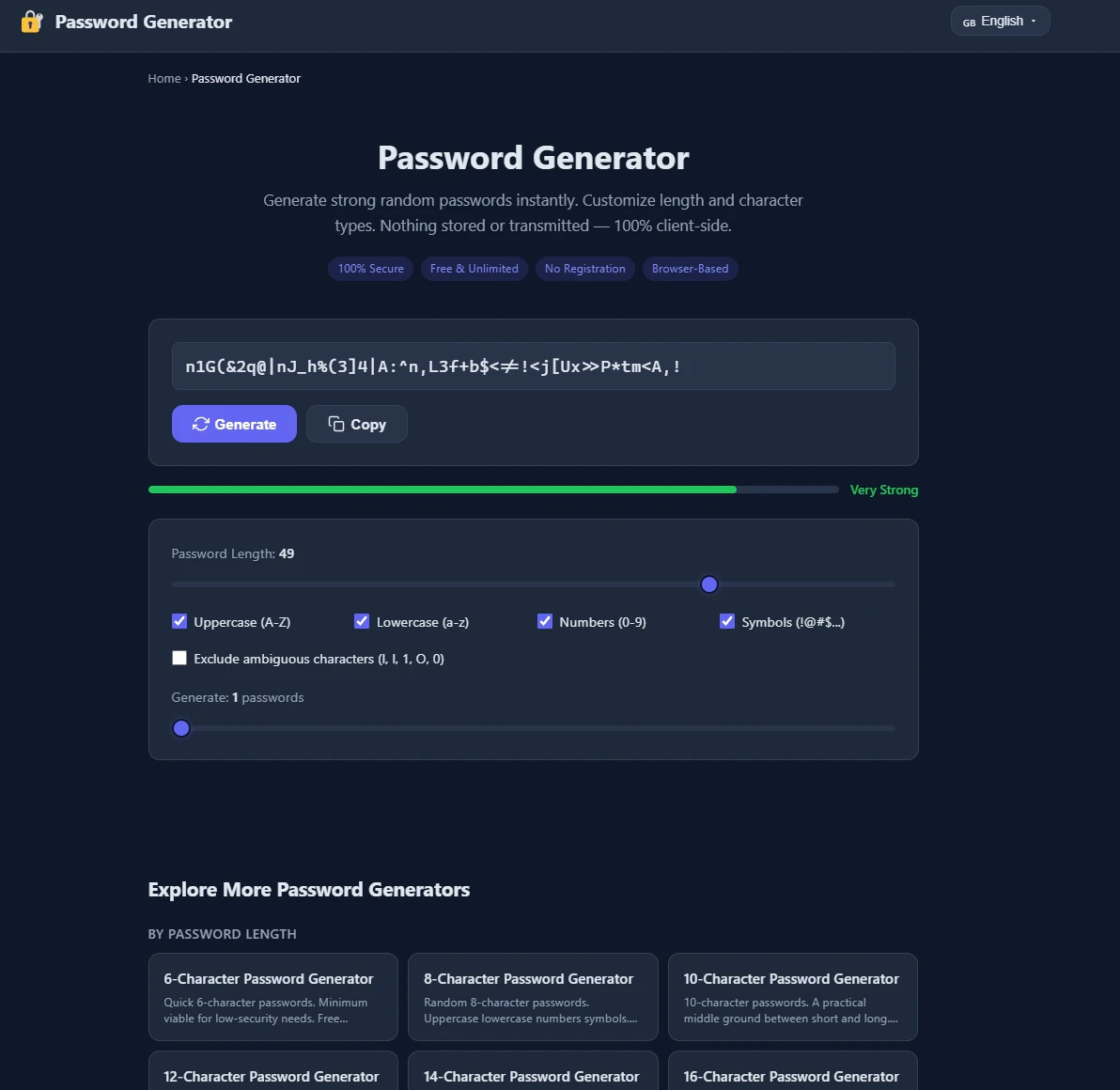
Generate ultra-strong passwords instantly - 100% secure, no storage, no signup.

Generate secure passwords that match any website's rules - locally, safely, instantly.

Generate strong passwords directly in Notion

Free, secure password generator that works entirely in your browser
Recently Added AI Tools
New tools added to the directory

Share PDFs securely - no account, no trace, automatic expiration.

Batch download & auto-organize TikTok, Instagram, YouTube videos in one command

Instantly calculate your AP automation savings and ROI in seconds

Download YouTube thumbnails instantly in full HD, no signup required
From the Blog
Latest guides and tips on AI tools
Best AI Tools for Ecommerce in 2026
Best AI Tools for Ecommerce in 2026
Best AI ToolsBest AI Tools for Digital Marketers in 2026
Best AI Tools for Digital Marketers in 2026
Best AI ToolsBest AI Tools for Freelancers in 2026
Best AI Tools for Freelancers in 2026
Best AI ToolsBest AI Tools for Small Business Owners in 2026
Best AI Tools for Small Business Owners in 2026
Best AI ToolsWant to list your AI tool on NextStair?
Submit Tool