


Passnip - Secure, Memorable Passphrases
Generate secure passphrases you'll actually remember
What is Passnip?
Passnip is a free online tool that generates memorable yet secure passphrases directly in your browser. Unlike random password strings that are hard to remember, Passnip creates combinations of words joined with dashes that are easier to recall while remaining resilient to brute force attacks. The passphrases are generated locally in your browser with nothing sent to servers, making it ideal for users who want strong passwords they can actually remember.
Need help implementing Passnip - Secure, Memorable Passphrases?
Find verified specialists who work with Passnip - Secure, Memorable Passphrases
Key Features of Passnip
- Browser-based passphrase generation
- Local processing with no server transmission
- Customizable word capitalization
- Optional 4-digit number appending
- Dash-separated word combinations
- No password storage or sharing
Who Should Use Passnip?
Create unique passwords for multiple accounts
Generate memorable security passphrases
Replace weak passwords with stronger alternatives
Avoid password reuse across services
Passnip: Pros & Cons
✓Pros
- All generation happens locally in browser for maximum privacy
- Passphrases are longer (20+ characters) making them resistant to brute force attacks
- Easier to remember than random character strings
- Free to use
- No account or registration required
- Passwords never stored or seen by Passnip
Frequently Asked Questions about Passnip
Is Passnip safe to use?
Yes, absolutely. All passwords are generated locally in your browser and are not saved or shared anywhere. Passnip cannot see your password. Just close the page after copying your password to prevent others from seeing it if they use your computer.
Do I need a unique password for every account?
Yes, 100%. Using the same password across multiple accounts is dangerous. If hackers learn your password for one account, they'll have access to all others. Always use a unique password for each account.
What is the difference between memorable passwords and random passwords?
Memorable passwords or passphrases are combinations of 3-6 words strung together into a mnemonic device. They are typically over 20 characters long, making them extremely resilient to brute force attacks while being much easier to recall than a random 20-character string.
How are the passphrases generated?
Words are joined together with dashes, and you can choose to capitalize the words and append a random 4-digit string to the end to fulfill password requirements.
Tool Details
- Company
- Passnip
- Pricing
- Free
- Category
- Free Password Gen
- Added
- Jul 2026
More Free Password Gen Tools
5 tools in the same category
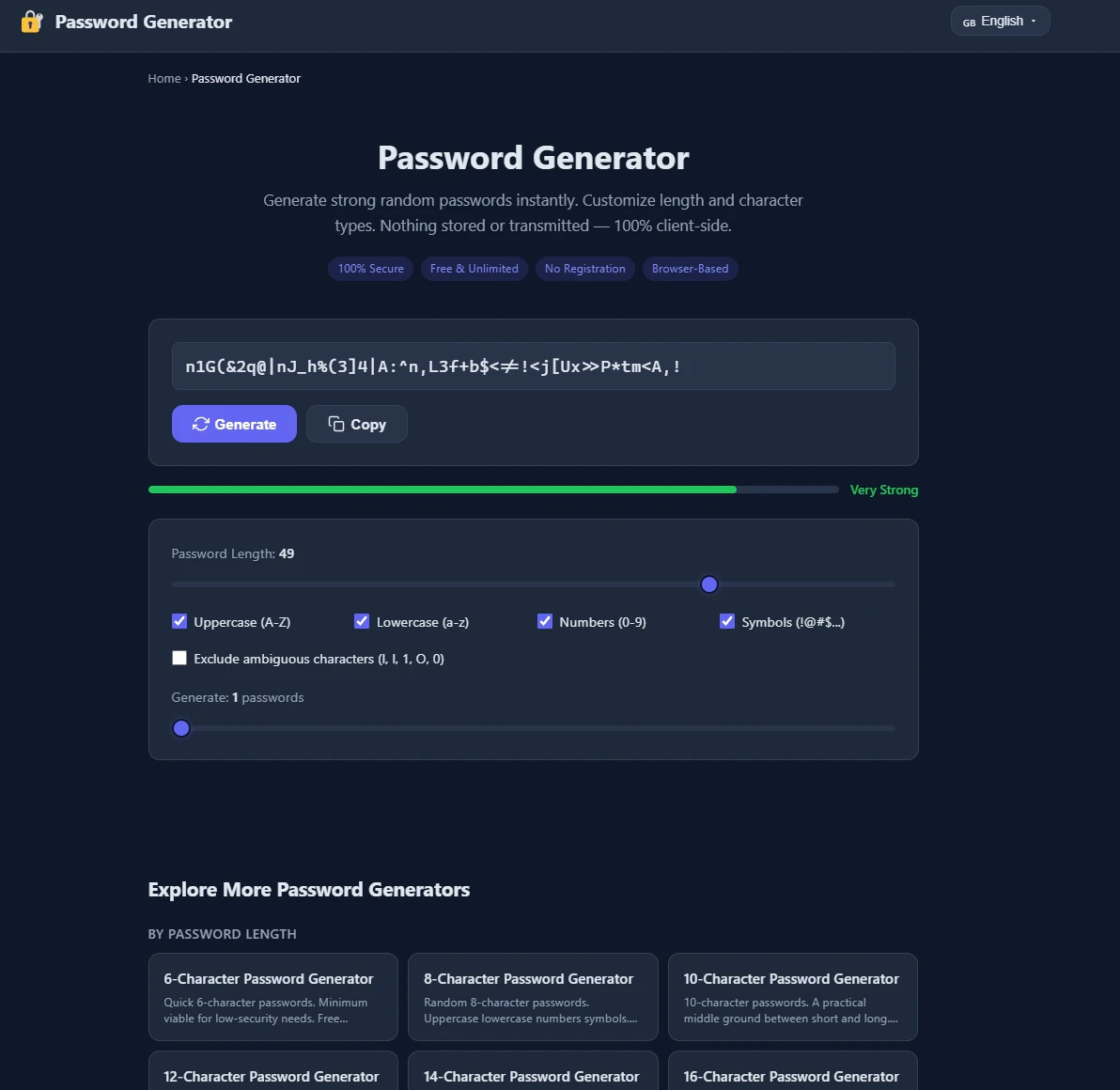
Generate ultra-strong passwords instantly - 100% secure, no storage, no signup.

Generate secure passwords that match any website's rules - locally, safely, instantly.

Generate strong passwords directly in Notion

Generate secure passwords by playing chess against a bot

Free, secure password generator that works entirely in your browser
Recently Added AI Tools
New tools added to the directory

Share PDFs securely - no account, no trace, automatic expiration.

Batch download & auto-organize TikTok, Instagram, YouTube videos in one command

Instantly calculate your AP automation savings and ROI in seconds

Download YouTube thumbnails instantly in full HD, no signup required
From the Blog
Latest guides and tips on AI tools
Best AI Tools for Ecommerce in 2026
Best AI Tools for Ecommerce in 2026
Best AI ToolsBest AI Tools for Digital Marketers in 2026
Best AI Tools for Digital Marketers in 2026
Best AI ToolsBest AI Tools for Freelancers in 2026
Best AI Tools for Freelancers in 2026
Best AI ToolsBest AI Tools for Small Business Owners in 2026
Best AI Tools for Small Business Owners in 2026
Best AI ToolsWant to list your AI tool on NextStair?
Submit Tool