


PassRule - Passwords Matching Any Site's Rules
Generate secure passwords that match any website's rules - locally, safely, instantly.
What is Passrule?
PassRule is a browser-based password generator that creates secure passwords matching specific website requirements. It uses Web Crypto API for local, secure randomness without storing or transmitting generated passwords. Users can customize length, character types, symbols, and exclude similar characters to match any site's rules. Ideal for security-conscious individuals and teams managing multiple accounts with varying password policies.
Need help implementing PassRule - Passwords Matching Any Site's Rules?
Find verified specialists who work with PassRule - Passwords Matching Any Site's Rules
Key Features of Passrule
- Local password generation with Web Crypto API
- Password length customization (any range)
- Include/exclude uppercase, lowercase, numbers, symbols
- Custom character rules matching site requirements
- Exclude similar characters (O, 0, I, l, 1)
- Memorizable passphrase generation mode
- Batch password generation (multiple at once)
- Requirement mode for website-specific rules
- Rule checklist verification
- No storage, sending, or logging of passwords
Who Should Use Passrule?
Generate passwords for accounts with strict character requirements
Create secure passphrases for frequent manual typing
Match banking or corporate password policies
Bulk password creation for team account setup
Generate passwords excluding problematic symbols for difficult forms
Passrule: Pros & Cons
✓Pros
- Passwords generated locally in browser with no server transmission
- Matches any website's specific password requirements
- Web Crypto API ensures cryptographically secure randomness
- Supports both complex passwords and readable passphrases
- Rule checklist helps verify compliance before submission
- No account or login required
- Multiple language support
- Free to use
Frequently Asked Questions about Passrule
Are generated passwords uploaded anywhere?
No. Passwords are generated in your browser and are not sent to a server.
Can I match a site's exact password rules?
Yes. Use Website Requirement Mode to set length, required character types, allowed symbols, and custom rules to match any site's requirements.
How do I know the passwords are secure?
PassRule uses the Web Crypto API for cryptographically secure randomness and generates passwords locally in your browser without any server involvement.
Should I use longer or more complex passwords?
Longer passwords are usually stronger than short complex passwords. PassRule recommends using the longest length your site allows.
Tool Details
- Pricing
- Free
- Languages
- English, Español, Português (BR), Deutsch, Français, 日本語, 简体中文, 繁體中文
- Category
- Free Password Gen
- Added
- Jul 2026
More Free Password Gen Tools
5 tools in the same category

Generate secure passphrases you'll actually remember
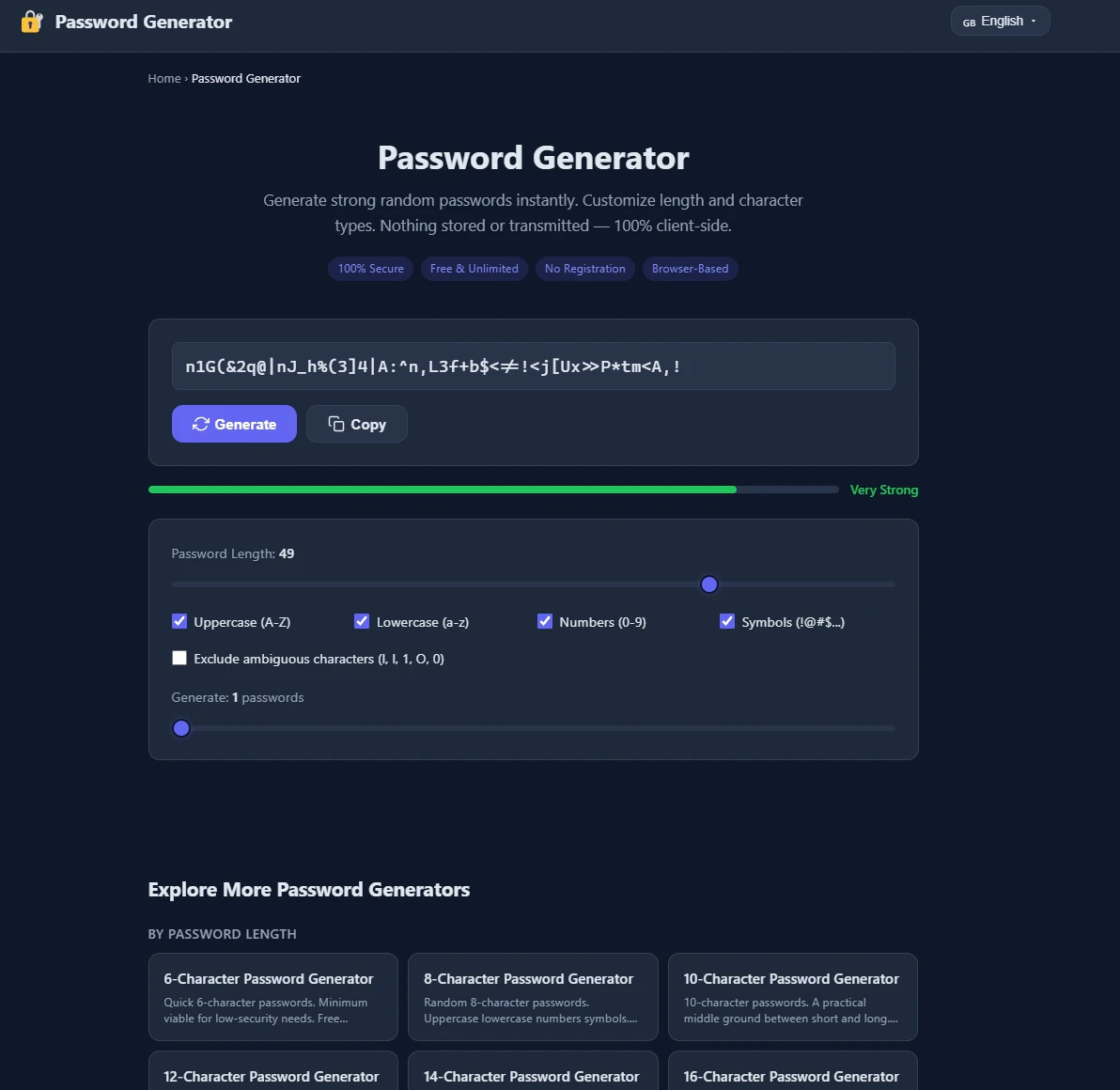
Generate ultra-strong passwords instantly - 100% secure, no storage, no signup.

Generate strong passwords directly in Notion

Generate secure passwords by playing chess against a bot

Free, secure password generator that works entirely in your browser
Recently Added AI Tools
New tools added to the directory

Share PDFs securely - no account, no trace, automatic expiration.

Batch download & auto-organize TikTok, Instagram, YouTube videos in one command

Instantly calculate your AP automation savings and ROI in seconds

Download YouTube thumbnails instantly in full HD, no signup required
From the Blog
Latest guides and tips on AI tools
Best AI Tools for Ecommerce in 2026
Best AI Tools for Ecommerce in 2026
Best AI ToolsBest AI Tools for Digital Marketers in 2026
Best AI Tools for Digital Marketers in 2026
Best AI ToolsBest AI Tools for Freelancers in 2026
Best AI Tools for Freelancers in 2026
Best AI ToolsBest AI Tools for Small Business Owners in 2026
Best AI Tools for Small Business Owners in 2026
Best AI ToolsWant to list your AI tool on NextStair?
Submit Tool